


Contents
A UV LED printer deposits an ink that cures under ultraviolet light as soon as it touches the part. It prints objects, panels and packaging without any drying time.
How does a UV LED printer work?
UV LED printers combine two elements: digital inkjet and instant curing under ultraviolet light. This printing technology follows three steps, from file preparation to the cured ink film.
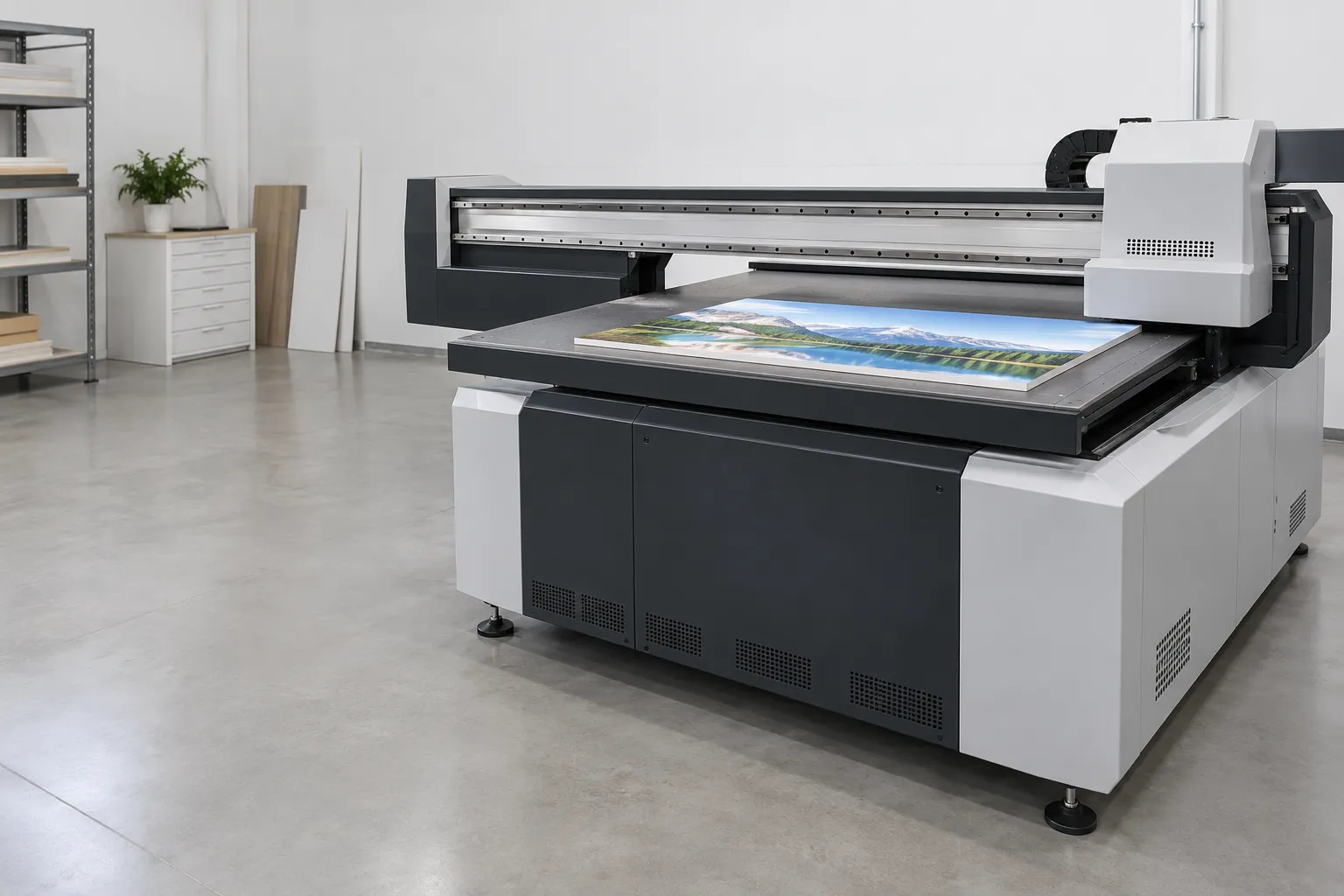
From the digital file to ink droplets
A professional UV LED printer is a digital inkjet printing process. It prints a file directly, without a plate or intermediate screen. A single part therefore requires as little tooling as a full production run.
Before printing, the RIP (Raster Image Processor) software converts the file into instructions for the machine. It sets the dimensions, color profiles, halftoning and layer order. Check these settings before each new job.
Once the file is processed, each print head projects fine droplets onto the medium. Piezoelectric heads are common in production: they eject ink by deforming a small chamber filled with ink.
Curing under UV LED lamps
UV LED lamps placed near the print heads expose the ink immediately after it is deposited. Its photoinitiators then trigger the formation of a surface film. Unlike conventional drying, the ink does not cure mainly through absorption or evaporation.
Thanks to this fast curing, the part can be handled as soon as printing is finished. Several passes can also be layered, notably to lay down white or build up relief.
A surface that is dry to the touch does not prove that the ink is fully cured throughout its thickness. The outcome depends on the ink formulation, the wavelength, the UV energy received, the speed and the deposited thickness. Light access to the layers also matters.
Colour, white, varnish and primer
CMYK inks (cyan, magenta, yellow, black) reproduce images. Colour accuracy, however, depends on profiles and colour management. On a dark, coloured or transparent substrate, an underlayer of white ink supports these colours. Check its opacity and the evenness of its deposit.
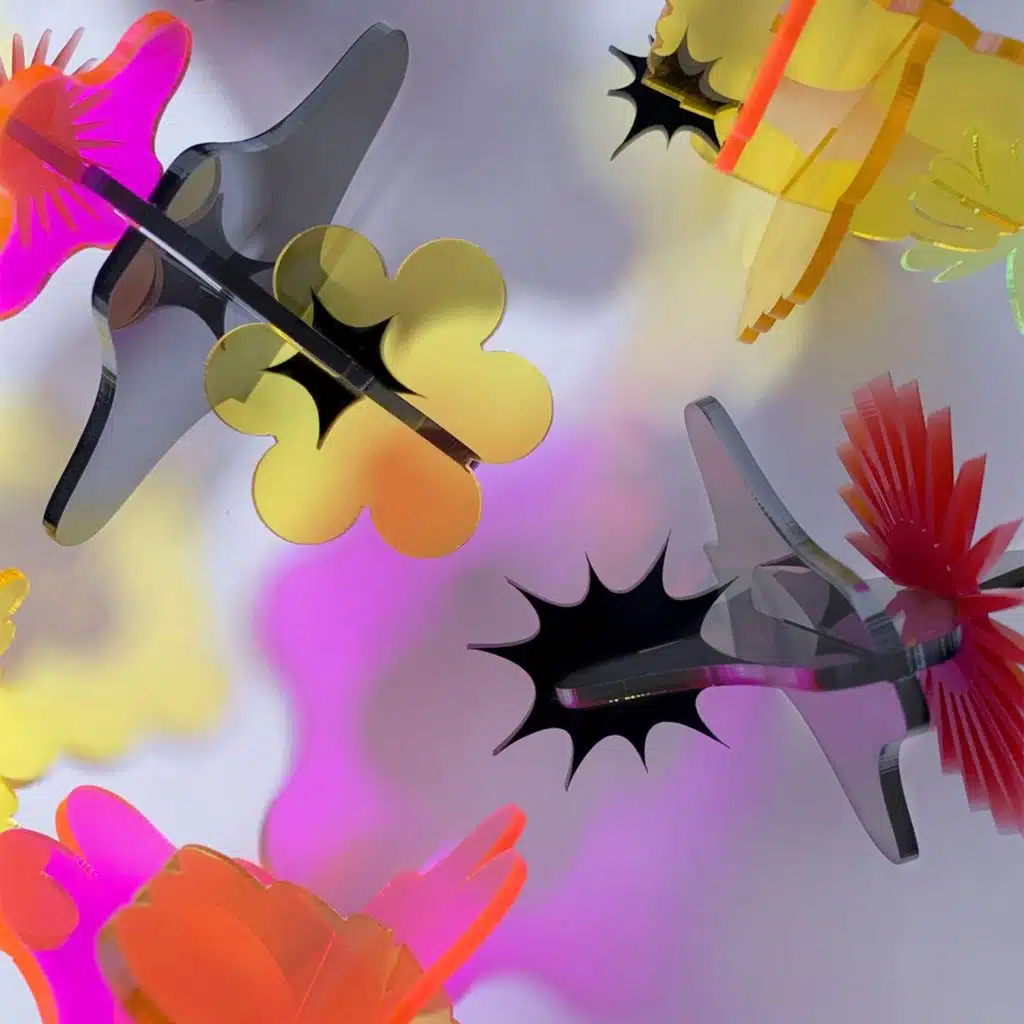
In addition, depending on the configuration, varnish creates gloss levels, textures or relief, sometimes through additional passes. A compatible primer can also improve adhesion on certain materials. These options are available on Thermoflan’s range of flatbed UV LED printers.
Which architecture should you choose for your parts?
The machine architecture depends first on the shape of the parts and the production volume. A rigid object, a film roll and a bottle require neither the same mechanics nor the same holding method.
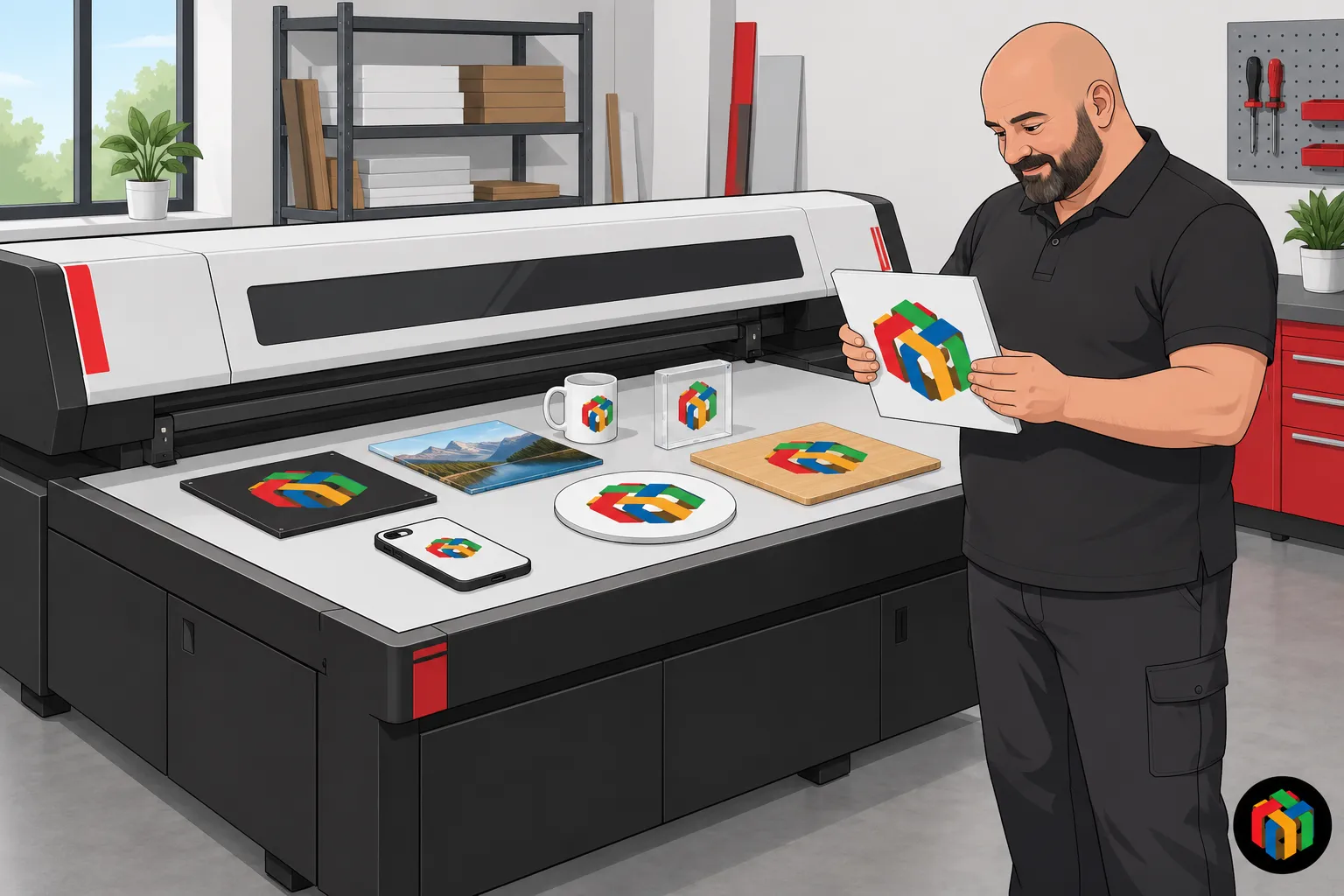
The flatbed table for objects and panels
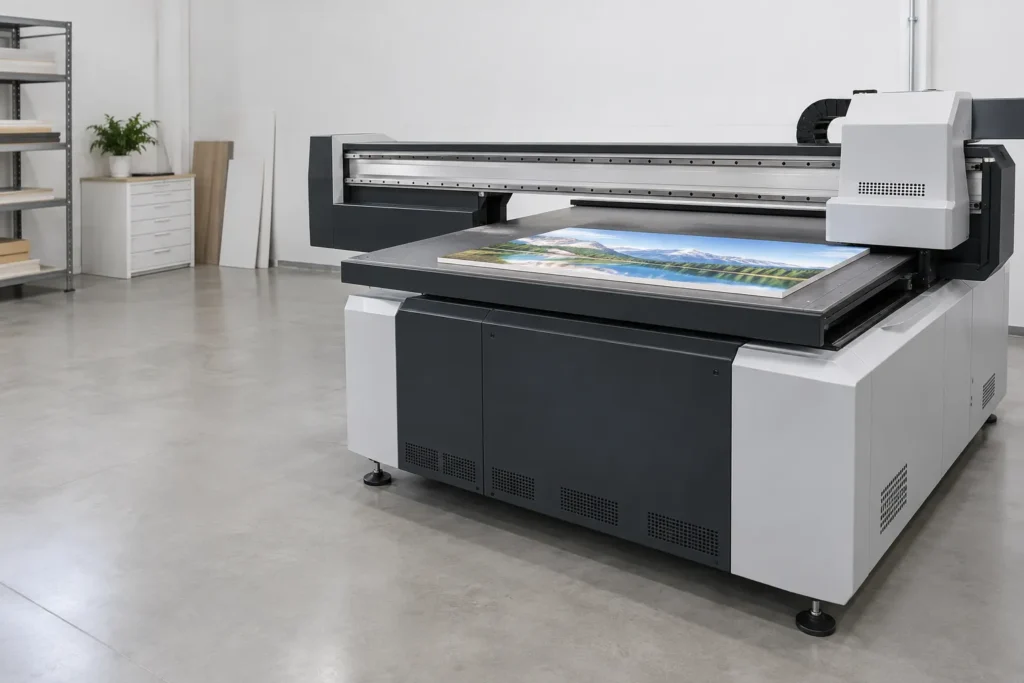
On a flatbed UV printer, the part rests on the platen while the print heads sweep its surface. A vacuum table or a fixture holds it in place. This architecture suits custom objects, plates and rigid panels. Before choosing the platen, check four points:
- Surface utile : elle fixe la taille d’impression maximale ou le nombre de pièces imprimées en une fois.
- Hauteur sous chariot : elle limite l’épaisseur des objets admissibles.
- Charge admissible : le poids total des pièces doit rester dans la limite indiquée.
- Répartition de la charge : les objets lourds doivent être disposés de façon équilibrée sur la table.
Compact formats suit personalization and on-demand production. A large-format printer, on the other hand, accommodates panels or several parts laid out on a table.
The advertised maximum height does not, however, guarantee access to recesses or hidden areas of an object.
The roll, the hybrid and the single pass
A roll-fed UV printer moves a flexible substrate under the print heads: film, vinyl or tarpaulin. It is not intended for rigid objects. A hybrid machine accepts both roll media and certain rigid media. In that case, check the transport and holding of each type of media separately.
In single pass, a bar of print heads covers the entire useful width while the substrate advances. This architecture is preferable when batches are repetitive. It does, however, require mastery of feeding, conveying, registration and format changes. Thermoflan offers the Single Pass water-based range in a UV version.
Printing on cylinders and raised surfaces
On a UV printer, a rotary fixture turns the bottle or tube in synchronization with direct printing. This device makes a cylindrical object printable without transfer. Validate the diameter, length, taper and holding on the actual part.
For other shapes, a series jig positions parts repeatably without deforming them or masking the print area. Walls, recesses and raised features may, however, interfere with the carriage, droplet placement or UV exposure. In practice, moving the head away from the substrate can avoid some obstacles, but risks reducing accuracy and increasing overspray.
Which substrates can be printed durably?
The list of printable materials is broad. However, the durability of a marking depends on the exact substrate, its preparation and the use of the part.
Rigid and flexible materials
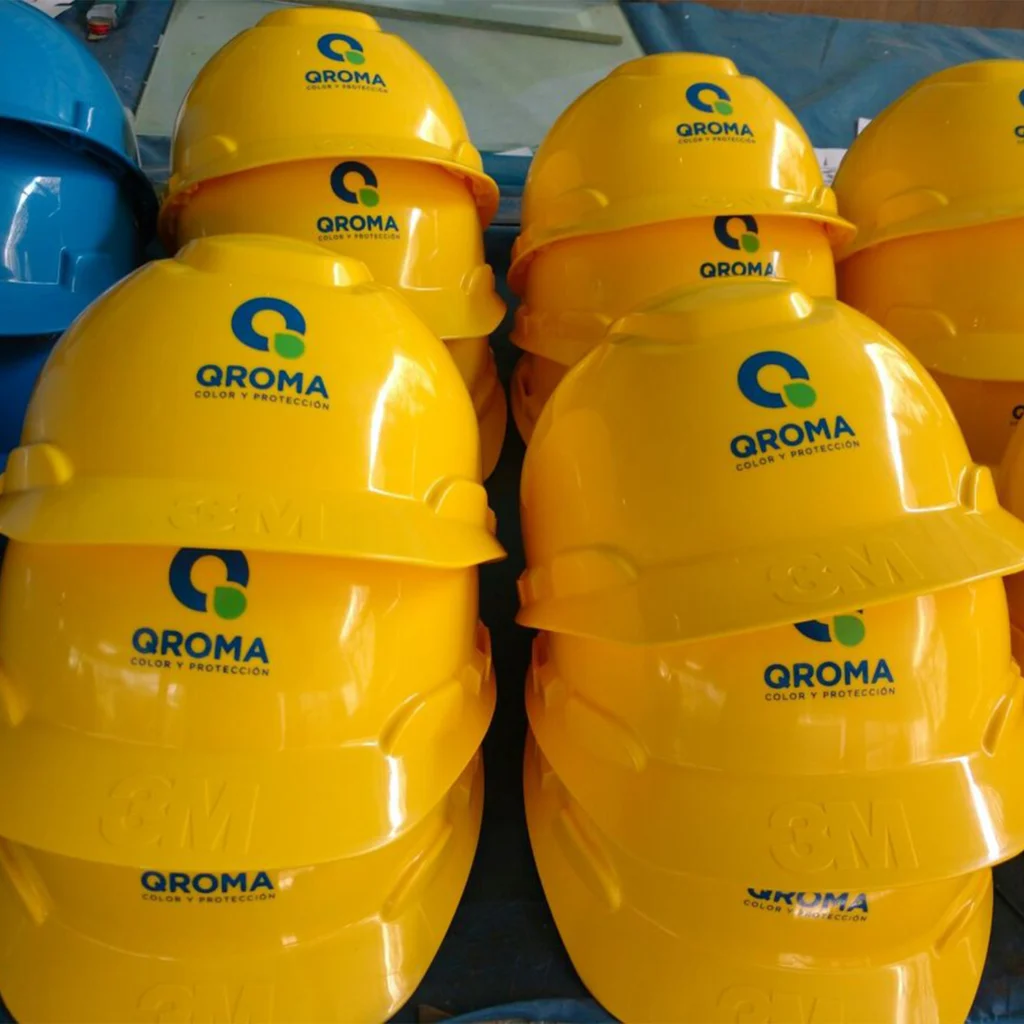
A UV printer on objects decorates glass, metal, acrylic, certain plastics, wood, ceramic or leather. It is used for personalized objects, signage plates and panels. However, this list does not guarantee adhesion on every part.
Therefore, identify each plastic by its polymer, its additives and its surface treatment. On glass or metal, the surface condition, cleaning and any primer affect adhesion. Wood and MDF, however, require checking porosity and dust. For films, textiles and leathers, durability depends on flexing, abrasion and the suppleness of the ink.
Validating the ink-substrate pairing
First qualify the material, finish and batch actually intended for production, with documented surface preparation. A result on anodized aluminum does not validate painted aluminum. The test pattern reproduces the planned solid areas, fine lines, white layers and finishes. It then undergoes the prescribed curing and tests suited to the application: scratching, rubbing, cleaning or bending. NF EN ISO 2409, September 2020 edition, describes an empirical cross-cut test. This test evaluates the resistance of a coating to separating from the substrate, without directly measuring adhesion. For a direct measurement, the standard refers in particular to ISO 4624.
How do you compare models and their cost?
To choose a printer, Thermoflan recommends starting from the substrates, formats and production volume. The technical datasheets then provide the basis for comparison, which you should confirm with a test on your own parts.
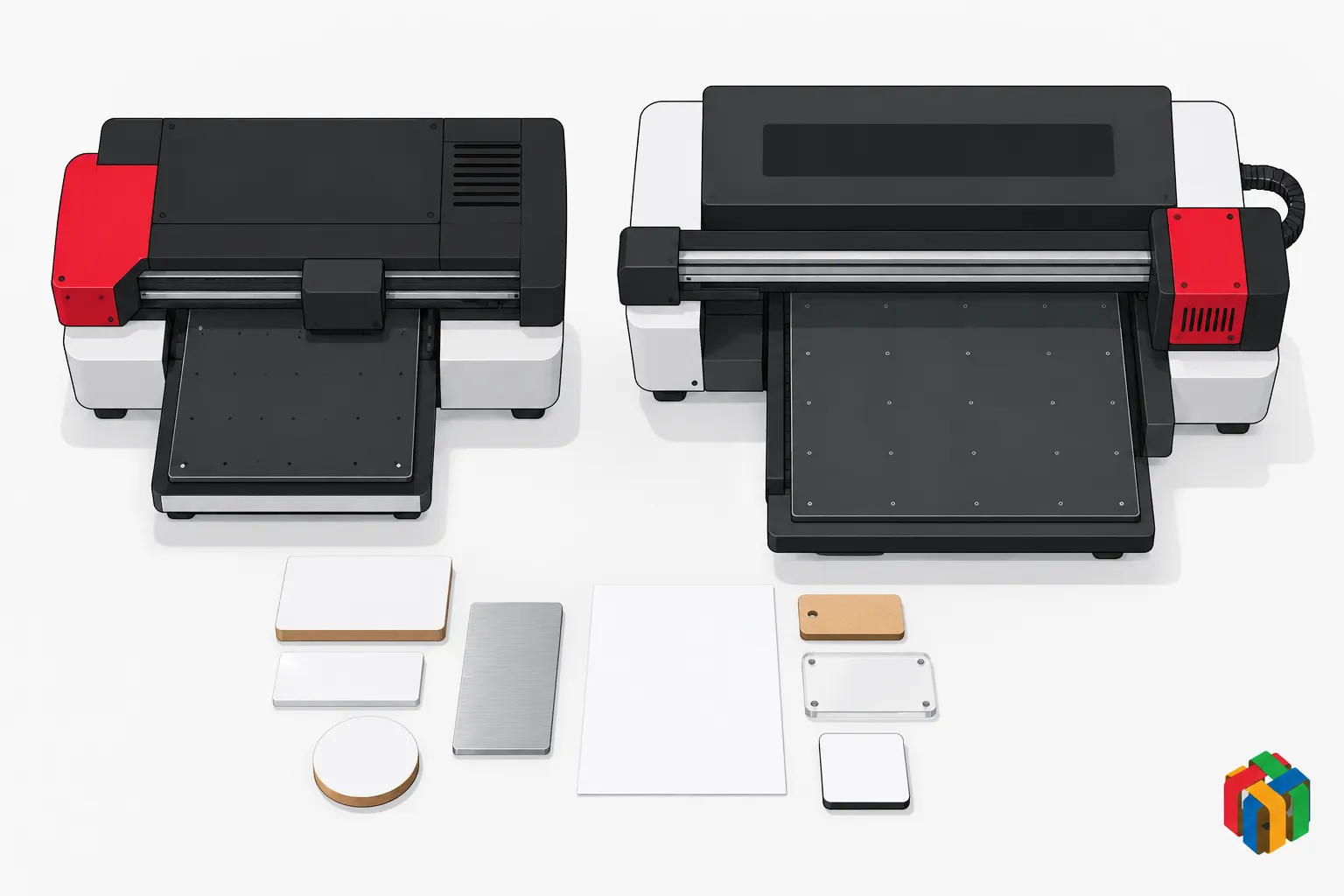
Thermoflan formats and configurations
At Thermoflan, the entry-level model is the UV A3MAX, offered from €8,900. This model prints on 297 × 420 mm and accepts objects from 0 to 90 mm thick, up to 10 kg. It measures 1,000 × 902 × 592 mm and weighs 78 kg. It operates on AC 220 V at 140 W. Its Epson I3200 head prints in CMYK with white, varnish, or both, at 960 × 960 dpi or 960 × 1,200 dpi.
- Durées A3MAX : en haute résolution sur toute la surface, 9 min en couleur et 17 min avec blanc. Avec blanc et vernis, il faut 34 min.
- Configurations 6045-I1600 : en option, deux canaux blancs et deux canaux vernis, ou quatre canaux blancs.
- Autres modèles : l’UV 6090-I1600 complète la gamme, comme l’UV 6090-Max, qui associe repérage par caméra CCD et application intégrée d’apprêt. Les modèles GH couvrent d’autres formats et volumes, et l’UV 2513 GH vise les matériaux de grande taille.
The UV 6045-I1600 is offered from €15,900. Its print area is 600 × 420 mm, for a height of 0 to 180 mm and 25 kg on the platen. It measures 1,443 × 850 × 760 mm and weighs 118 kg. It operates on AC 220 V at 143 W. Details are available on the UV 6045-I1600 printer page. Its two Epson I1600 heads split the work: color on one side, white and varnish on the other. The A3MAX specifications are listed on the compact UV A3MAX printer page.
Critère UV A3MAX UV 6045-I1600 Prix À partir de 8 900 € À partir de 15 900 € Surface d’impression 297 × 420 mm 600 × 420 mm Épaisseur des objets 0 à 90 mm 0 à 180 mm Charge maximale 10 kg 25 kg Têtes 1 Epson I3200 2 Epson I1600 Résolution 960 × 960 et 960 × 1 200 dpi Jusqu’à 1 440 dpi ; 960 × 960 et 960 × 1 200 dpi Pleine surface, haute résolution 9 min couleur ; 17 min + blanc ; 34 min + blanc + vernis 9 min couleur ; 9,3 min + blanc Tourne-cylindre (option) Ø 25 à 80 mm Ø 30 à 120 mm Dimensions / poids 1 000 × 902 × 592 mm / 78 kg 1 443 × 850 × 760 mm / 118 kg Alimentation AC 220 V, 140 W AC 220 V, 143 WThe speed and quality actually achieved
The announced speed varies with the quality mode, the number of passes, and the coverage. White or varnish layers and the number of parts loaded also change it. A throughput in m²/h therefore cannot be compared directly with a throughput in parts/h.
Instead, time a representative trial: printing, loading, unloading, checks, batch changes, and rejects. Then count the compliant parts. Likewise, dpi resolution does not replace examining small characters, solid areas, and registration. It is this examination, on representative samples, that reveals the quality actually achieved.
Total cost and availability
The purchase price is only part of the cost. Inks, consumables, print heads, software, installation, maintenance, labor and production downtime must also be counted. The relevant cost is that of a compliant part delivered. Preparation, jigs, cleaning, primer, handling and scrap can weigh as much as the printed surface. Two quotes can only be compared for the same parts, quantities, coats and durability requirements.
Machine availability then depends on nozzle checks and print head maintenance. The workstation, valves, squeegees and ink circuit must also be maintained. Note that the GH range (9075, 1115, 1315, 2513) requires very little maintenance: no valves, squeegees, dampers… White ink needs particular attention to its circulation and agitation. Before a prolonged shutdown, follow the manufacturer’s procedure.
What obligations govern the use of this equipment in France?
In France, operating a UV LED printer places the employer under obligations in three areas: radiation and mechanical hazards, chemical products, and machine compliance and waste.
Protection against UV and mechanical risks
INRS reminds us that ultraviolet rays can harm the eyes and skin. UV LED lamps therefore do not exempt the employer from assessing the radiation actually emitted. Articles R. 4452-1 et seq. of the French Labour Code govern the prevention of exposure to artificial optical radiation. The assessment of the installation covers in particular:
- Confinement des UV : la lumière émise pendant le durcissement doit rester confinée.
- Carters : les protections doivent être présentes et en bon état.
- Parties mobiles et manutention : le chariot, les axes et le chargement des pièces lourdes sont à examiner.
- Consignes de maintenance : les interventions de l’opérateur doivent être décrites.
Inks and preparation products
Safety data sheets for uncured inks, primers and cleaning agents are used to assess risks. According to INRS, some UV inks may contain sensitising acrylates. The CLP Regulation, Regulation (EC) No 1272/2008, governs the classification and labelling of mixtures. Check the pictograms and hazard statements on the products actually used.
As soon as an employer hires staff, they must assess chemical, UV and handling risks. They record these in the single risk assessment document (Document unique). Ventilation or extraction needs depend on the installation.
Machine compliance and waste
At purchase, the declaration of conformity, the applicable CE marking, an understandable manual and information on residual risks must match the model delivered. The Regulation (EU) 2023/1230 on machinery was adopted on 14 June 2023. It generally applies from 20 January 2027, subject to provisions applicable on other dates.
Residual inks, cleaning liquids and soiled rags are classified according to their composition and hazardousness. The use of UV LED alone does not determine their classification. According to Entreprendre.Service-Public.fr, the company remains responsible for its waste, with additional traceability required for hazardous waste.

Find the UV LED printer suited to your parts
From the A3MAX to large formats, Thermoflan helps you choose the UV LED printer according to your media, formats and production volume.
Frequently asked questions
What is a UV printer?
It is a digital inkjet printer that deposits an ink designed to cure under UV LED lamps as it prints. It lays colored ink on the surface. In contrast, a UV laser engraver marks the material itself, without ink, and produces a monochrome marking.
Should you choose UV printing or pad printing to personalize objects?
UV printing is the better choice when the design includes photographs or gradients, or for short or variable runs. It prints the file in color, without tooling. Pad printing transfers ink from a plate engraved onto a soft pad. It suits highly curved or textured surfaces and becomes economical for large runs of the same design.
What is UV DTF and when should you use it?
With UV DTF, the design is printed onto a film, then transferred to the object. It is therefore not a direct printing process. However, it makes it possible to decorate certain curved or irregular shapes.