




Summary
- What does a pad printer do on the job?
- How does pad printing work, and on which parts?
- What equipment makes up a pad printer’s workstation?
- How to tell pad printing from screen printing?
- Frequently asked questions
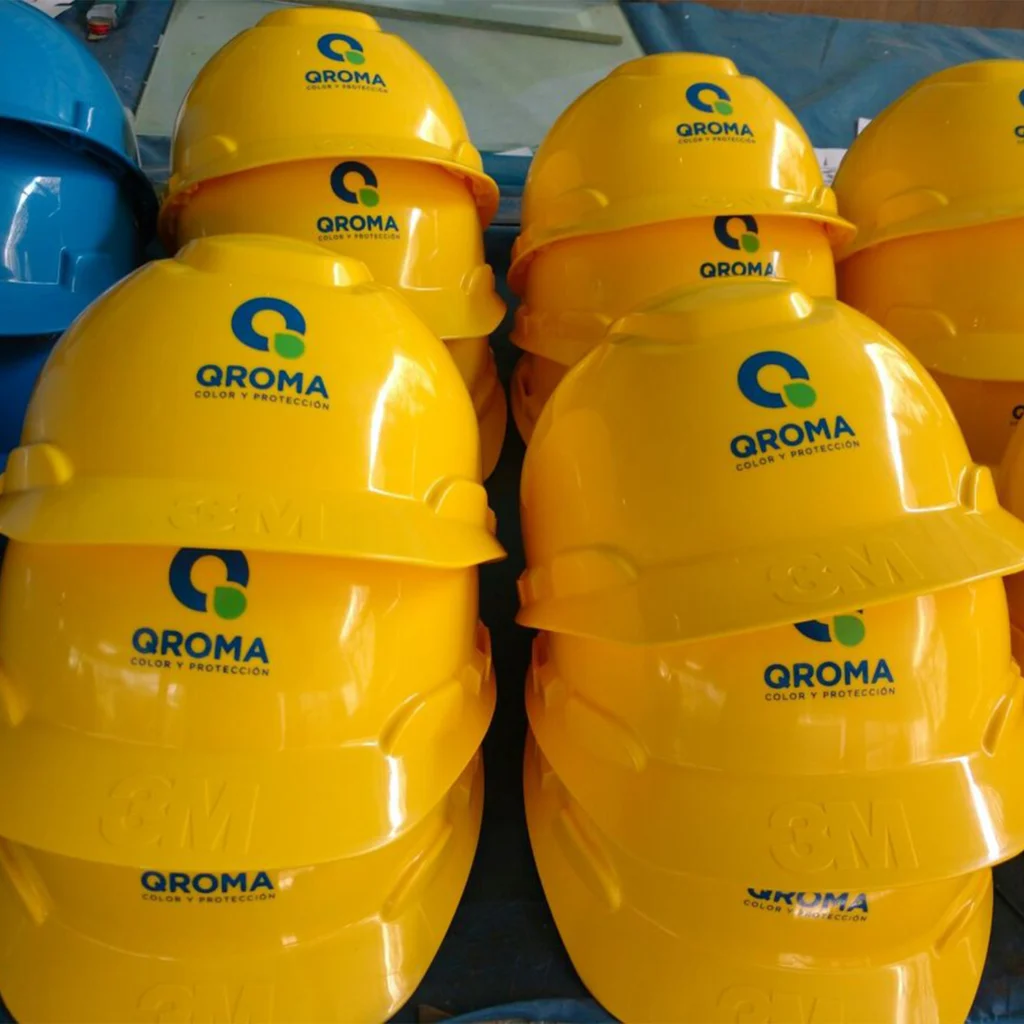
A pad printer is the professional who marks objects by pad printing. They prepare the design, set up the machine, run the production batch and inspect each part. The trade relies on transferring ink with a silicone pad, using a workstation that combines machine and consumables. It differs from screen printing in the way the ink is deposited.
What does a pad printer do on the job?
The role is best understood through the stages of a production run: preparation, setup, then inspection. Each stage involves technical decisions that determine the quality of the final marking.
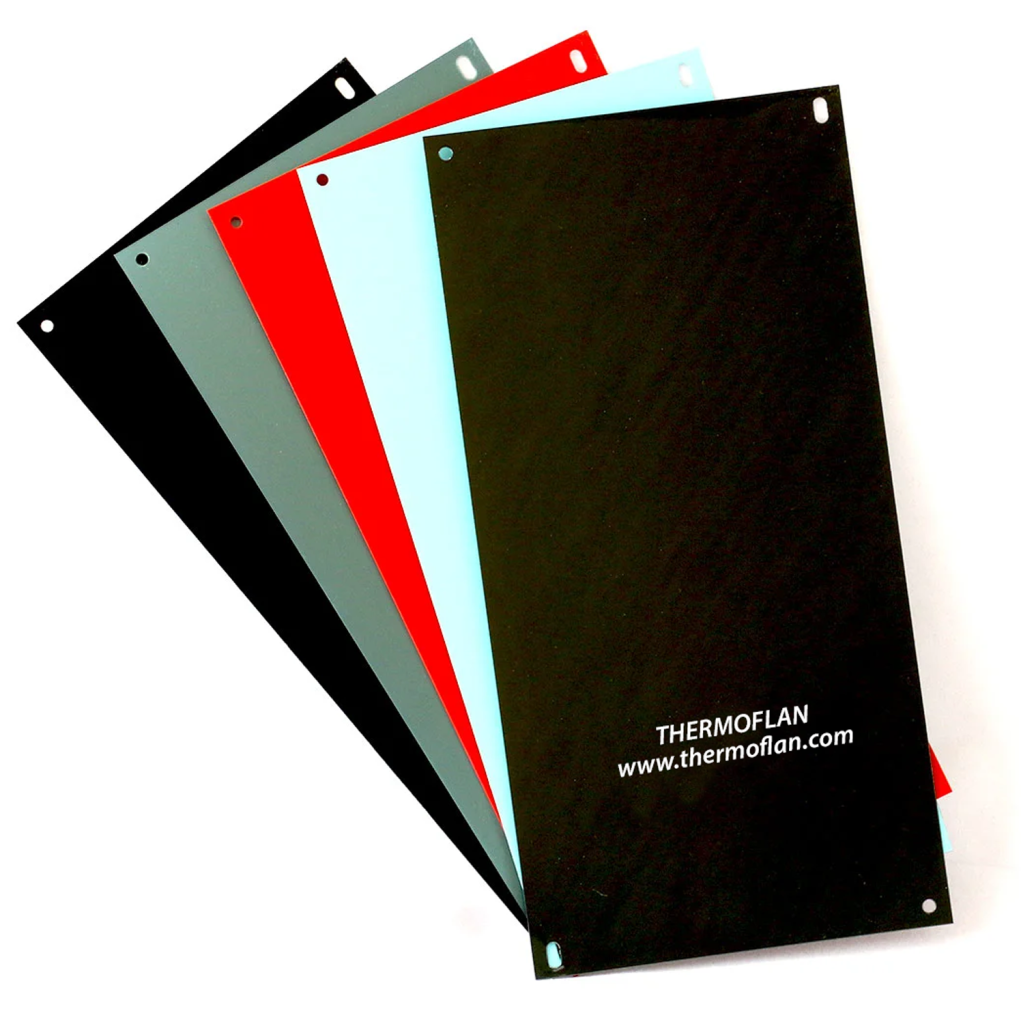
A professional in object marking
A pad printer’s work starts with a design and a manufacturing file. This file specifies the material and finish of the part, the area to be marked, the colours, and the stresses the part will face in use.
However, carrying out pad printing operations does not by itself confer a specific regulatory qualification of “pad printer”. The title therefore refers to a workshop skill rather than a regulated status.
Preparing and setting up the run
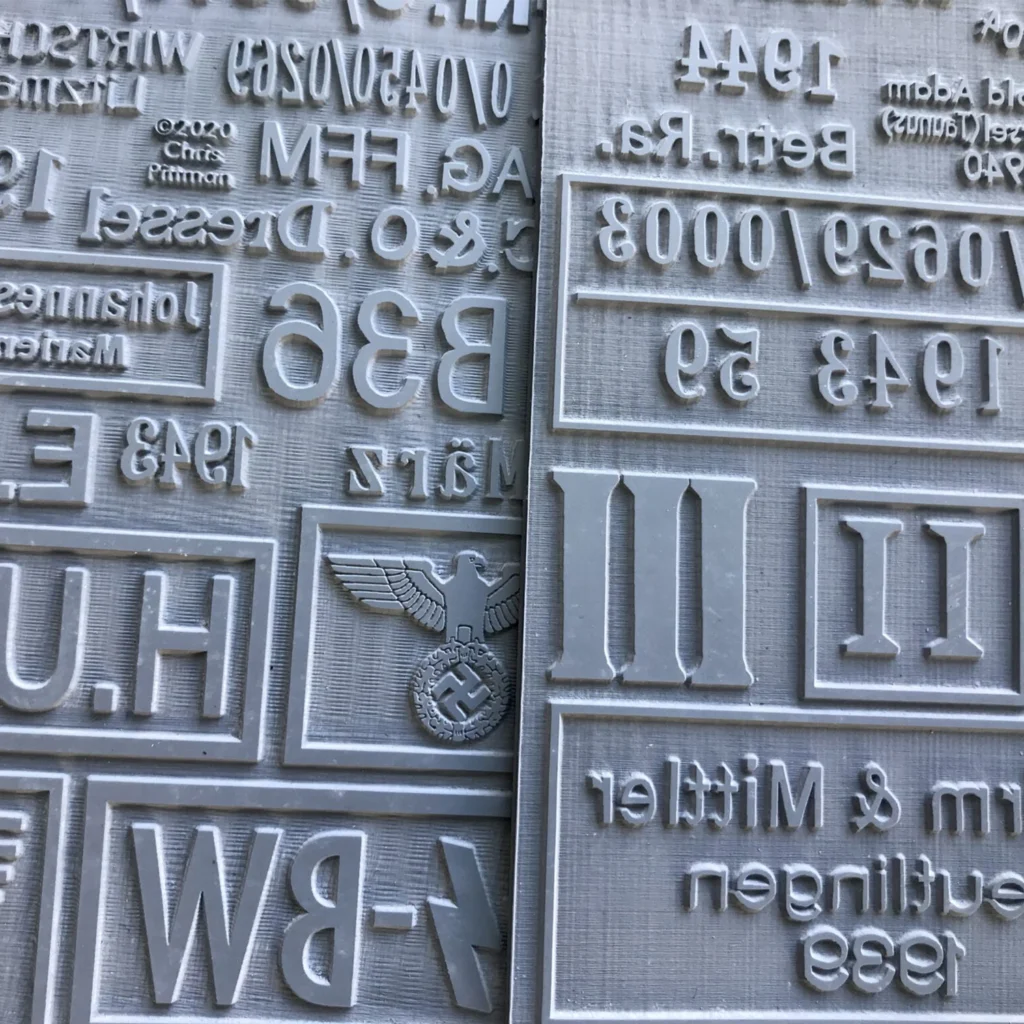
Based on the file, the pad printer selects the cliché, the silicone pad and the ink suited to the design and the part. The cliché is the engraved plate that carries the design. Once the tooling is chosen, the part is held in a fixture, meaning a support that locates it in the same position on every cycle.
Setup then covers the XY position, inking, stroke and pad pressure. In practice, trials always come before the run: approve a first part before launching production.
Inspection during production
Once the run is underway, visual inspection checks the position, legibility, colour and completeness of the design. It also detects missing areas and blurred edges.
In addition to this visual inspection, adhesion tests matching the intended use are carried out after the ink has cured. The cross-cut test described in ISO 2409:2020 can assess certain coatings, but on its own it does not measure adhesion.
During the run, the pad printer removes non-conforming parts and maintains the workstation. On an automated line, they also monitor part feeding, defects and traceability.
How does pad printing work, and on which parts?
The principle comes down to indirect ink transfer. Its limits depend on the shape of the part, its material and the ink selected.
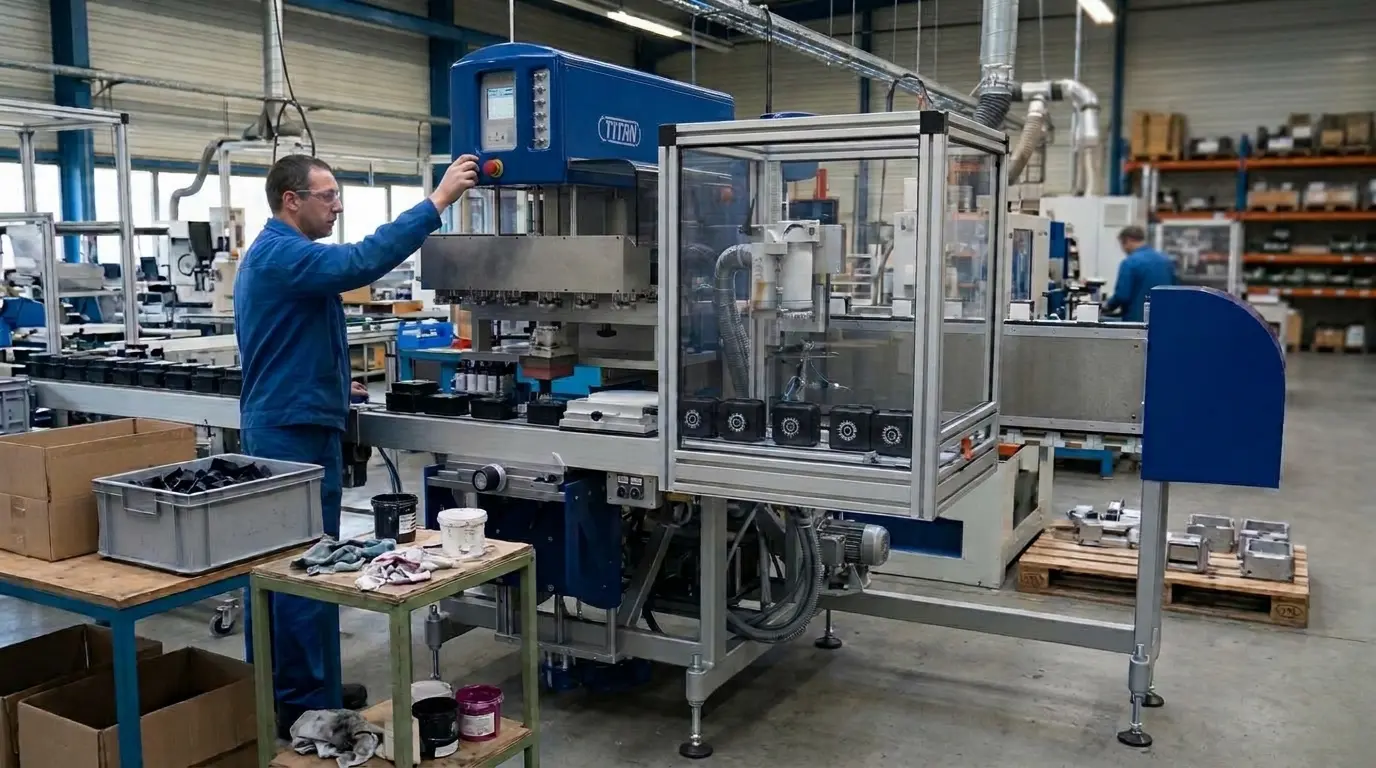
Transfer by silicone pad
Pad printing is an indirect printing process: the design is engraved into a printing plate called a cliché. The cycle follows four steps on industrial pad printing machines.
- Inking: the ink fills the engraving on the cliché.
- Doctoring: a doctor blade, or the ring of a closed ink cup, removes the excess ink from the surface.
- Ink pickup: the silicone pad compresses onto the cliché and lifts the ink layer left in the engraving.
- Transfer: the pad moves toward the object, deforms on contact with it and deposits the design.
This ink transfer takes a few seconds. However, this duration corresponds neither to final curing nor to a guaranteed output of conforming parts.
Shapes and accessible substrates
Thanks to its deformation, the pad conforms to flat surfaces, as well as curved, concave, convex or slightly textured ones. It can also reach certain irregular surfaces.
In terms of materials, Thermoflan states that its machines can mark plastics, metals, glass, ceramics, wood and rubber, among others, provided a suitable ink and process are used.
Conversely, a deep cavity, a nearby high wall or a part that tilts can prevent a regular transfer. Check the printable area with a test on the actual part, held in a suitable fixture.
Adhesion and durability of the design
Ink preparation may combine a coloured base, a thinner and, depending on the system, a hardener. Mixing ratios follow the ink’s technical data sheet, and drying or curing continues after deposition.
Once the ink is set, the surface governs adhesion: manufacturing residues can impair it. Polypropylene and polyethylene, plastics with low surface energy, may require a pretreatment to be confirmed by testing. Pantone colours serve as a target to verify on the actual substrate. For an object in contact with food, the Regulation (EC) No 2023/2006 requires preventing the transfer of constituents from the external print to the food-contact side.
Why choose pad printing to mark your parts
- Precise marking on curved, irregular or textured surfaces
- Machines available in manual or fully automated versions
- Compatible with a wide variety of industrial materials
- Ideal for small and medium runs in customization

Which equipment makes up the pad printer station?
The station combines a machine, tooling and consumables. The level of automation and the area to be printed guide the choice of model.
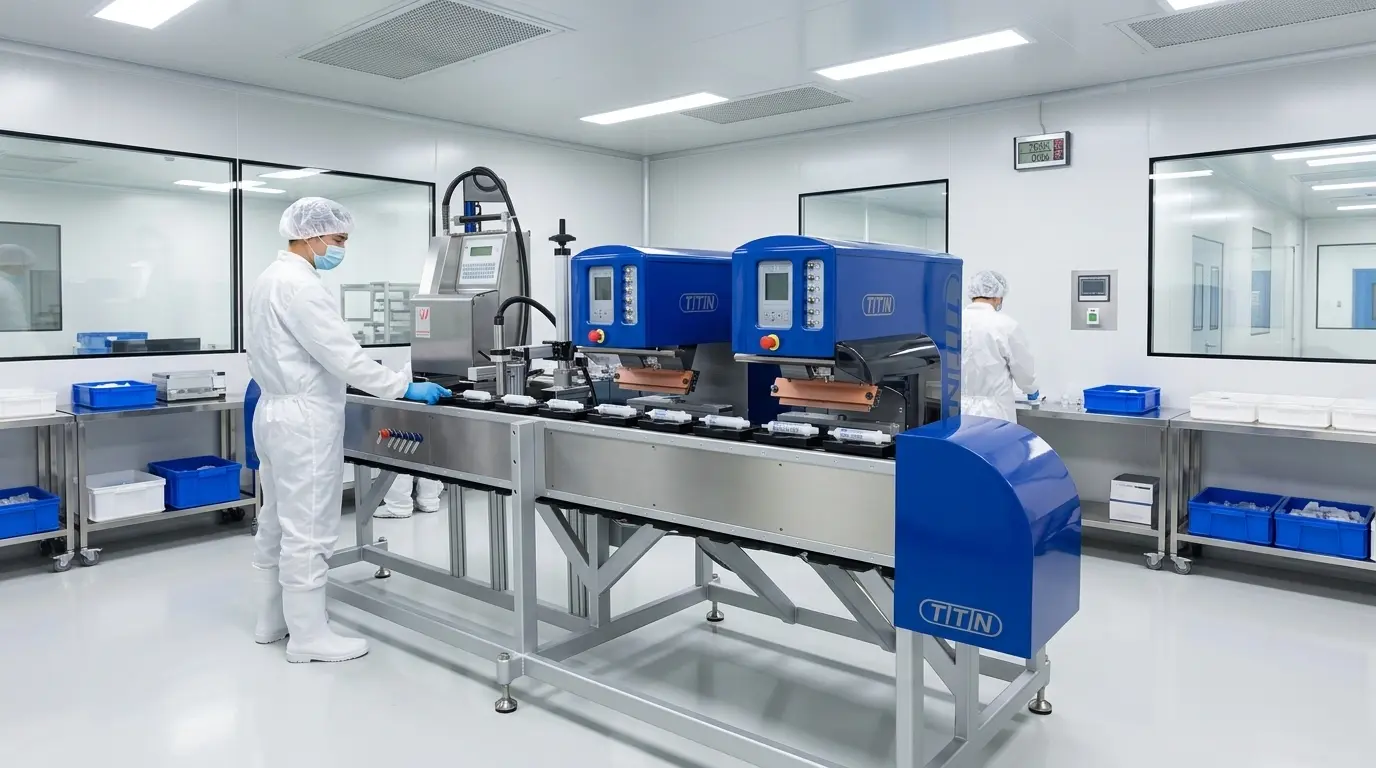
From manual cycle to automatic line
On a manual machine, the operator places the part and starts the cycle. Thermoflan offers manual pad printing machines with 1 or 2 colors for trials, small runs and customization.
A semi-automatic machine then mechanizes the printing cycle, while loading and unloading can remain manual: this is the case with the Universal range. An automatic line, on the other hand, can present, feed and unload parts. For this, Thermoflan offers the industrial Pro TTN 100, 200 and 350 series, as well as custom integrations.
Configurations depending on the area to be printed
The difference lies in the markable diameter or format. The TTN 90 Universal has a 90 mm ink cup with a ceramic ring, marks up to 80 mm in diameter and can be configured in 2 colors. The TTN 120 Universal marks up to 110 mm in diameter in 1 color, on flat, curved or textured objects.
For elongated objects, the TTN 200 Oval Universal marks up to 80 × 180 mm. In addition, Thermoflan offers a 2-color TTN 200 Universal equipped with two 90 mm ink cups.
| Universal model | Marking area | Colors | Inking |
| TTN 90 Universal | Up to 80 mm diameter | 1, configurable to 2 | 90 mm ink cup with ceramic ring |
| TTN 120 Universal | Up to 110 mm diameter | 1 | Not specified |
| TTN 200 Oval Universal | Up to 80 × 180 mm | Not specified | Oval ink cup |
| TTN 200 Universal 2 colors | Not specified | 2 | Two 90 mm ink cups |
Tooling and consumables
A station brings together the printing machine, the plate holder, the inking system, the silicone pad and a support that holds the part. The closed ink cup serves both as an ink reservoir and a doctor blade. The plate can be photopolymer or metal, whereas the shape and hardness of the pad are chosen according to the design and the geometry of the part. Added to this are pad printing accessories and consumables: inks, thinners, hardeners where needed, cleaning products, wear parts, as well as fixtures, exposure equipment and drying devices offered by Thermoflan.
How to distinguish pad printing from screen printing?
Both processes mark objects, but they deposit ink differently. This deposition method guides the choice depending on the part and the desired result.
Two ways of depositing ink
In screen printing, a squeegee pushes the ink through the open areas of a screen. In pad printing, an intermediate pad transfers the design from the engraved plate, as described above for the cycle.
- Ink deposit thickness: screen printing can deposit a thicker layer.
- Solid areas and opacity: this thickness is useful when a large solid area or strong opacity is sought.
- Shapes processed: screen printing is not limited to flat objects.
- Limiting factor: the accessibility of the screen and the tooling determine the printable shapes.
Each printing technique therefore has its own geometric limits, set by its deposition tool rather than by the flatness of the part alone.
Geometry and the desired result
Pad printing is preferable for a small pictogram on a concave button. Its pad can reach certain areas that are difficult to print directly.
Conversely, a large solid area on a flat surface may point toward screen printing when coverage is the priority.
Beyond shape, the choice also depends on the surface to be covered, the size of the run and the required durability.
The conditions for a useful comparison
A cost comparison only makes sense for the same part, the same quantity, the same number of colours and the same durability requirement. Neither process is always the least expensive. In pad printing, file preparation, the plate, setup and the first test make up the fixed costs of marking.
The series is then weighed down by colour changes, handling, drying, inspections, rejects and cleaning. To compare machines, reason in conforming parts per hour rather than in the advertised number of cycles.
Equip your pad printing station
Manual, semi-automatic or automatic machines, tooling and consumables: Thermoflan has been equipping pad printing workshops for 60 years.
Frequently asked questions
What safety rules apply to a pad printing station?
Article R. 4222-12 of the French Labour Code requires capturing emissions as close as possible to their source, then removing the residual by general ventilation. Assess the products using their labels and safety data sheets, including with the ink cup closed during preparation and cleaning. The machine, guards, operating procedures and training should be checked; hazardous waste falls under a dematerialised waste manifest (bordereau dématérialisé), except in special cases.
How can you achieve multicolour or more opaque marking in pad printing?
Multicolour printing requires successive passes and registration; depending on the configuration, each colour requires its own plate and inking system. Since the deposit is thin, a second pass in the same area can increase opacity, but it lengthens the cycle. The TTN 200 Universal 2-colour has two 90 mm ink cups.
Do adhesion tests need to be repeated when the part’s material changes?
Yes, a change of material, finish or release agent may require new samples and a new adhesion check. Release agent residues or machining oils can prevent adhesion, and cleaning the part is not the same as activating the surface of a plastic that is difficult to print.