



Contents
- Which POS display formats should you choose in store?
- Which materials should you choose for POS display supports?
- How do you print and customise a POS display using UV printing?
- How do you prepare and secure production?
- Frequently asked questions
A POS print suited to your point of sale rests on four successive choices: the format, depending on the location; the material, according to display conditions; the printing process, suited to the support; and finally, production preparation, to secure the files, the prototype and the roll-out.
The following sections detail each of these choices and present the essential technical benchmarks for comparing customisation options and preparing your request with a supplier.
Which POS display formats should you choose in store?
At the point of sale, POS material highlights a brand, product or offer, whereas signage’s main role is to guide and inform the customer. The choice of format therefore depends on the function sought and the location where the display will be installed.
Supports suited to each location
Posters are designed to be visible from a distance. By contrast, hanging strips (cavaliers) and shelf wobblers (stop-rayons) draw attention to an offer right next to the product, directly on the shelving. Counter displays, meanwhile, are particularly suited to small items and naturally sit near the checkout.
Where floor space is counted, banner stands (kakemonos) and roll-ups provide vertical visual communication without obstructing walkways. However, format alone is not enough to catch the eye: message clarity, visual contrast and reading distance play as essential a role as the size of the support.
What dimensions should you plan for?
The dimensions presented below correspond to commonly offered formats, but they are not mandatory standards for all POS supports. For a roll-up, the template generally includes a 5 cm allowance of artwork to be inserted into the cassette. This allowance may, however, vary depending on the mechanism used. For a totem, the dimensions of the printed face alone are not enough to determine the depth or stability of the support once assembled.
| Support | Proposed dimensions |
| Counter sign or easel display | A5 (14.8 × 21 cm), A4 (21 × 29.7 cm), A3 (29.7 × 42 cm), A2 (42 × 59.4 cm) |
| Roll-up (artwork) | 85 × 200 cm, 100 × 200 cm, 120 × 200 cm |
| Totem face | from 25 × 78 cm to 95 × 200 cm depending on the model |
Placement and artwork customisation
For each location, distinguish three measurements: the printed face, the surface actually visible, and the overall footprint of the support once assembled. In practice, window graphics must be measured pane by pane. Joints, handles, mullions, reading direction and the installation method all affect the usable dimensions.
Once these measurements are defined, customisation makes it possible to adapt one concept to each store, width, height, price or local message. Each variant must, however, preserve a clear visual hierarchy suited to its sales environment.
Which materials should you choose for POS supports?
The choice of material determines the rigidity, durability and compliance of POS supports. It must take several technical criteria into account, notably thickness, mechanical strength, finish and display conditions.
Board and panels for indoor use
Cardboard is particularly suited to indoor POS, as it can be printed, die-cut, scored and folded to meet the needs of the support.
- Compact cardboard: suited to easels and counter displays.
- Corrugated cardboard: used notably to make floor displays.
- Honeycomb cardboard: recommended for totems and large panels.
- Paper-only panel: intended for indoor campaigns. For a given range, the thicknesses offered may be 2.4, 3.8 and 5 mm. These values are not, however, universal dimensions for all paper panels.
When the medium requires greater rigidity, synthetic panels are a suitable alternative. Expanded PVC is commonly used for panels and signage. It is typically available in thicknesses of 3, 5 or 10 mm. Aluminum composite consists of two 0.3 mm aluminum skins bonded to a polyethylene or mineral core. Its multilayer structure therefore sets it apart from a simple aluminum sheet.
Flexible media and outdoor exposure
For outdoor applications, some offers include 3.5 mm twinwall polypropylene or 3 mm aluminum composite. White 5 mm PVC is also among the available options. These thicknesses are product examples and do not constitute general requirements.
A paper panel designed for use on dry-goods shelving cannot be used directly for point-of-sale (POS) displays exposed to rain without first being tested on the finished support.
For flexible advertising media, tarpaulin is particularly well suited to event signage. Polyester textile, meanwhile, is used to cover roll-up banners and advertising parasols installed on terraces. In both cases, the finish should be chosen according to the exposure conditions.
Safety of in-store displays
In establishments subject to article M 14, advertising panels must in no case reduce the visibility of exit signage. This provision has applied since February 3, 1982, according to Légifrance.
In addition, article AM 10 requires the use of M1-class materials for certain floating elements covered by the text. This requirement notably concerns certain advertising panels larger than 0.50 m² installed in the premises and circulation areas concerned. It has applied since January 1, 2010, according to Légifrance.
Fire classification cannot, however, be inferred from the material name alone. For an expanded PVC panel, request a certificate that corresponds precisely to the product reference and its installation configuration.
How to print and customize POS displays with UV?
UV printing deposits ink directly onto the medium, without requiring an intermediate adhesive. It allows rigid panels made from various materials to be customized, while respecting the constraints specific to each.
Principle and substrate compatibility
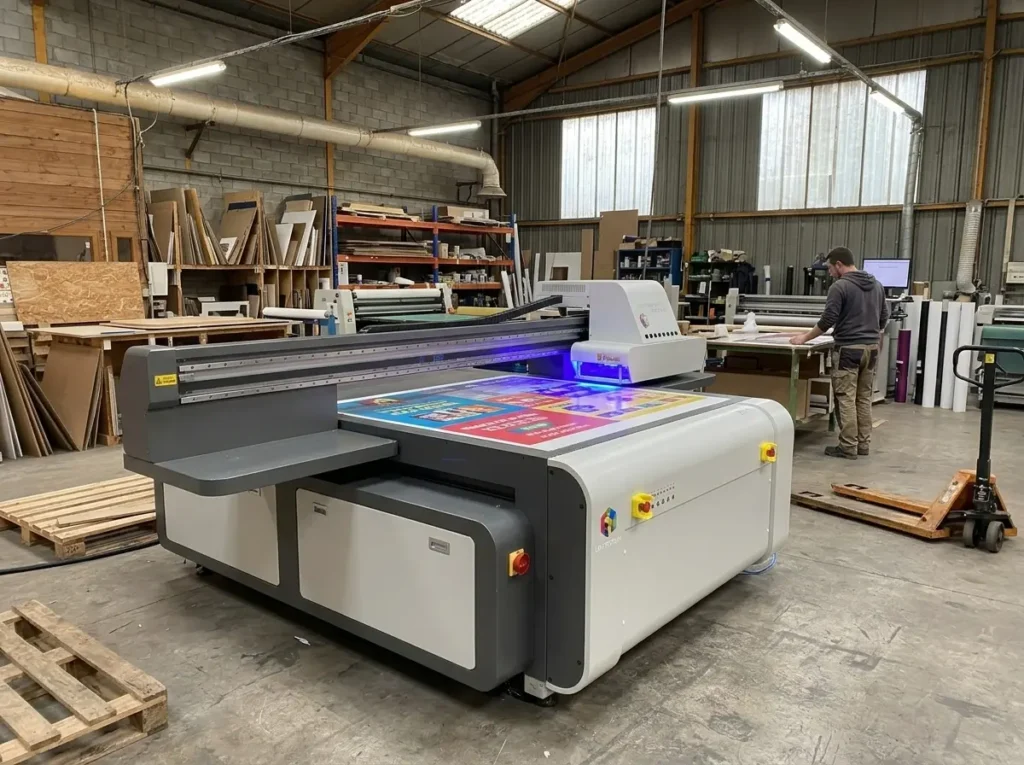
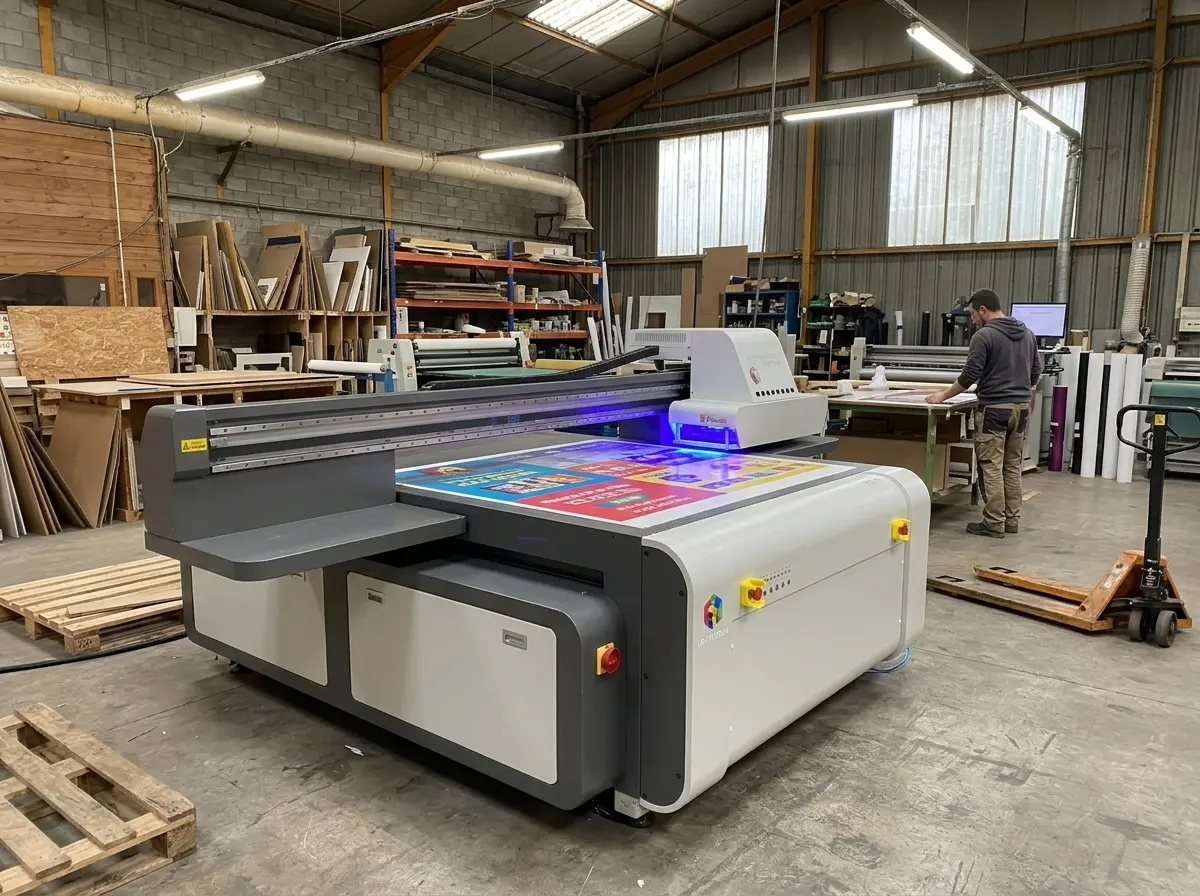
In digital UV printing, print heads deposit ink directly onto the medium from a digital file, without requiring a plate or screen. UV LED lamps then cure the ink during printing. The medium can therefore generally be handled quickly, without prolonged drying. The flatbed UV LED printers offered by Thermoflan are suited to producing displays, advertising media and customized signage.
- PMMA, PVC and aluminum: rigid substrates suited to producing signs, displays and panels.
- Glass and metals: thorough cleaning, pre-treatment or the application of an adhesion primer may be necessary to help the ink adhere.
- Low-surface-energy plastics: specific preparation may be required to ensure good print adhesion.
Choose the format suited to the size of your parts: the Thermoflan range extends from the compact UV A3MAX (297 × 420 mm) to the large-format UV 2513 GH (2,500 × 1,300 mm). To secure your production, check in advance the usable area of the bed, the maximum height under the print head, and the holding configuration of your media.
White, varnish and technical limits
On a dark or transparent substrate, the result depends in particular on whether a white ink layer is present. Depending on the capabilities of the equipment, this layer serves as a base to make the four-colour process colours stand out. Without this layer, the colour or transparency of the substrate directly affects the final result. A selective varnish can also add gloss, while overlaying several ink layers creates relief or texture effects. Therefore, check the availability of white printing and varnishing functions on the chosen machine.
However, these customisation options do not guarantee the durability of the print over time. This depends on the material, the type of ink, any adhesion primer, the finish and the exposure conditions. A test on the actual substrate makes it possible to check the visual result and ink adhesion after the various conversion steps: folding, cutting, cleaning or application. For example, a rigid ink applied to a film intended to be rolled up risks cracking during handling.
Other possible processes and finishes
Digital printing is particularly suited to short and medium runs, variable visuals and prototyping. Conversely, offset may be more appropriate for large runs of flat-printed cardboard. The choice of process also depends on the material, the desired colours and the finishing constraints. Producing a custom-cut cardboard POS display can involve several steps: layout, creation of the cutting die, printing, then creasing, folding, gluing or assembly. Digital cutting, however, eliminates the need to make a specific die.
For a sticker or adhesive logo, an additional finish can be considered: polyurethane or UV doming. This process involves applying a transparent resin to the surface to obtain a domed, glossy and raised effect. Thermoflan offers both solutions: polyurethane resin hardens in a heating oven, while UV resin cures under ultraviolet lamps.
How to prepare and secure production?
A successfully printed POS display may encounter difficulties during assembly or installation at the point of sale. To secure production, it is essential to define a precise specification, supply files that comply with the technical templates, and plan approvals at each stage of the process.
Brief, template and print files
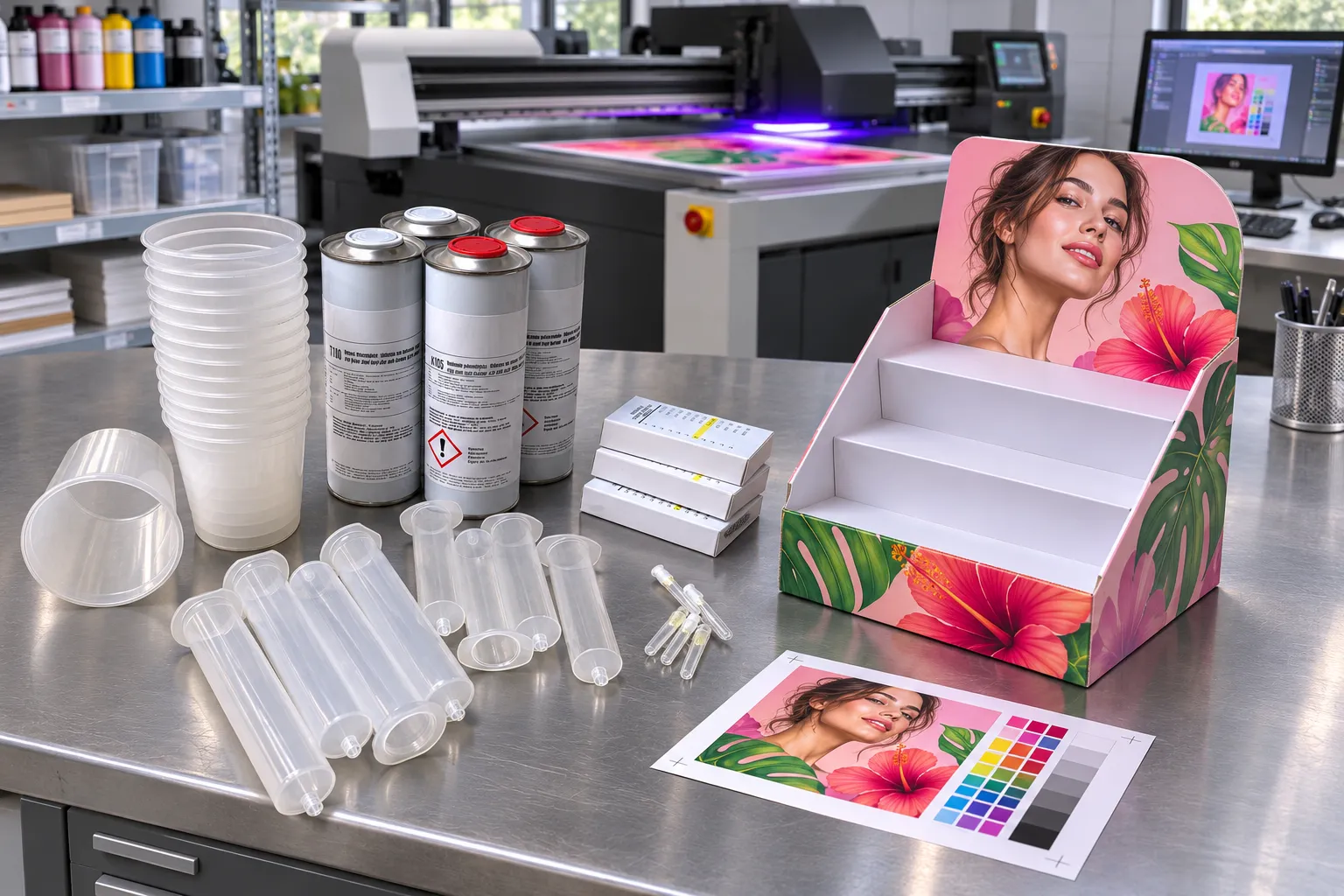
The brief for a custom POS display specifies the objective, the point of sale, the dimensions of the assembled support, the materials, the faces to be printed, the fixings, the variants and the shelf date. Before preparing the files, request the technical template from the supplier.
Once the template has been received, the print-ready PDF is generally the appropriate format for sending the final artwork. Before sending, check the following points:
- Dimensions: compliant with the product template.
- Fonts and images: fonts embedded or outlined, and linked images present.
- Transparencies and overprints: checked to avoid unexpected results in printing.
- Resolution: 300 ppi may be suitable for close viewing, but is not a universal requirement for large formats.
Bleed extends the artwork beyond the cut line and must follow the template. One supplier may require 5 mm for an easel, while another requires none for a roll-up. The 3 mm value is therefore not systematic: follow the manufacturer’s instructions.
Cutting, prototype and press approval
For a die-cut display, the file separates the visual from the cutting and creasing lines, folds and glued areas. For textiles, it includes hems, sleeves, eyelets and surfaces hidden by the structure. A assembled prototype then checks the aesthetics, strength, stability and functionality, since a flat visual that looks successful does not guarantee how the assembled display will perform.
The press approval validates spelling, dates, prices, mentions and variants. For a POS display announcing a price reduction, the prior reference price is in principle the lowest price applied during the previous 30 days. This rule has applied since 28 May 2022, subject to the exceptions provided for, according to Légifrance
Quote, lead times and deployment
The budget for a POS display depends on the format, material, quantities, versions and faces. It also varies depending on the finishes (white, varnish), cutting, assembly, packaging and installation. A comparable quote therefore details supports, dimensions, quantities, visuals, finishes, assembly and delivery locations. Lead times should distinguish between: BAT validation, production, dispatch from the workshop, delivery and installation.
For multi-store rollouts, a mapping table links each store to its variant, quantity and destination. The POS display manufacturer or printer then checks one sample of each variant, along with the scannable codes, before packing by store.

Print your POS displays in-house with UV
Rigid panels, cardboard, custom substrates: Thermoflan offers flatbed UV LED printers for producing your POS displays. Browse the range.
Frequently asked questions
Which POS display media can be printed with UV?
Cardboard and certain textiles can be printed with UV, depending on their compatibility with the inks and the printer’s specifications. Very flexible, rough or porous media can pose difficulties, as can large relief and deep recesses. Some highly reflective surfaces may also interfere with curing and pose a risk to the print head of certain machines.
Which files should be supplied for printing a POS display?
A print-ready PDF is generally suitable, with controlled dimensions, fonts, images and colours. A resolution of 300 dpi may be adequate for close viewing. In the workshop, the file is then prepared in RIP software before being sent to the UV printer.
Is a POS display visible from the street subject to outdoor advertising rules?
Not automatically. According to Légifrance, an indoor POS display is not automatically subject to outdoor advertising rules or the outdoor advertising tax, even if it is visible from the street. Its function and placement must be assessed separately.