







View all news
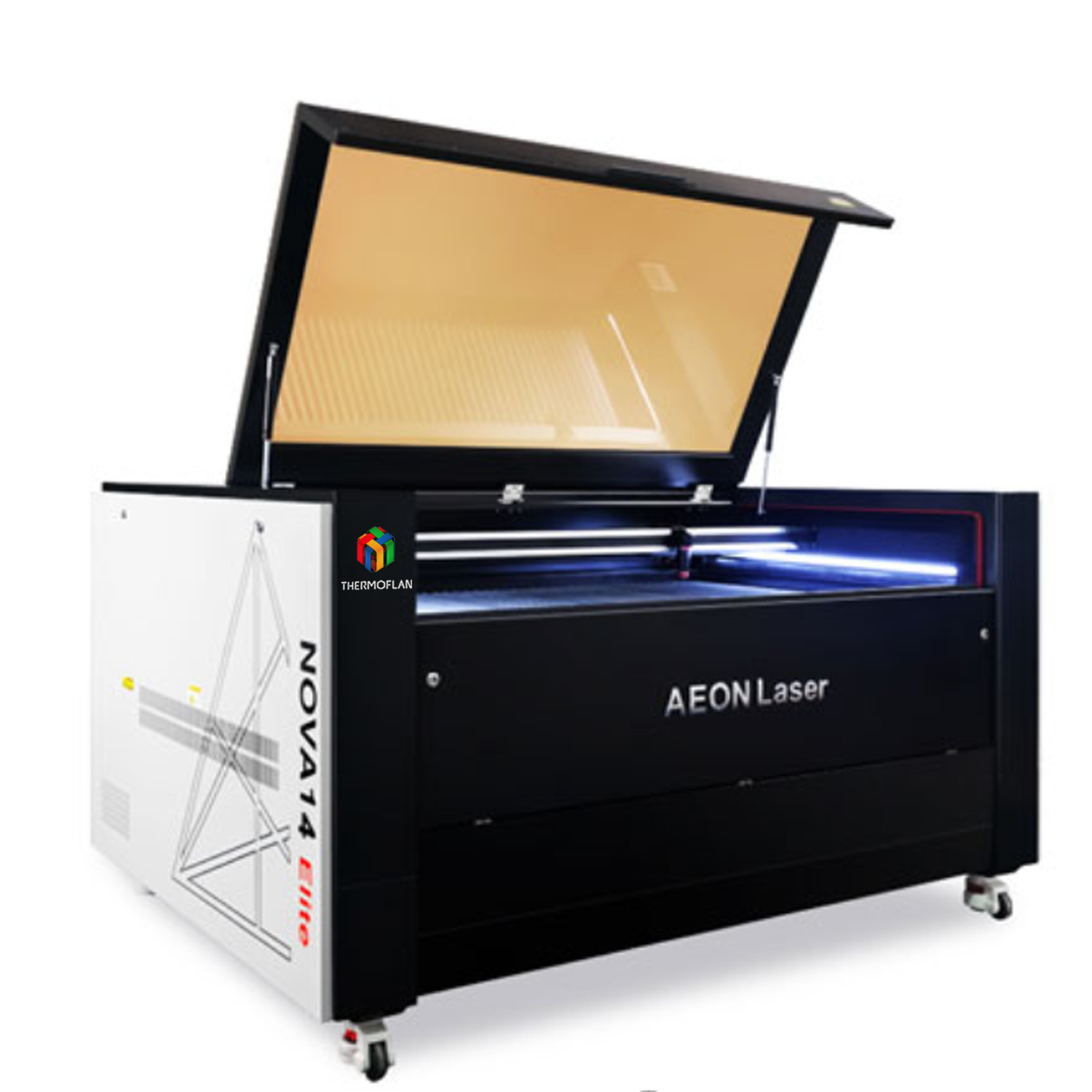
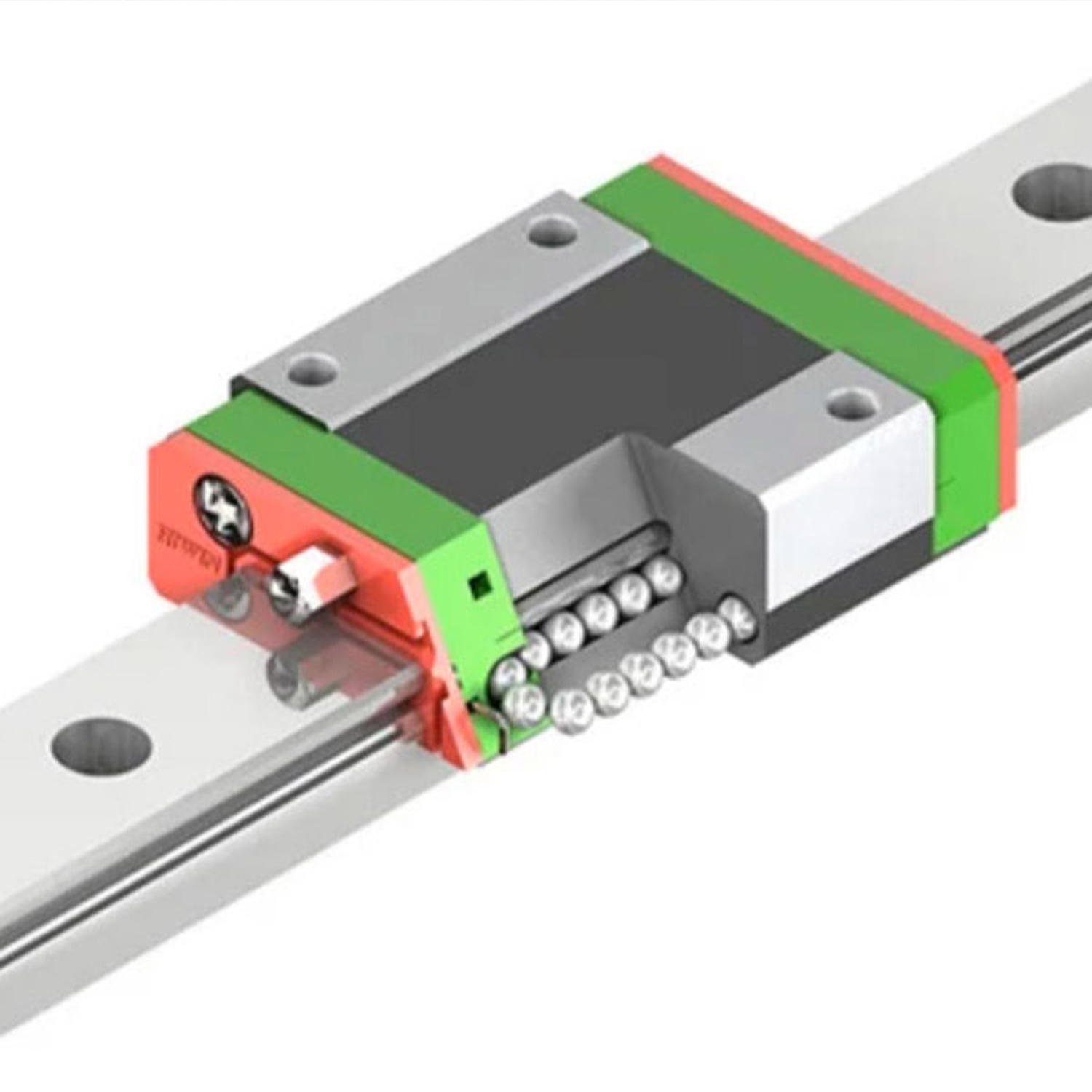
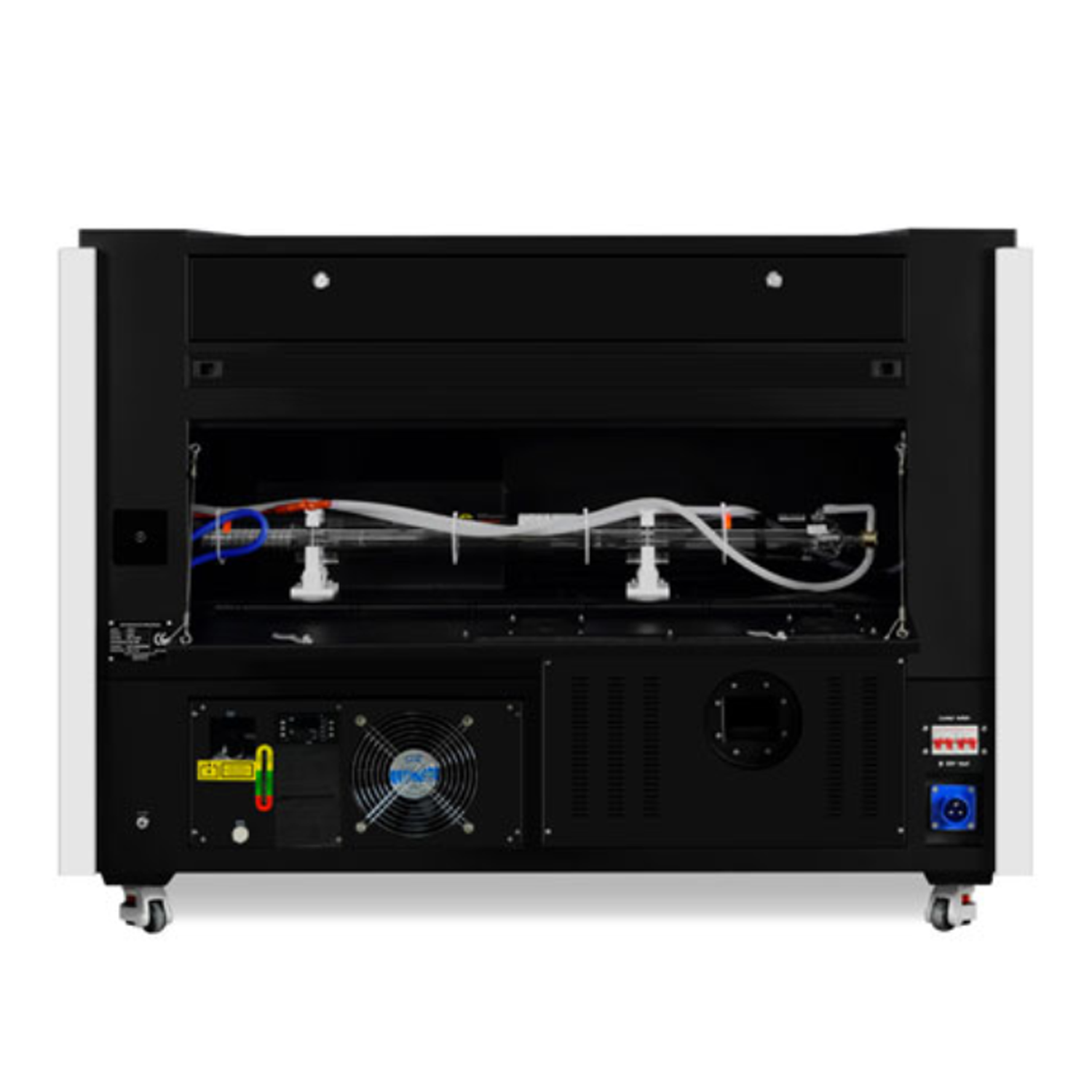
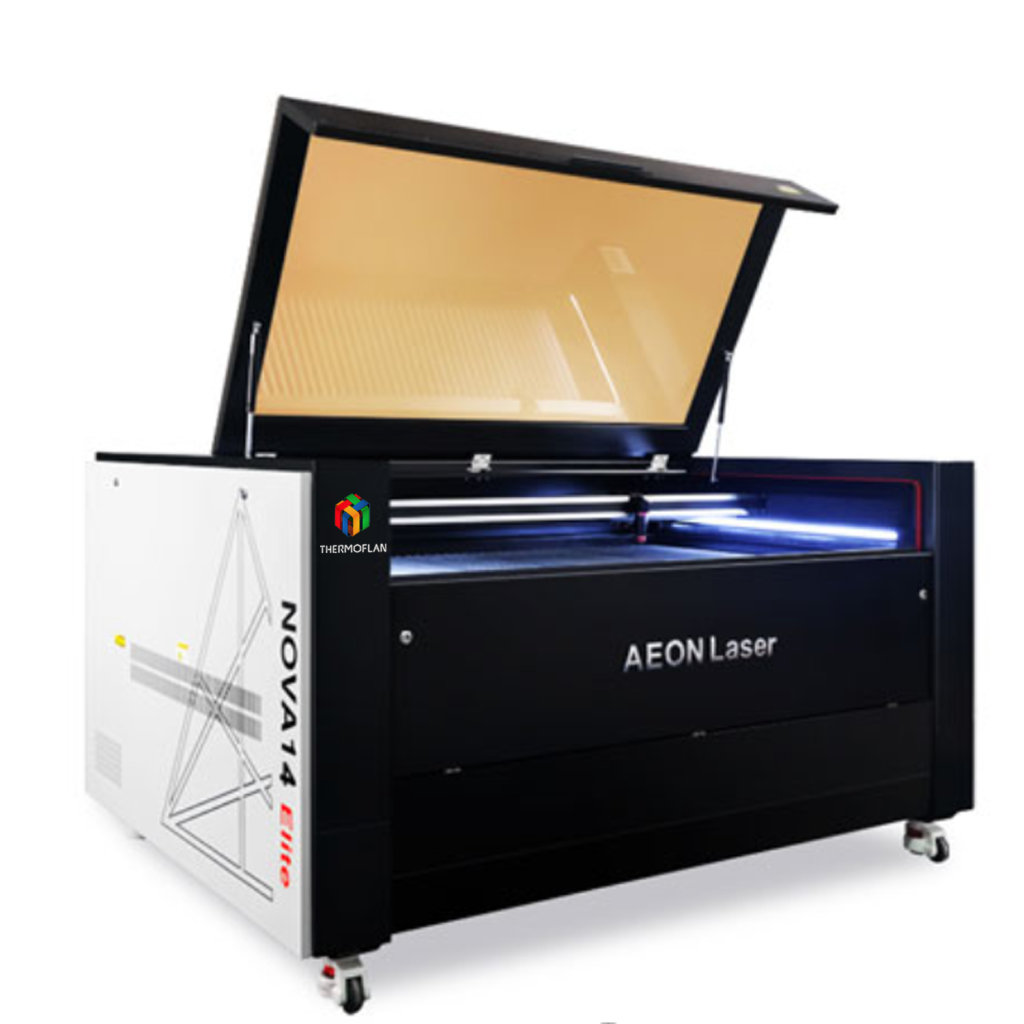
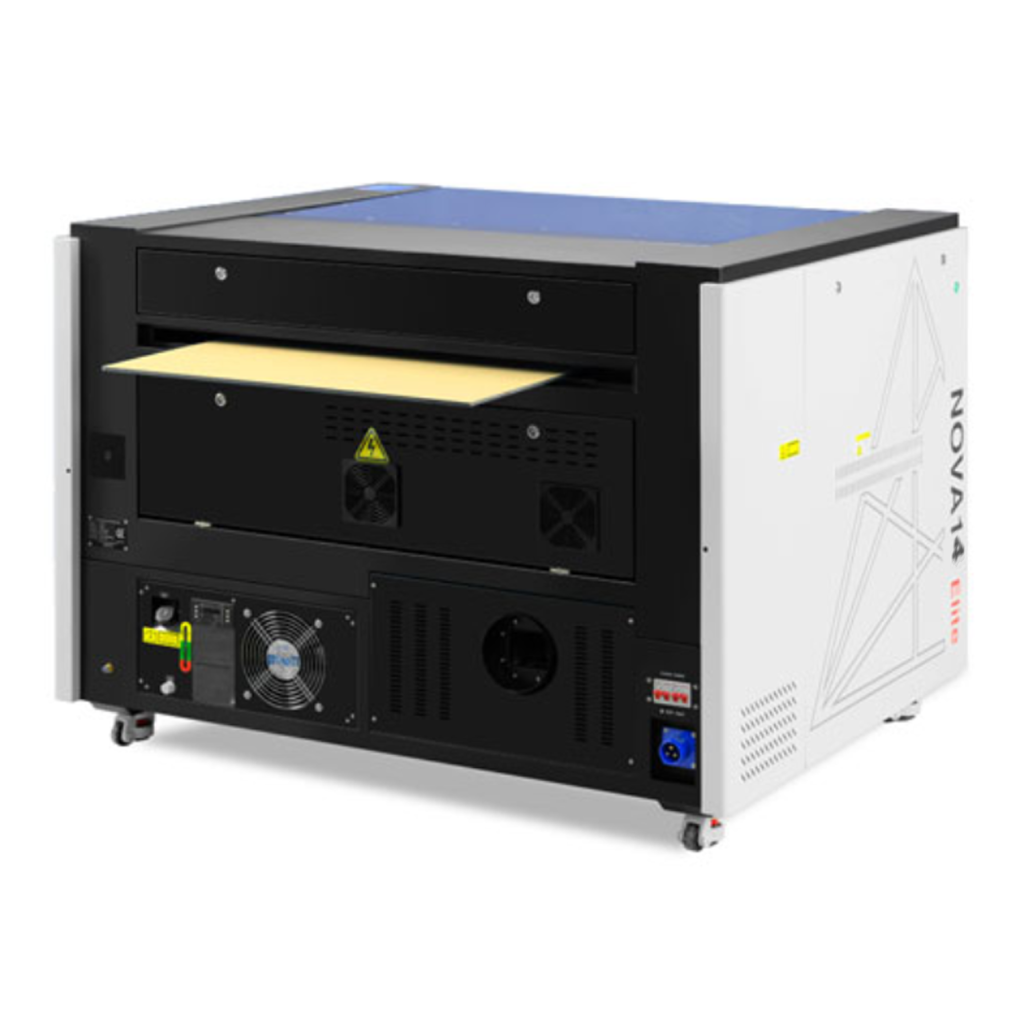
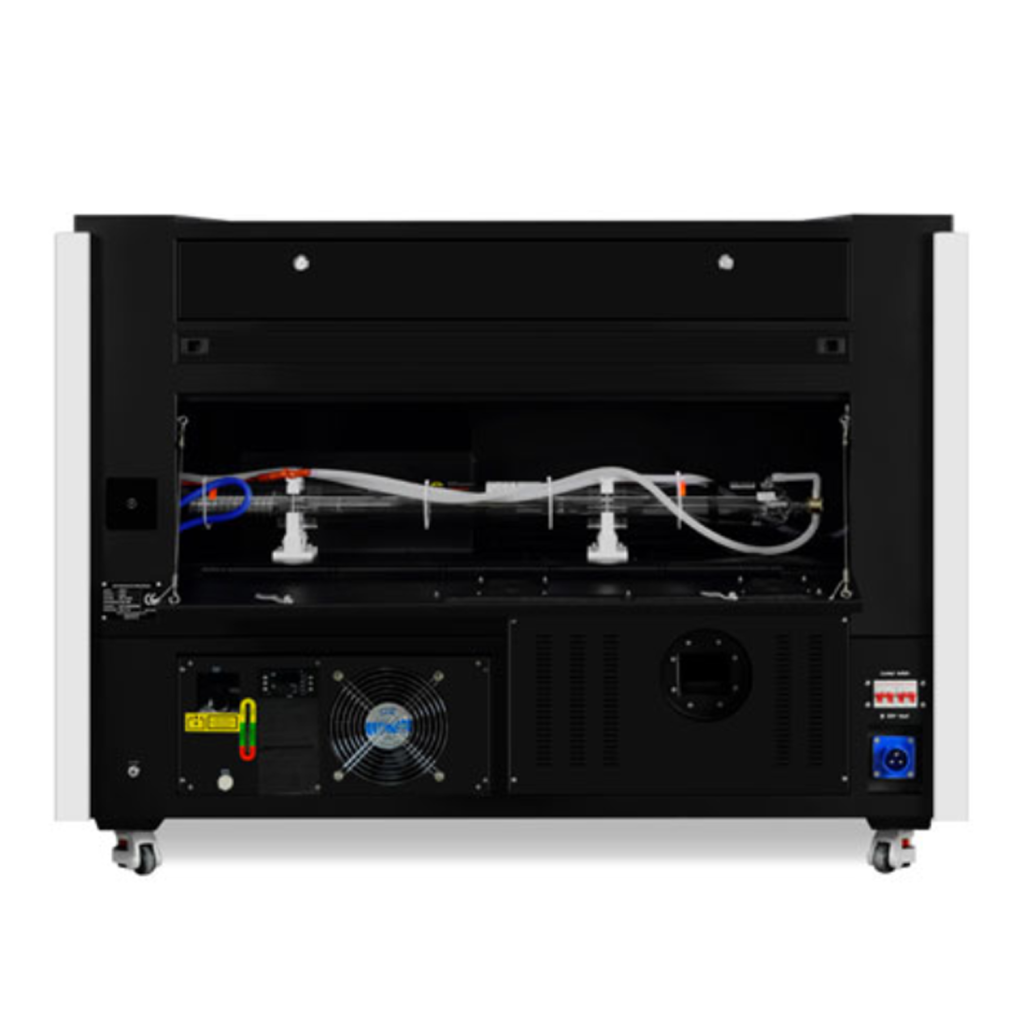
Nova Elite 14
From: 12800 €
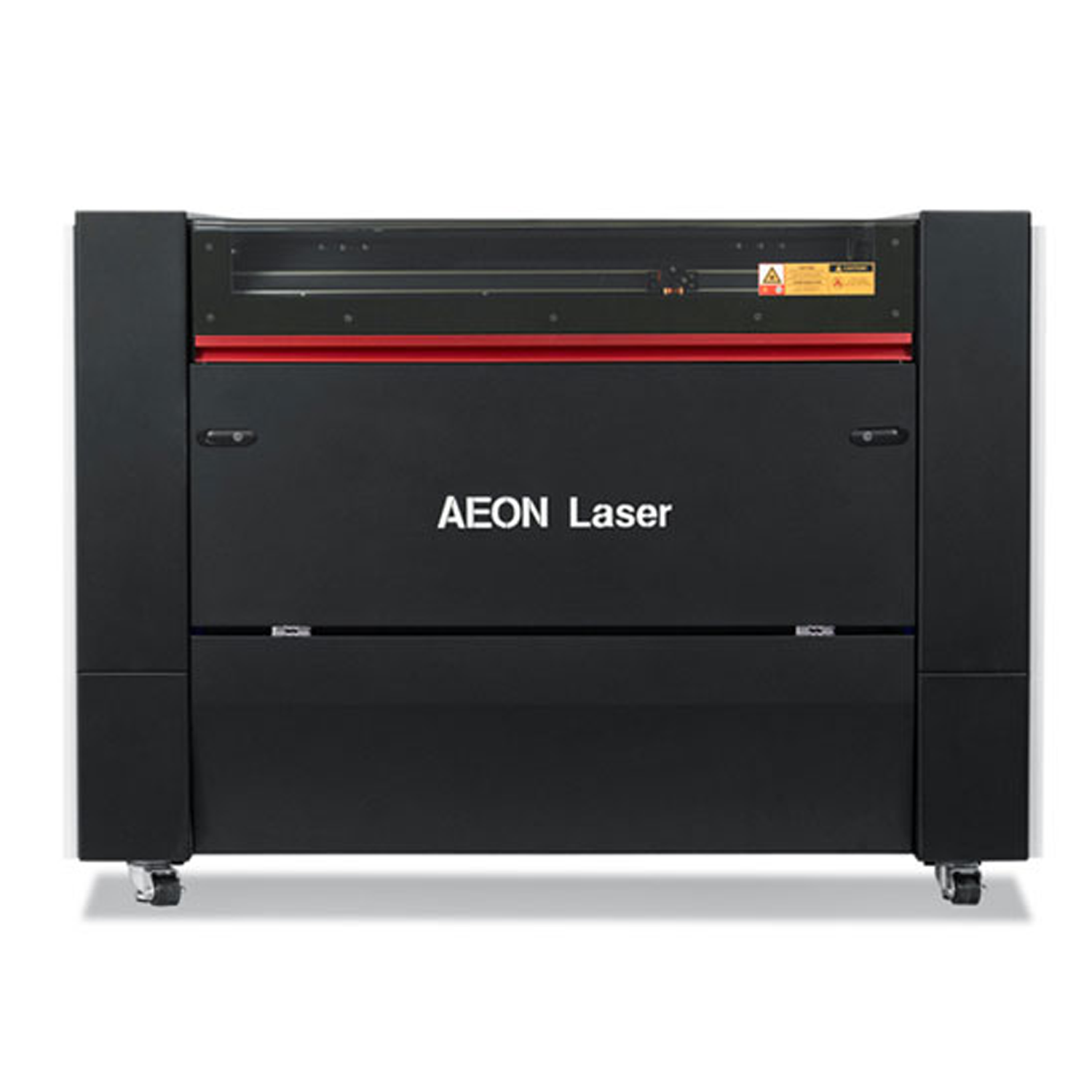
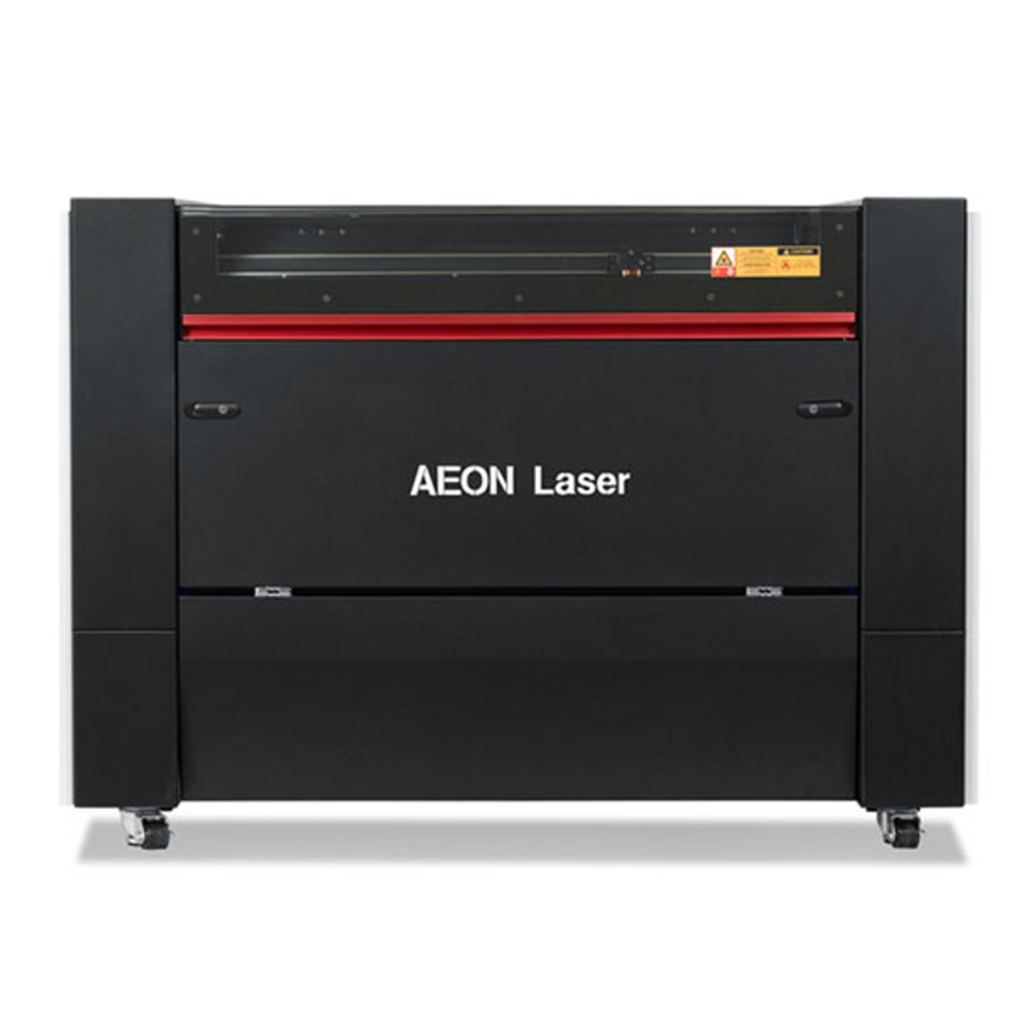
The large-format Nova Elite 14 laser, part of the Nova Elite range, is designed to handle large material sheets (wood, metal, acrylic, etc.) without the need for pre-cutting.
This saves time and reduces handling, while allowing for the creation of large, seamless designs.
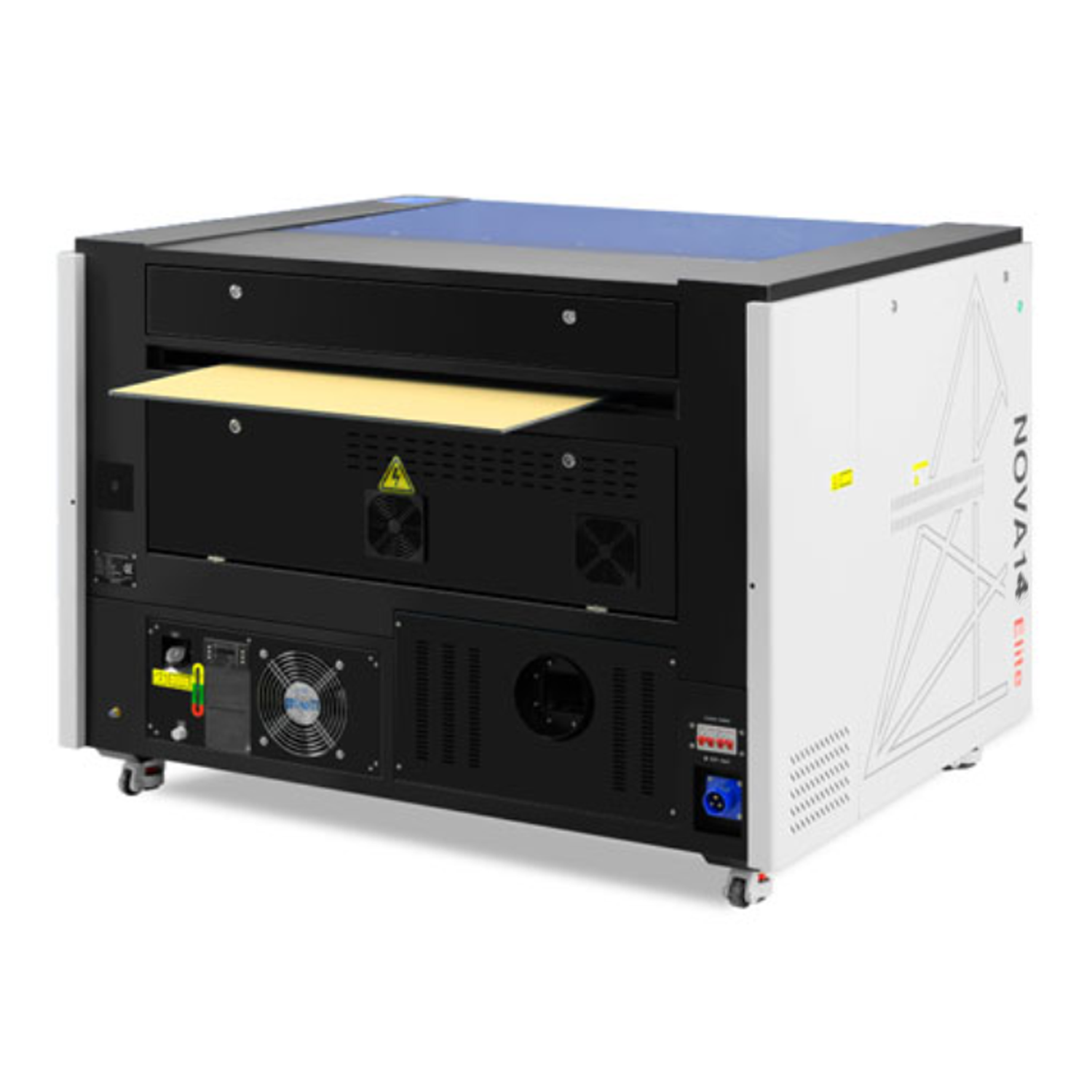
The pass-through doors offer the ability to process very long materials, which can enter through one side of the machine and exit through the other. This enables a continuous, uninterrupted workflow, which is highly useful for large series or long materials such as panels.
Number of colours:
Single color
Shape:
Relatively flat shape
Cylindrical shape
Materials:
Technical sheet
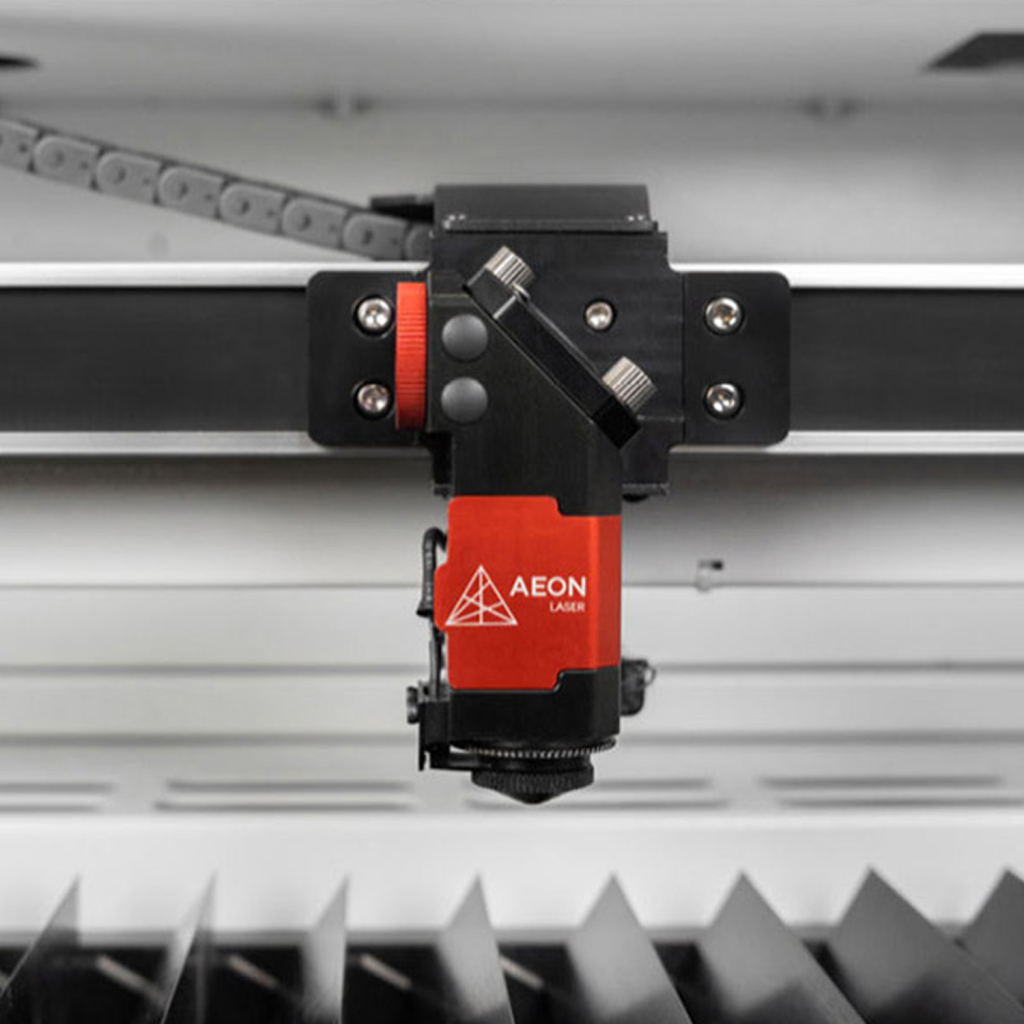
The large-format Nova Elite 14 laser with pass-through doors allows for fast loading and unloading, essential for series production.
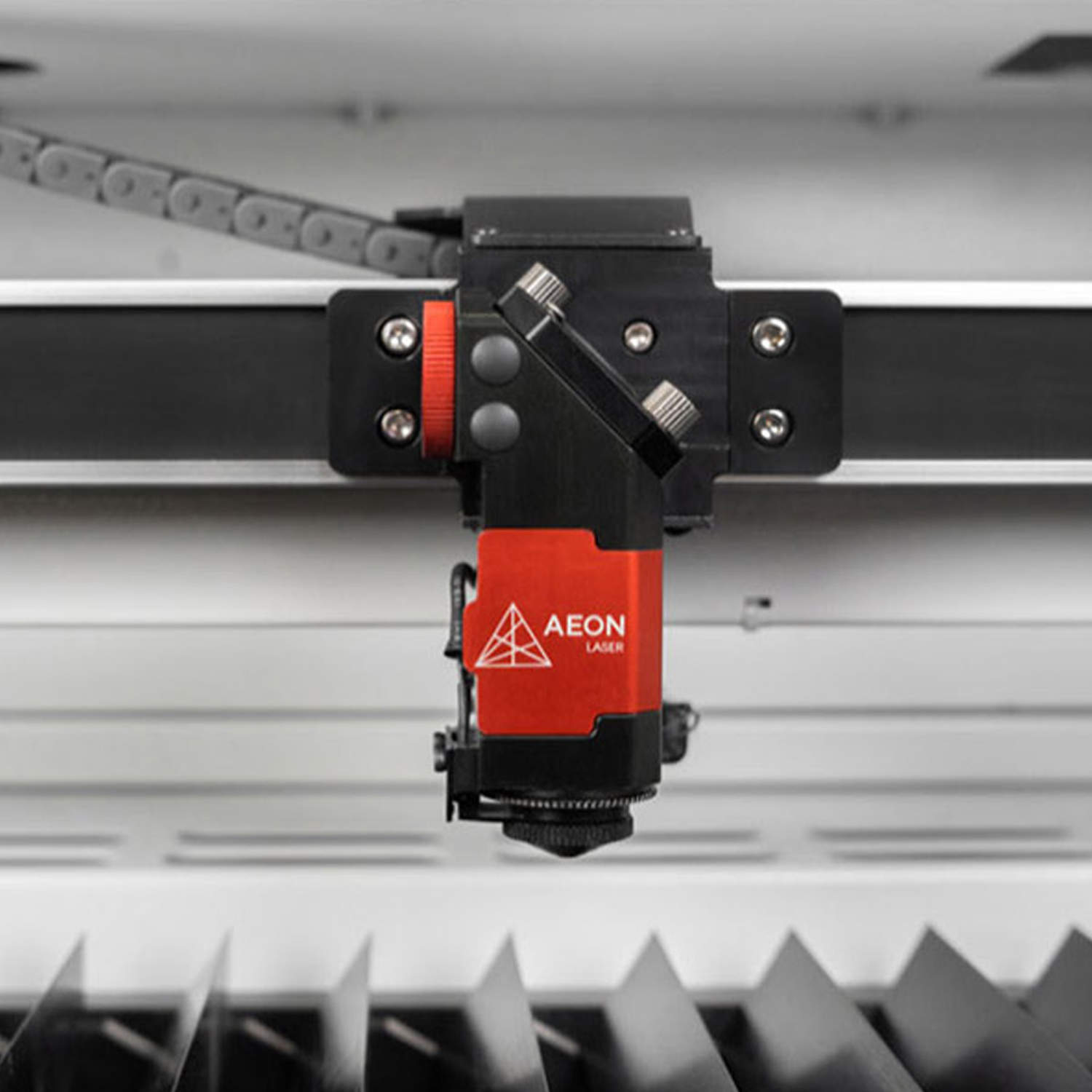
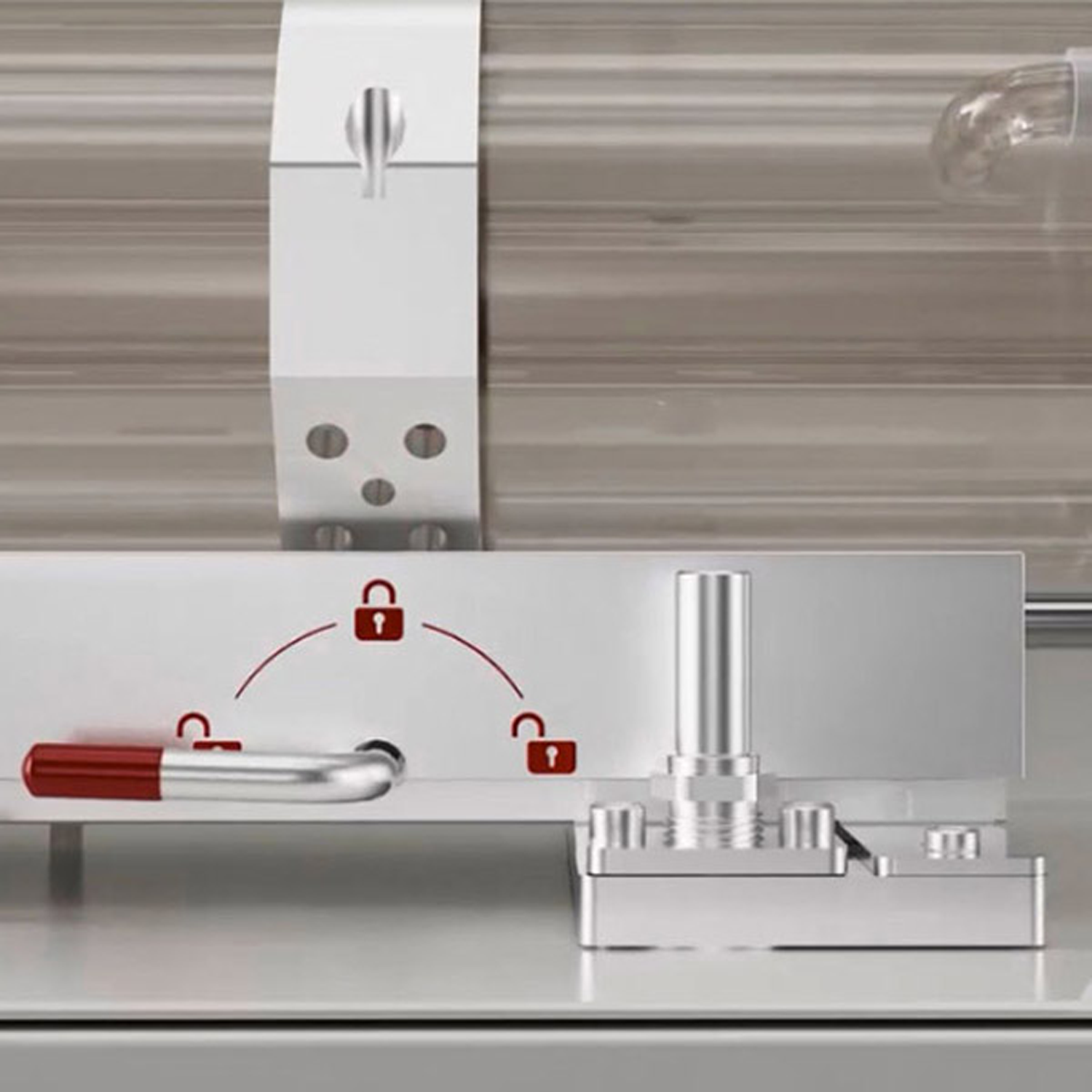
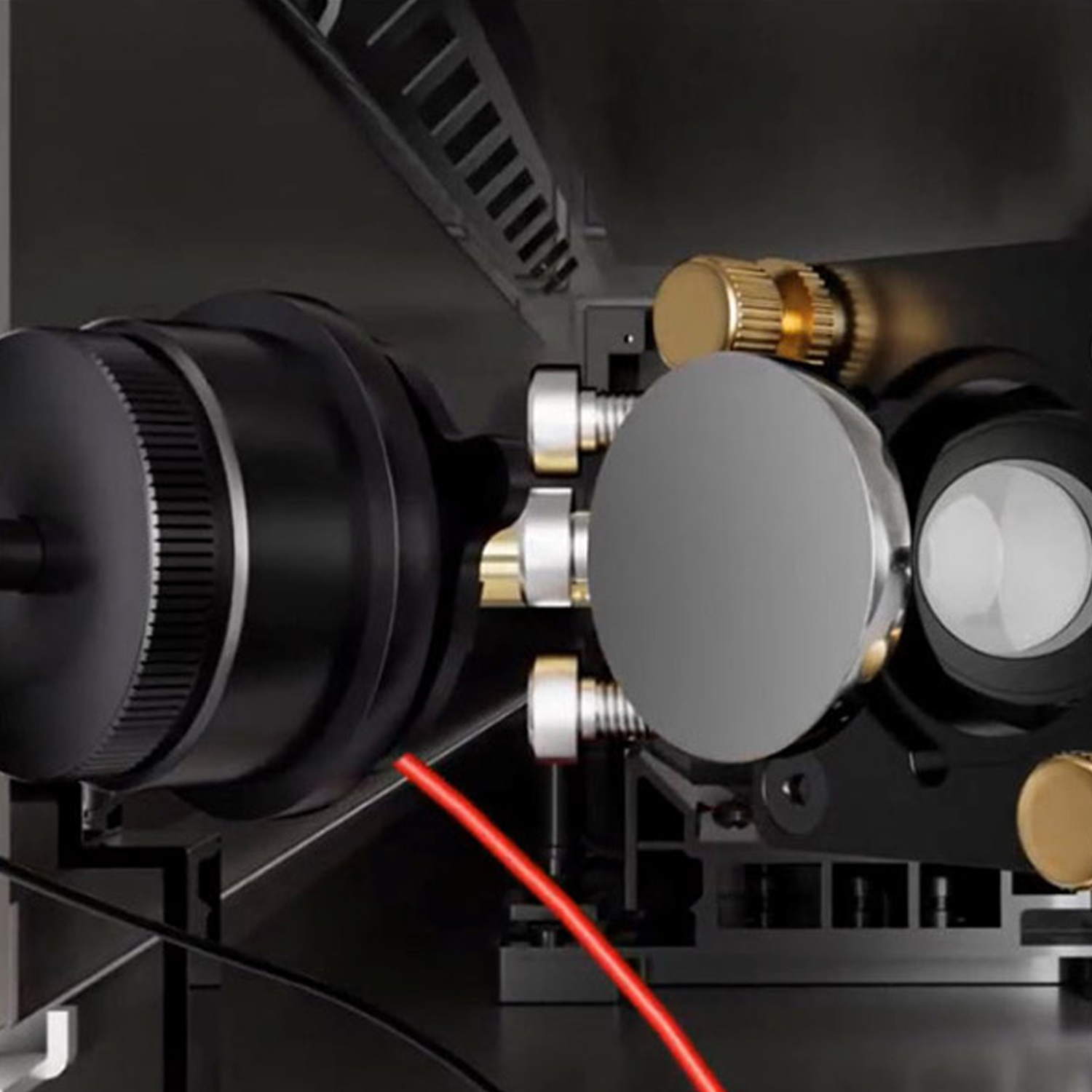
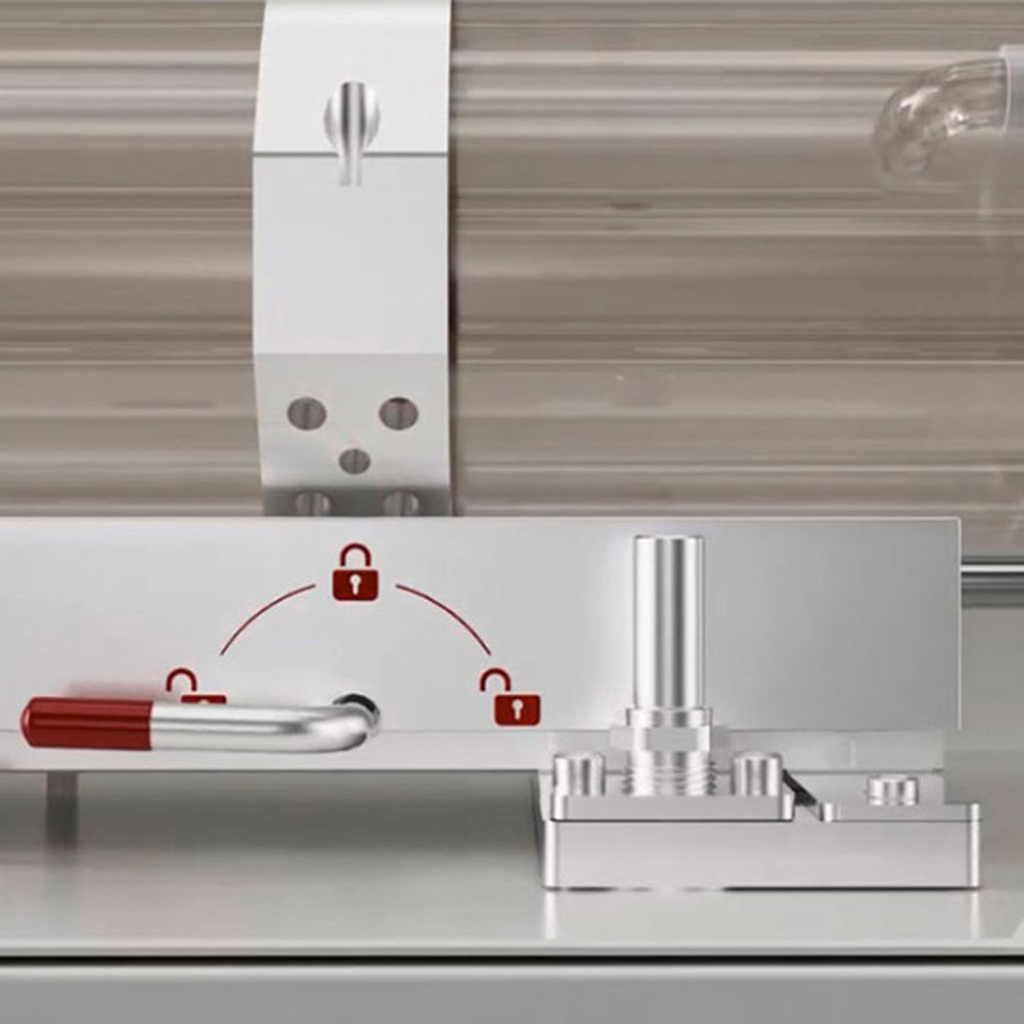
– Laser source: glass tube ensuring excellent performance in precision cutting and engraving.
– Integrated water chiller, extraction turbine, and air pump.
– Engraving speed up to 1200 mm/sec.
– Robust and secure with a steel frame capable of supporting up to 120 kg on the table.
– Front/rear pass-through doors for processing very large materials.
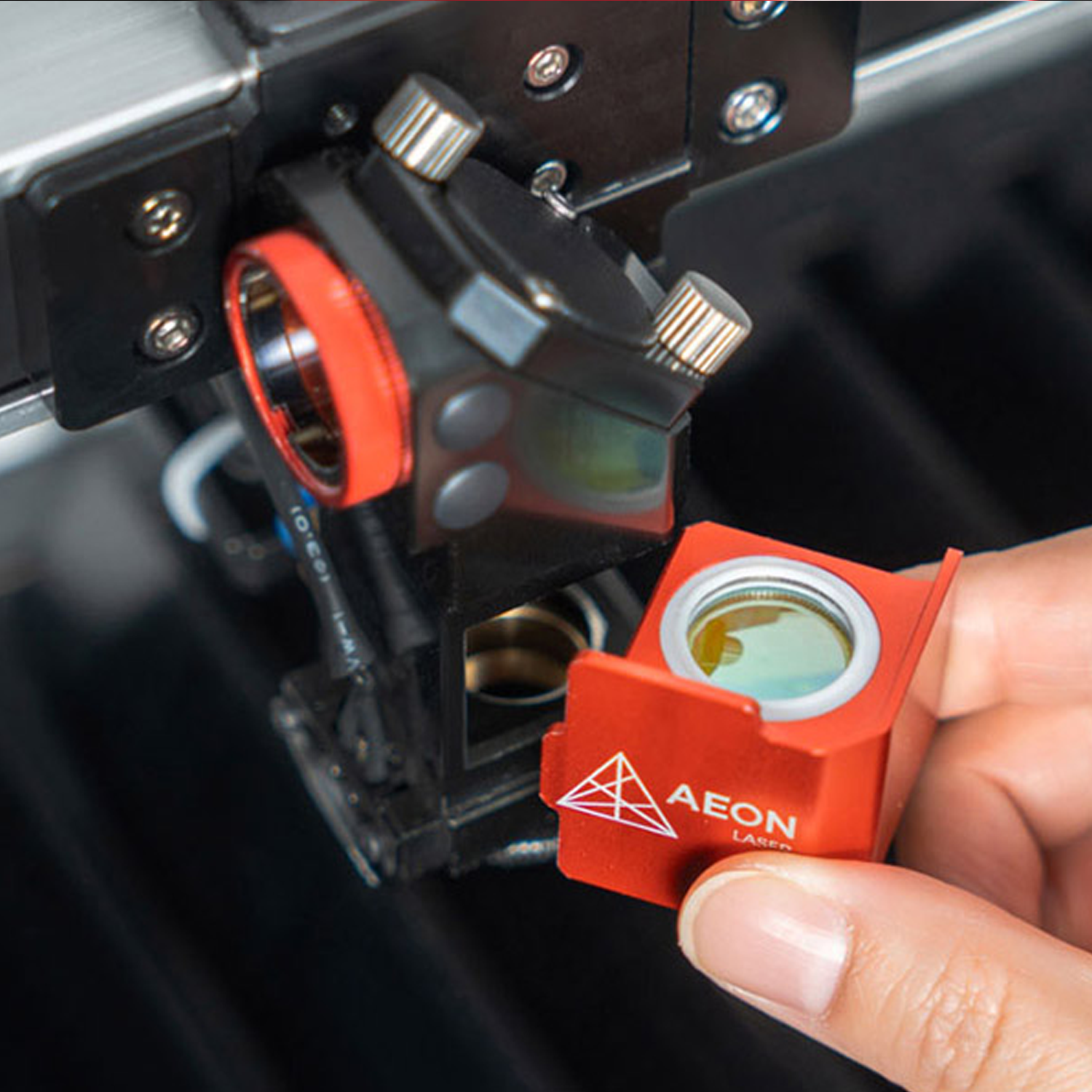
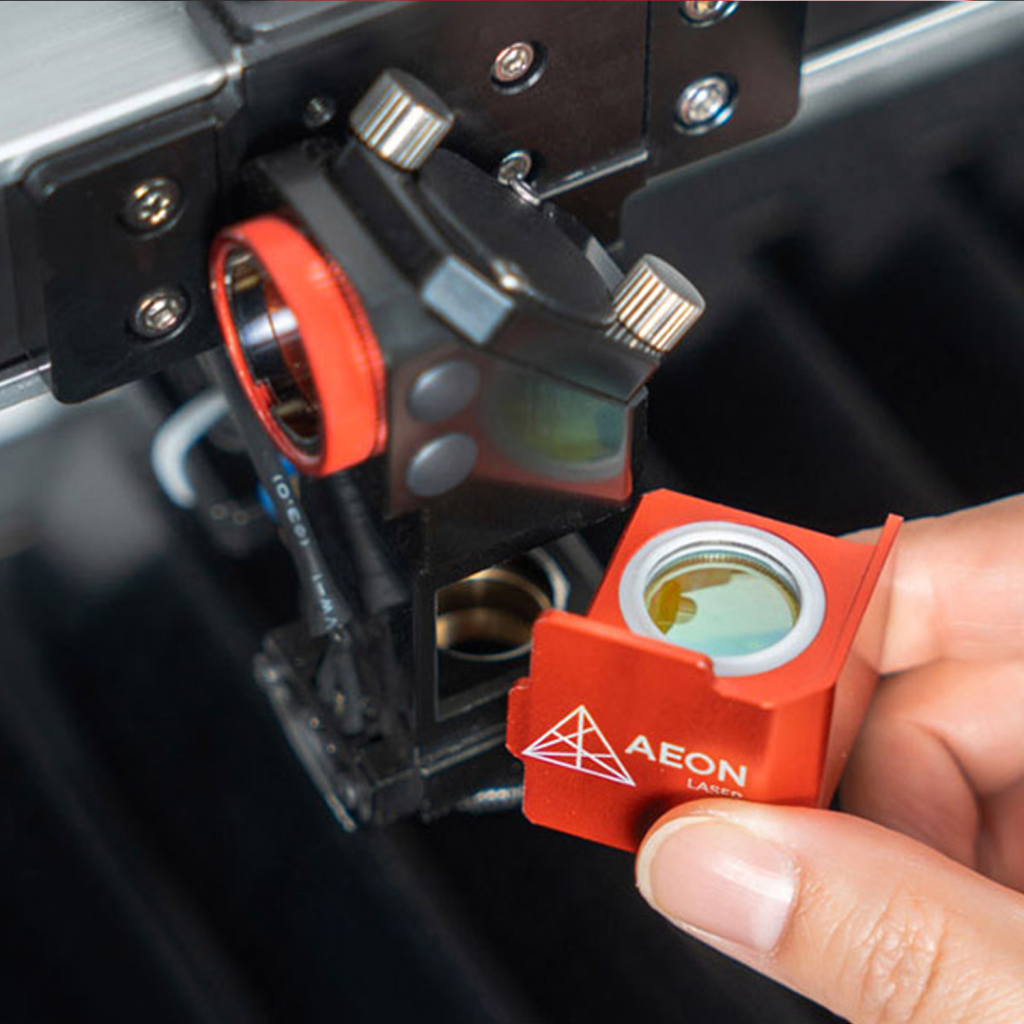
– Autofocus included.
– Ruida controller with simplified keyboard access.
– Dual air assist system that allows for selecting specific flows for engraving or cutting.
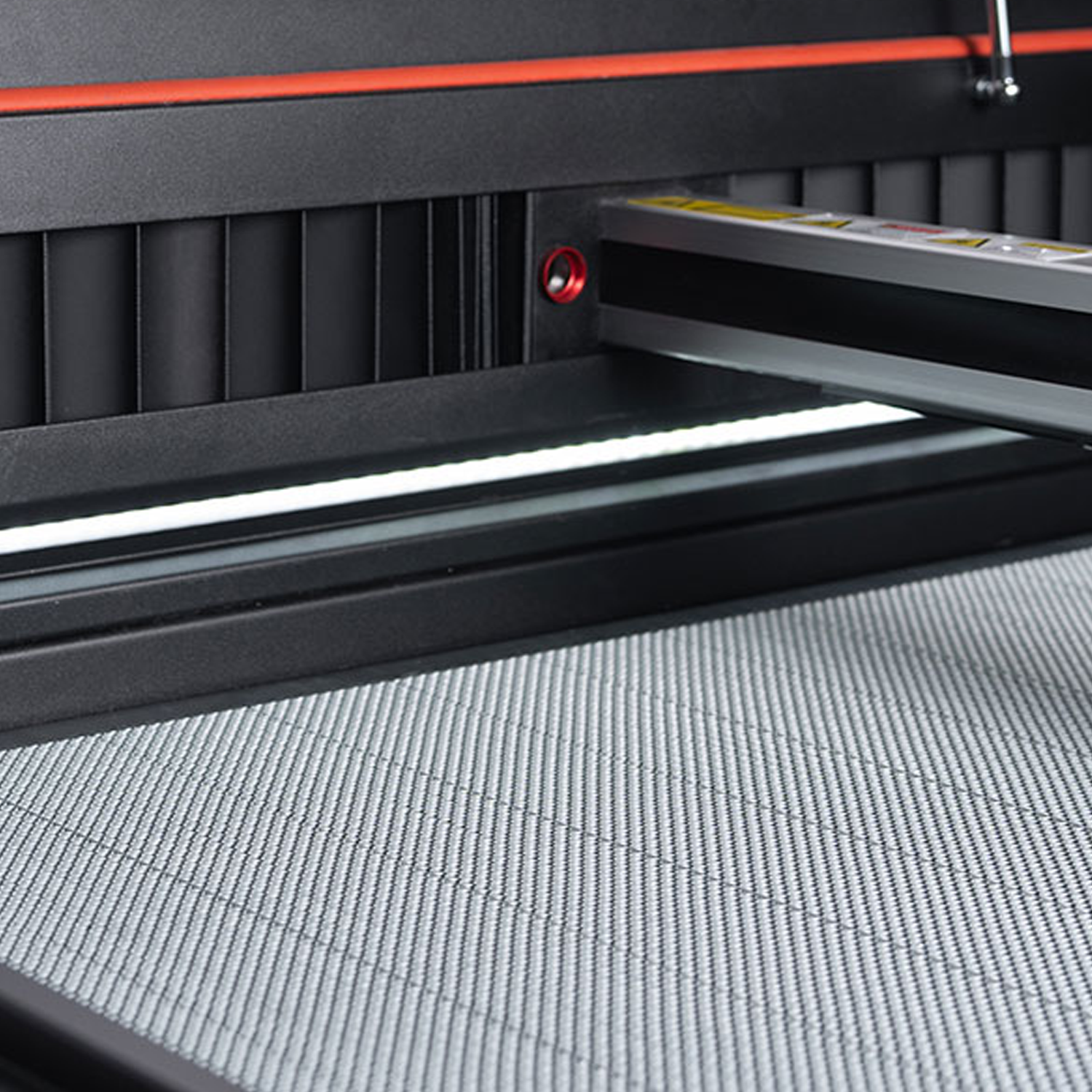
– Active airflow to eliminate fumes and prevent dust accumulation on the material.
– Collection drawer for engraving waste to prevent fire hazards.
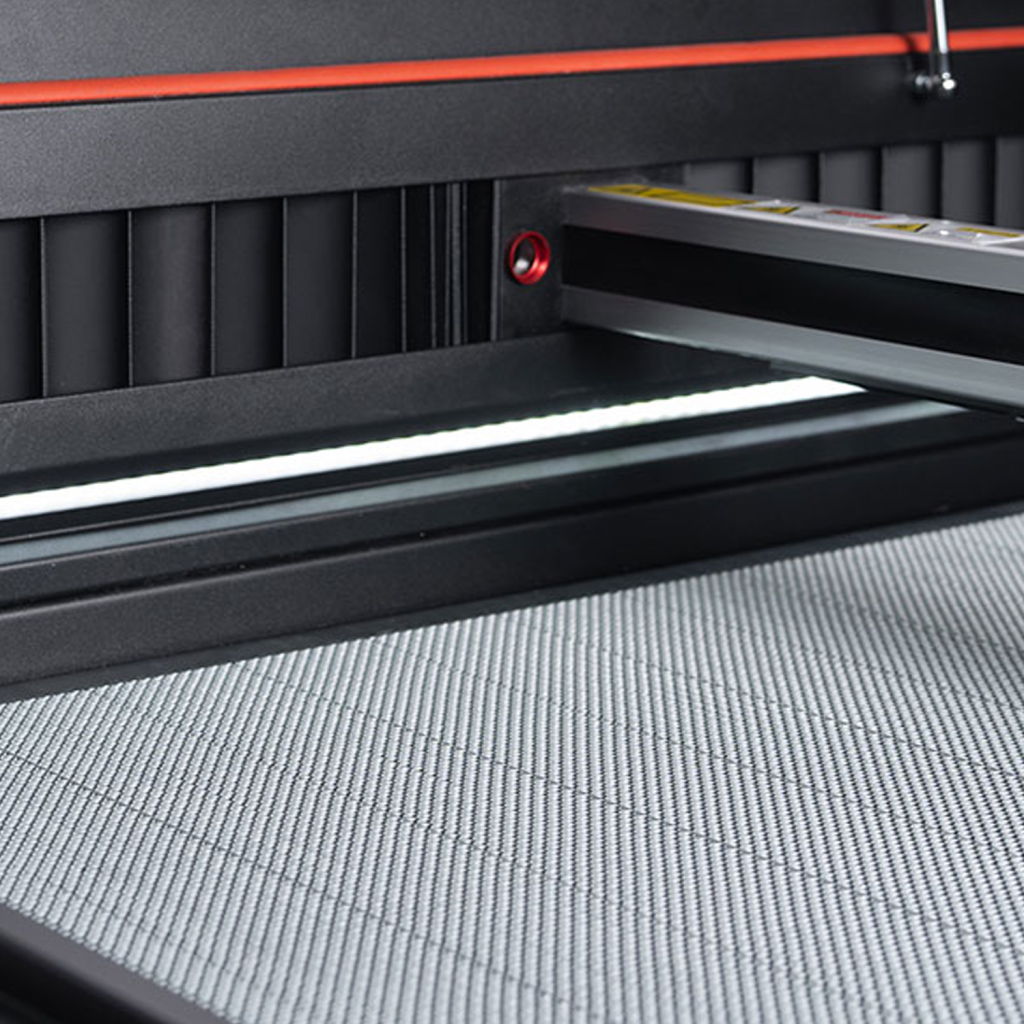
– 2 work tables: adjustable blades and honeycomb, adapted for engraving and cutting.
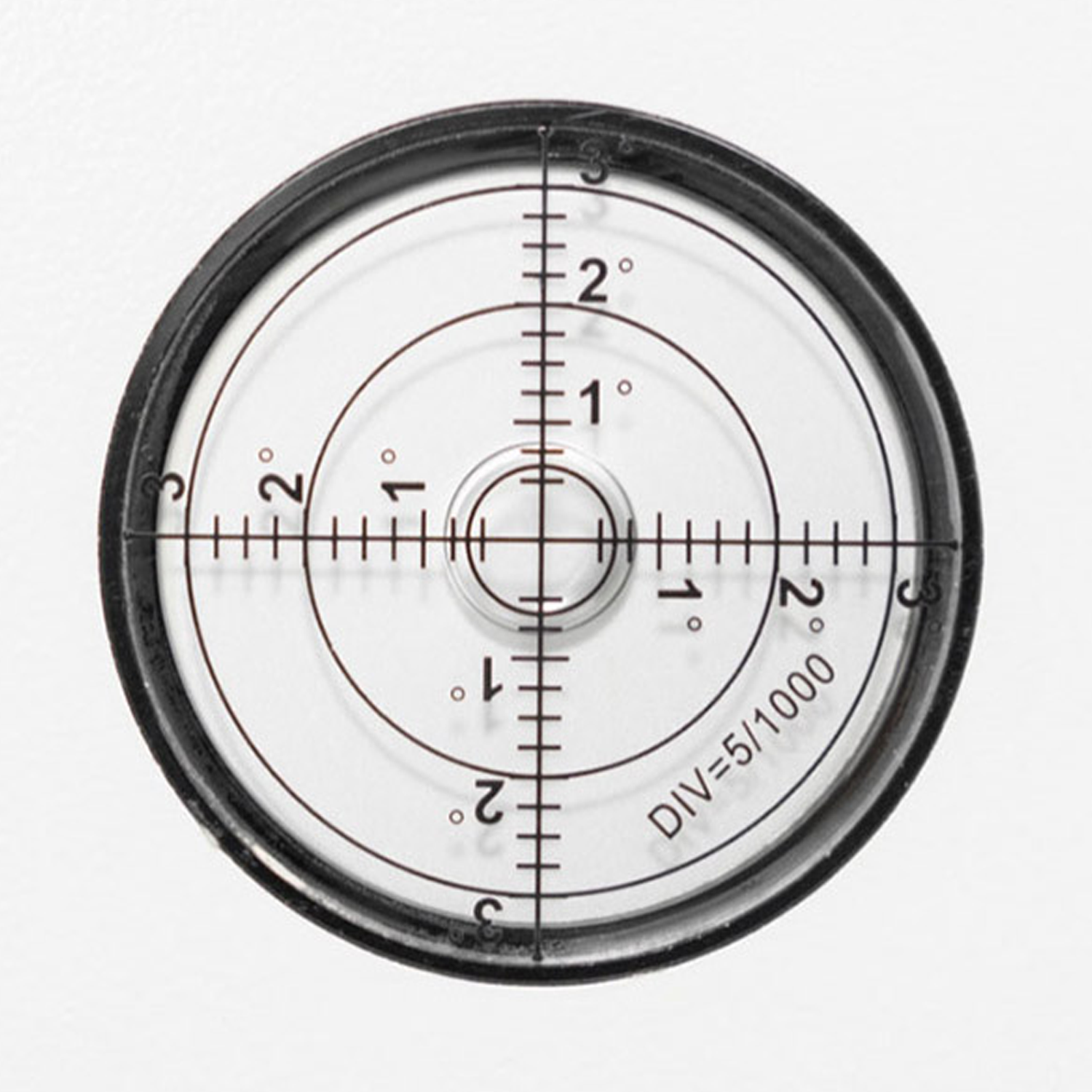
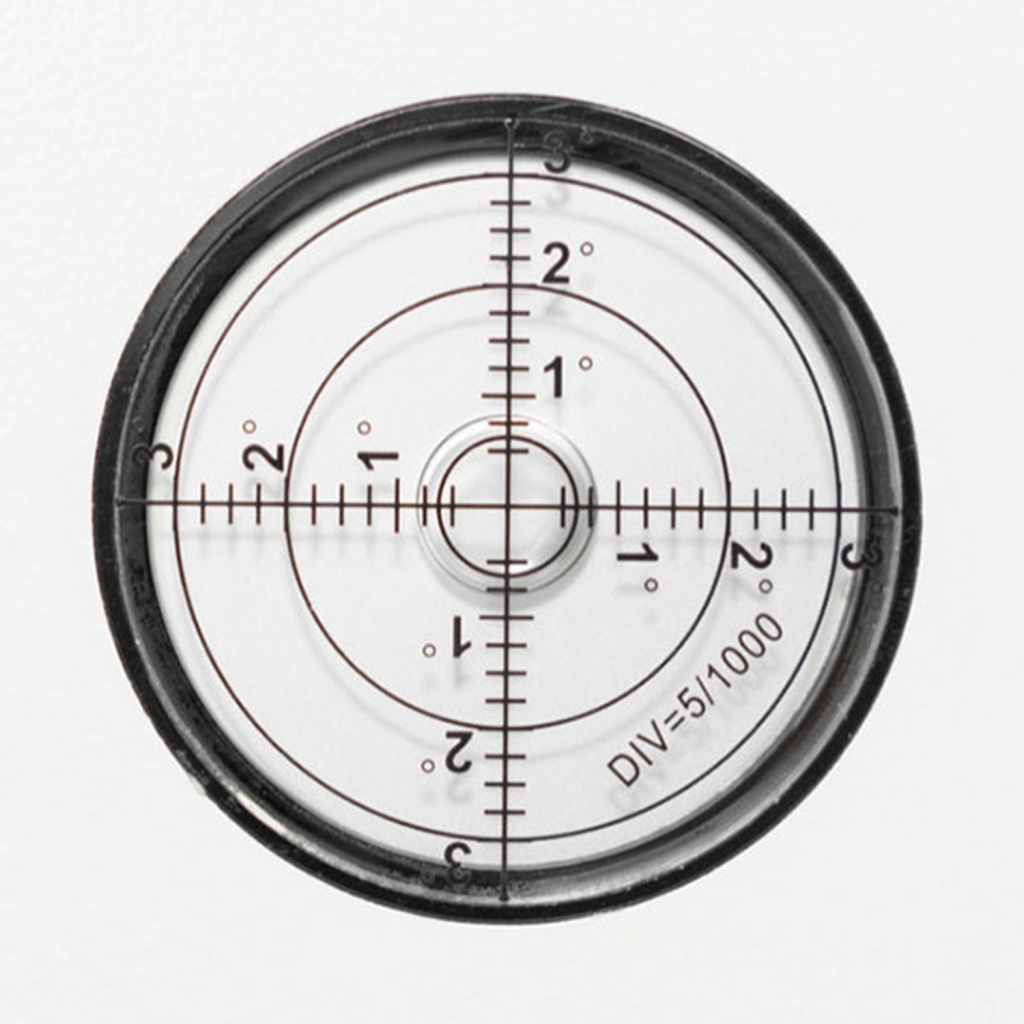
– Wheeled base with locking mechanism for machine stability.
Features:
Laser source
Premium CO2 glass tube
Reci CO2 glass tube
Available powers
90 W – 100 W – 130 W Premium
90 W – 100 W – 130 W – 150 W Reci
Work surface
900*1400 mm
Pass-through table
Front / Rear
Maximum height
From 00 mm up to 200 mm
Engraving speed
1200 mm/s
Positioning accuracy
<=0.01 mm
Automatic autofocus
Via mechanical probe
Red positioning pointer
Yes
Cooling
Integrated S&A 5200 water chiller
Air assist
105 W air compressor
Fan
330 W centrifugal fan for extracting dust and smoke to the outside
Work tables
Honeycomb + Adjustable blades
Integrated Wifi
Yes
Engraving software included
LightBurn – RDWorks
Supported document formats
AI – PDF – SC – DXF – HPGL – PLT – RD – SCPRO2 – SVG – LBRN – BMP – JPG – JPEG – PNG – GIF – TIF – TIFF – TGA
Input voltage
220 V AC single-phase
Machine dimensions
1410*1900*1025 mm
Machine weight
450 kg
Packaging size
1510*2000*1125 mm
Machine weight with packaging
610 kg
Compatible software
CorelDRAW – Photoshop – AutoCAD – Inkscape or any software capable of exporting to the supported file formats
Compatible operating systems
Windows – Mac OSX – Linux
Options
– 400 m3/hour extractor to vacuum, filter, and treat dust and smoke when they cannot be exhausted to the outside
– Rotary tool for engraving cylindrical objects
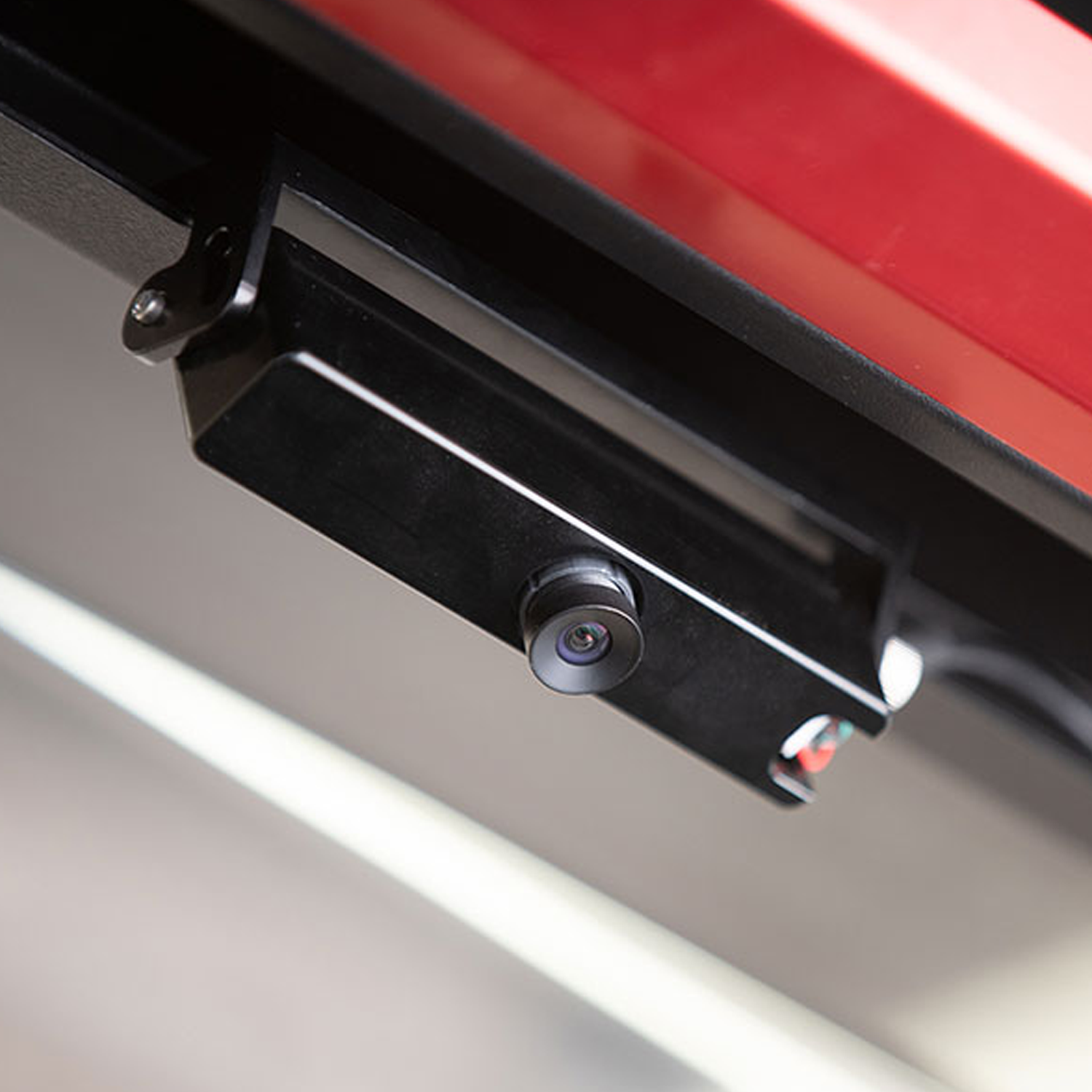
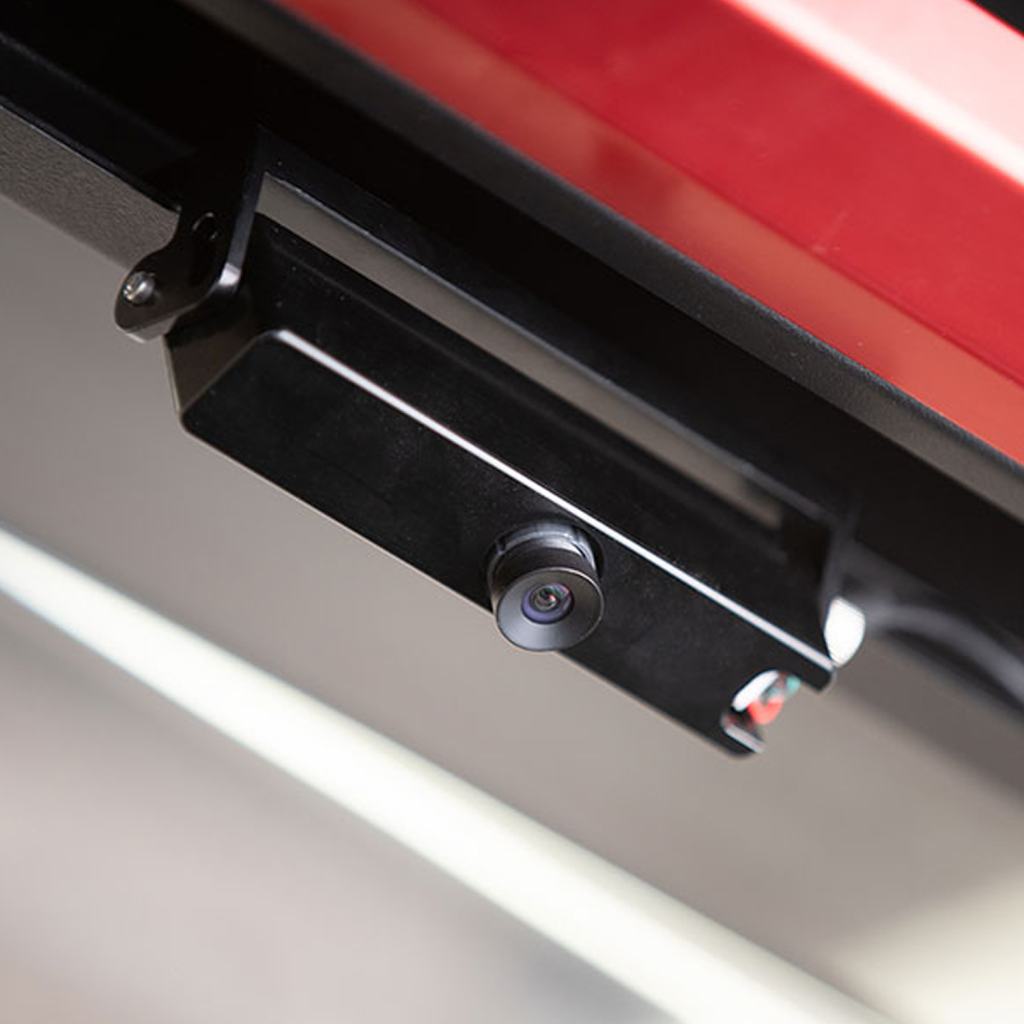
– LightBurn CCD camera
Safety standards
CE standard
CDRH Laser: Class 1
Red Pointer: Class 2
Accessories available with this product

AD-Oracle extractor
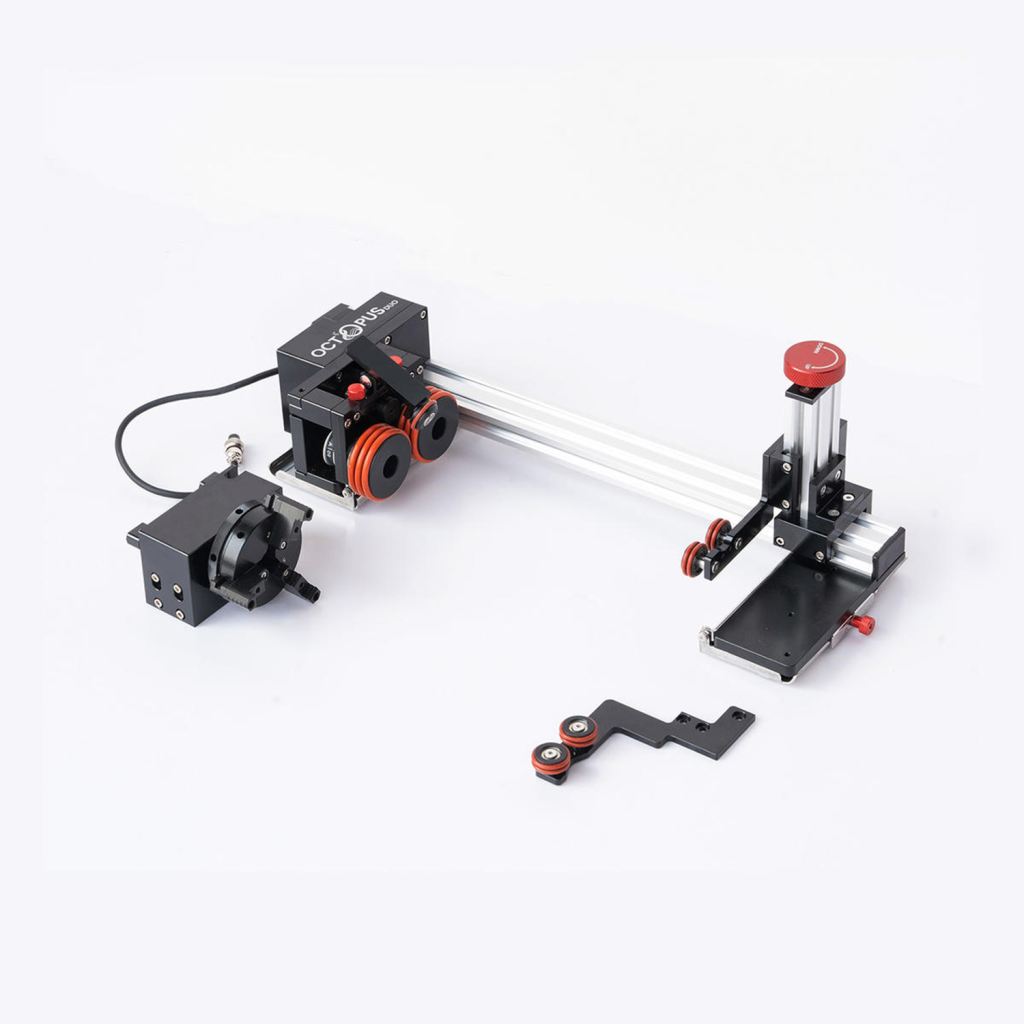
Rotary tool for Aeon lasers: Octopus
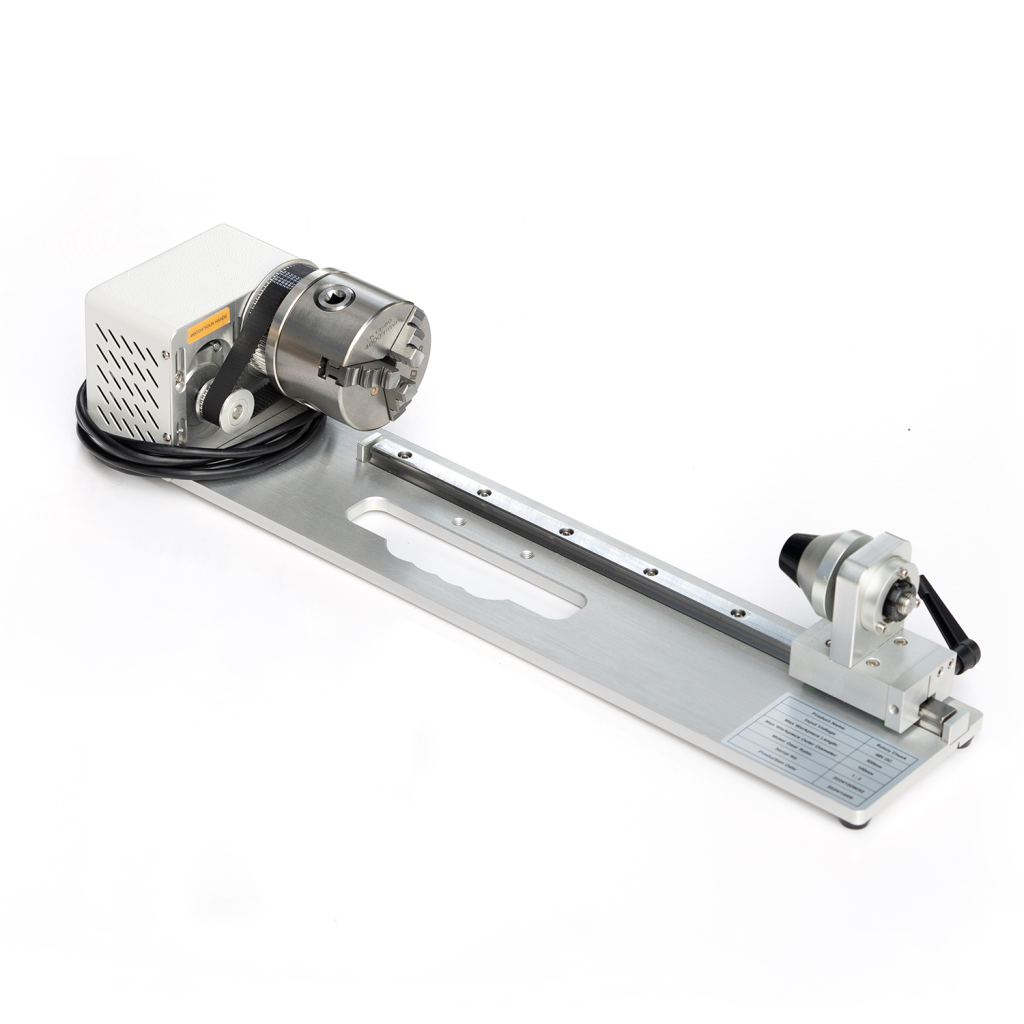
Rotary tool for Aeon lasers: Chuck
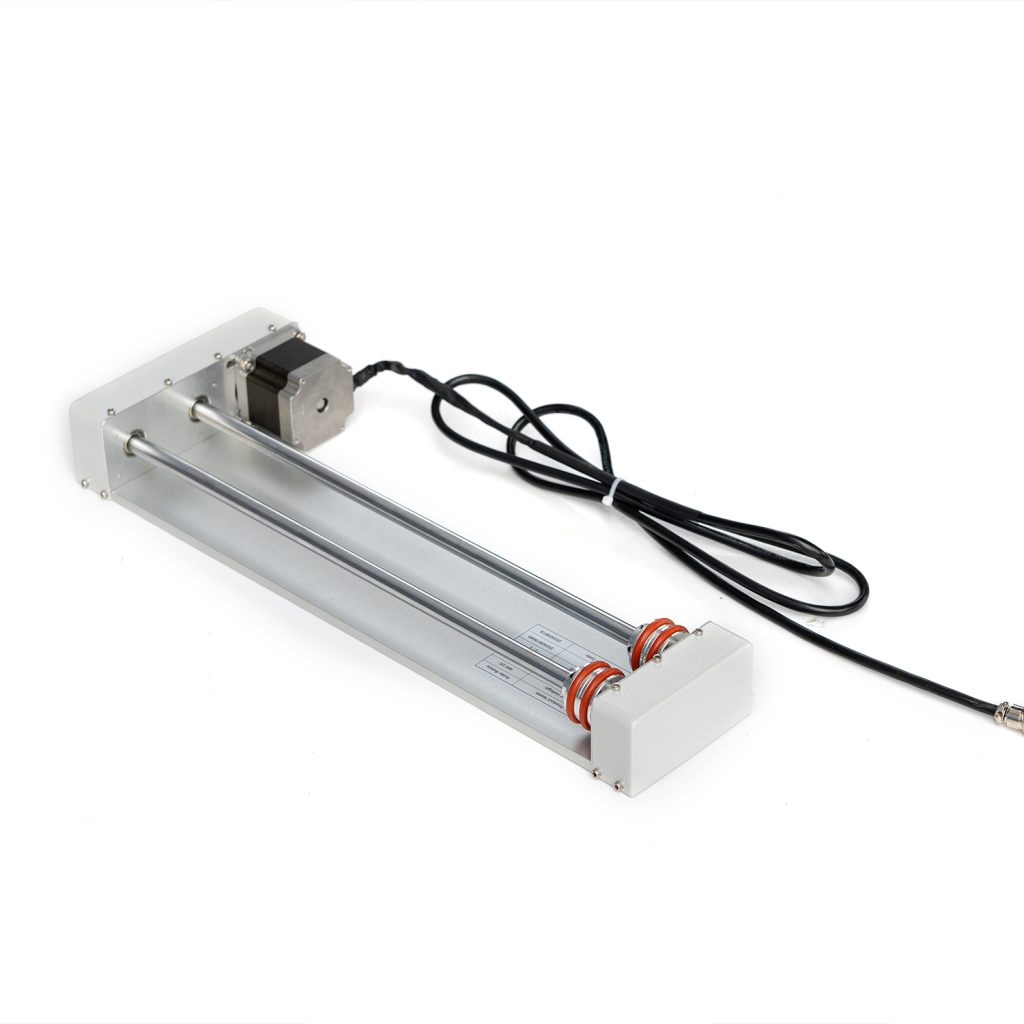
Rotary tool for Aeon lasers: Roller

ILF 300 in-line pre-filter
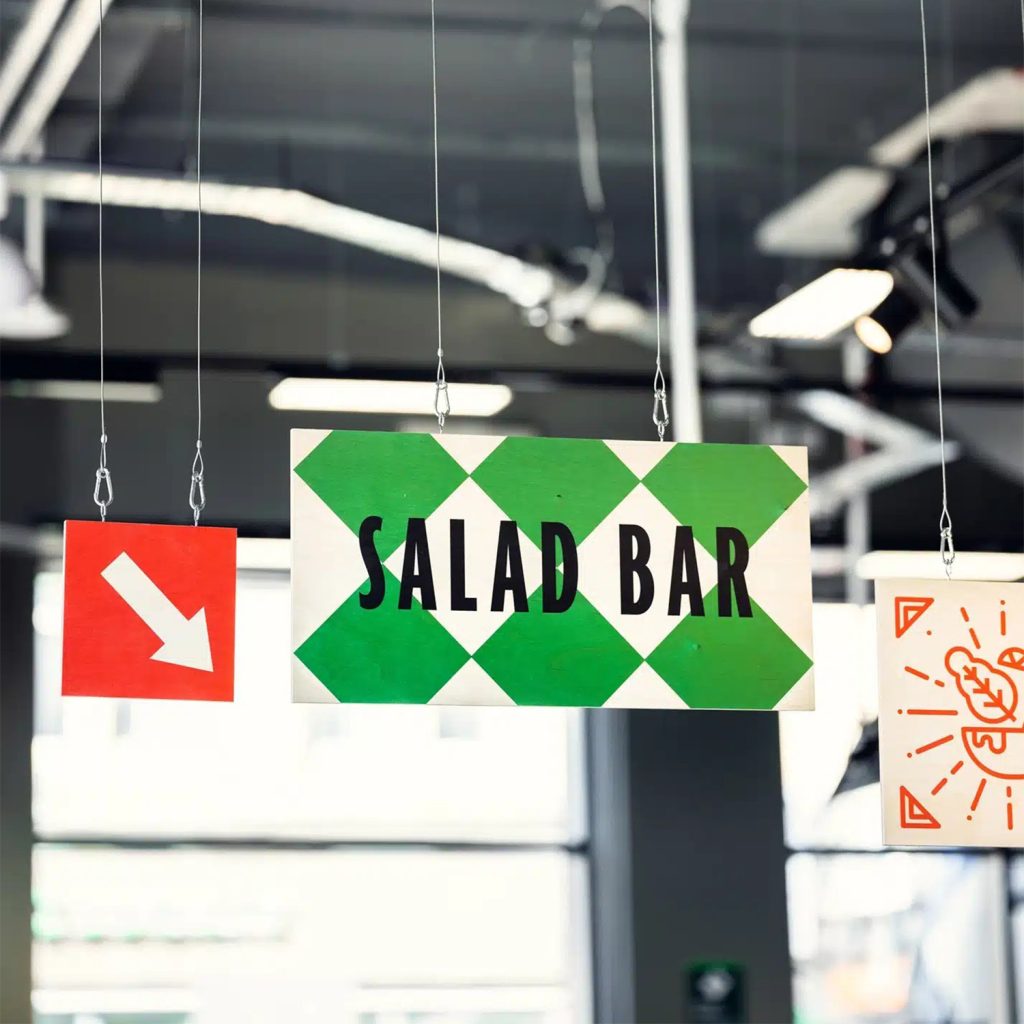
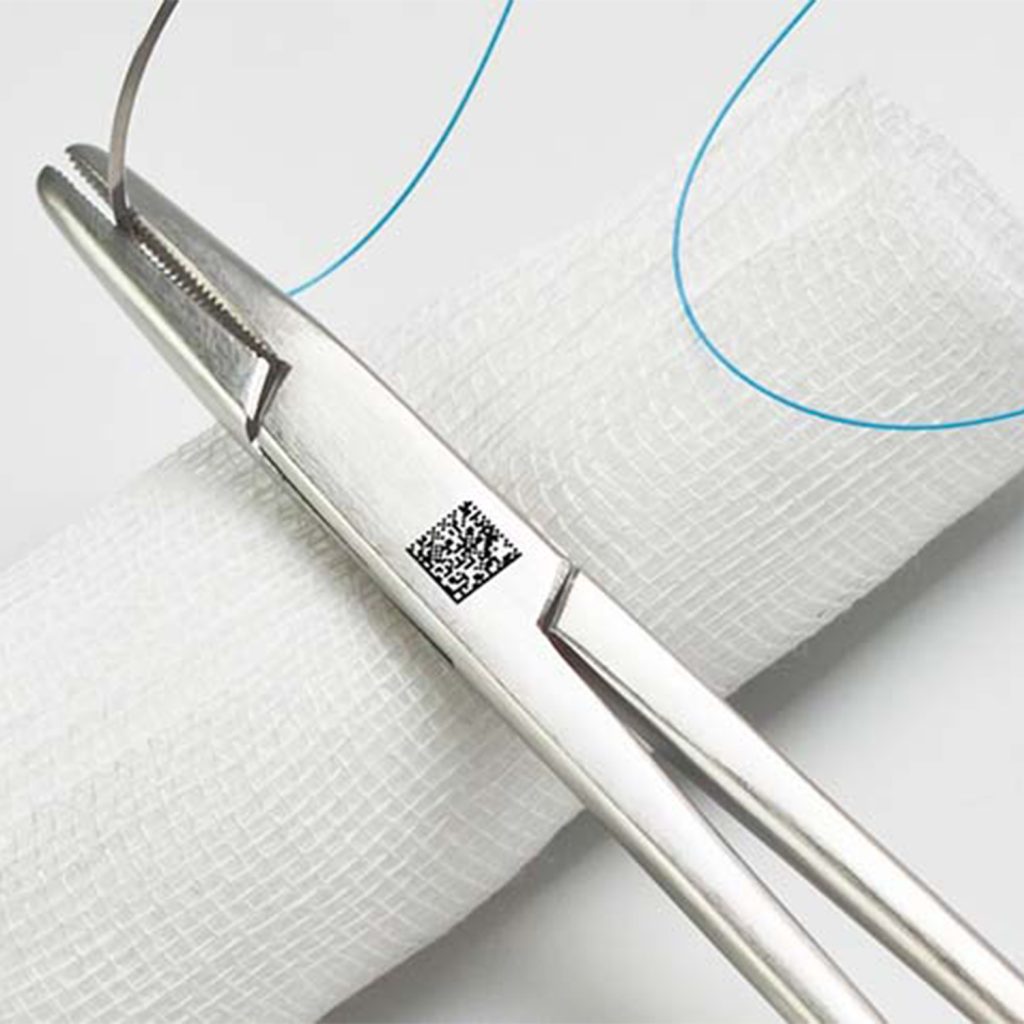
Examples of applications using this product
Find out what this product can be used for.



FAQ on Nova Elite 14
How to distinguish engraving from cutting in my graphic file?
To distinguish engraving from cutting, simply use two different colors in your file (.SVG, .DXF or .AI formats). Your software will apply a different setting for each color:
r
For Engraving (Black or Blue)
r
r
- r
- Mode: Fill.
- Movement: The laser scans horizontally from left to right to fill the interior of your texts or logos.
r
r
r
For Cutting (Red)
r
- r
- Mode: Line / Cut.
- Movement: The laser precisely follows the continuous line at low speed and high power to cut through the material’s thickness.
r
r
r
Please note: Always run engraving first and cutting last in your software’s order. If you cut first, the piece may move, and the engraving will be misaligned.
THERMOFLAN advantages
Over 60 years of experience
Permanent stock
Best quality/price ratio
Technical availability
Ask our experts for advice
How can we help you?