






Table of Contents
- Laser engraver or CNC milling machine depending on use
- Which source should you choose for laser engraving?
- Production performance comparison
- Is a hybrid machine suitable for the workshop?
- What total budget should you plan for in euros?
- Frequently Asked Questions
Choosing a CNC laser engraver or a computer numerical control (CNC) milling machine depends first on your materials, the shapes you need to produce, and the real cost of each part. This comparison helps you match each process to your production. It covers Thermoflan’s CO₂, fiber, and UV laser sources, series performance, hybrid machines, the budget in euros, and workshop safety requirements.
Laser engraver or CNC milling machine depending on use
A laser and a milling machine can both follow a digital program. However, the way they act on the workpiece has nothing in common: one delivers energy, the other removes material with a tool. This mode of action determines the possible shapes, and then the materials you can entrust to each machine.
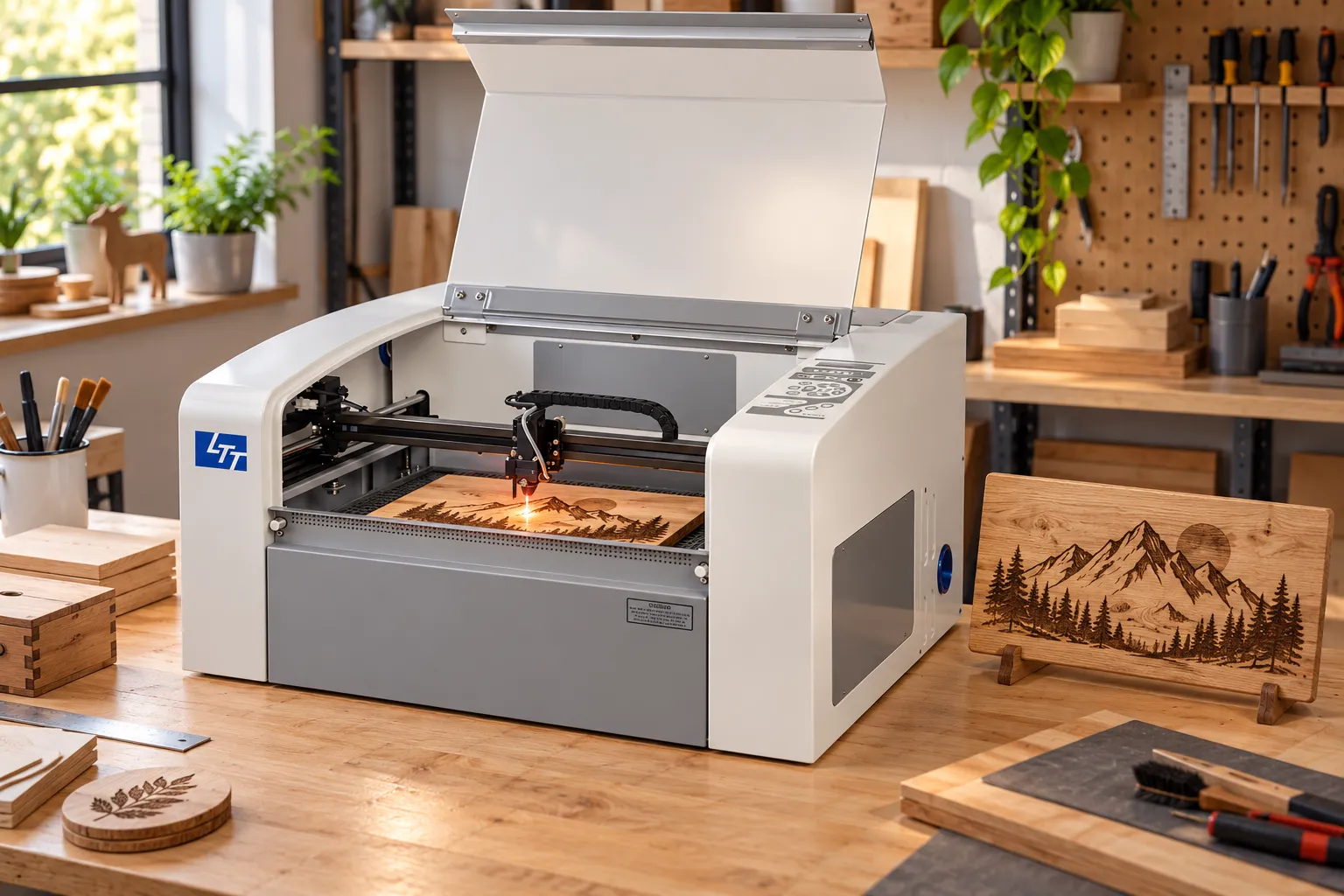
Two computer-controlled engraving techniques
The acronym CNC stands for computer numerical control, not a type of source. A laser engraver can therefore be numerically controlled, just like a milling machine. Likewise, the term ‘CNC laser’ does not correspond to any distinct source separate from CO₂, fiber, or UV. In practice, comparing CNC-controlled laser engraving to milling amounts to comparing two engraving techniques with opposite principles:
- The laser beam: focused on the workpiece, it locally modifies or removes material without any mechanical contact.
- Laser engraving and laser cutting: two distinct operations. Engraving marks the surface without going through it, whereas cutting follows a contour through the full thickness.
- CNC milling: a spindle, meaning the rotating motor shaft, drives a milling cutter that controlled axes move relative to the workpiece.
This difference in contact has a direct consequence. In a mechanical CNC engraving machine, the tool removes material by contact and produces chips. With a laser, the energy acts on the surface, so no cutting tool wears out.
Which shapes can each process produce?
The milling machine produces contours, pockets, grooves, housings, chamfers and three-dimensional reliefs. Rotary CNC engraving cuts a groove. Among engraving tools, a point forms a V-shaped profile and an end mill forms a U-shaped profile, depending on the tool chosen and its depth of engagement.
Conversely, the laser is particularly suited to small text and detailed patterns. Mechanical CNC engraving is governed more by a depth and shape imposed by the tool. These two processes therefore give different results: they cannot produce the same part by interchangeable means.
Which materials should be assigned to each machine?
A CNC router can machine various materials: wood, certain plastics and composites. Soft metals, such as aluminium or brass, also require a sufficiently rigid machine and suitable cutting parameters. On wood, the laser performs well with basswood and light-coloured fine-grained woods, which suit logos and text.
Poplar or birch plywood requires checking the glues and layers before any production run. On oak, the grain can make the contrast uneven. For plastics, the difference lies in the process: compatible PMMA can be cut with a CO₂ laser, whereas acrylic, HDPE and polycarbonate can be milled with a suitable tool. Thermoflan excludes chlorinated and fluorinated materials from CO₂ laser processing.
| Material | Laser engraver | CNC milling machine |
| Linden, light-colored fine-grain wood | Suitable for logos and text | Machinable |
| Poplar or birch plywood | Glues and layers to check | Machinable |
| Oak | Contrast sometimes uneven | Machinable |
| PMMA, acrylic | CO₂ cutting and engraving possible on compatible PMMA | Milling with a suitable tool |
| HDPE, polycarbonate | — | Milling with a suitable tool |
| Aluminum, brass | Marking using a Thermark | Rigidity and cutting parameters adjusted accordingly |
| PVC (chlorine), PTFE (fluorine) | Excluded from CO₂ lasers by Thermoflan: hazardous emissions | — |
Details on materials compatible with a compact CO₂ source are available on the CO₂ V2000 laser engraver page, which engraves and cuts wood, acrylic, leather and textiles.
Which source should you choose for laser engraving?
Once the laser has been selected, the choice of source depends on the material. The wavelength indeed defines the fields of application: approximately 10.6 µm for CO₂ and 1.064 µm for fiber. Thermoflan organizes its range of CO₂, fiber and UV laser machines around this distinction.
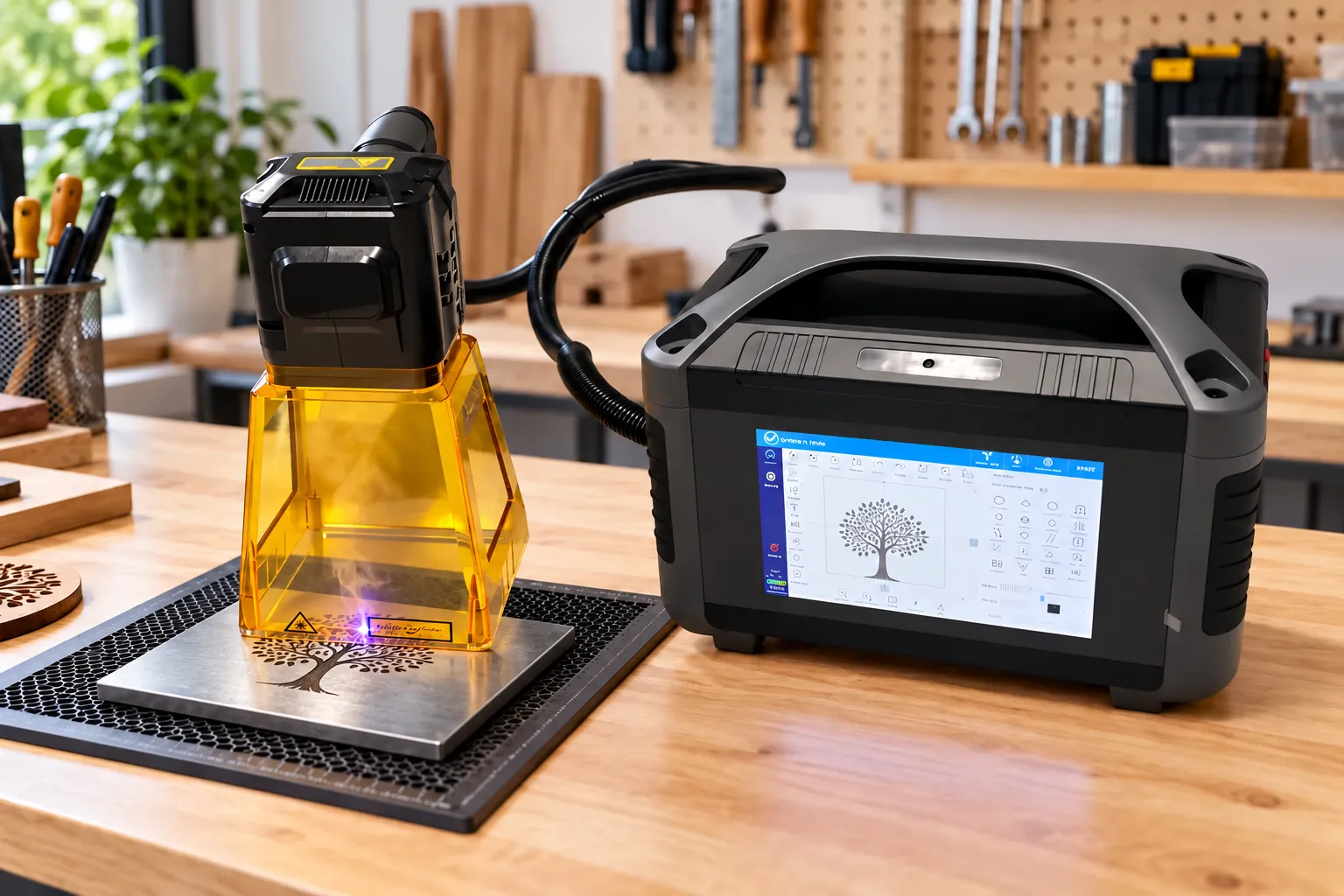
CO₂ for compatible non-metals
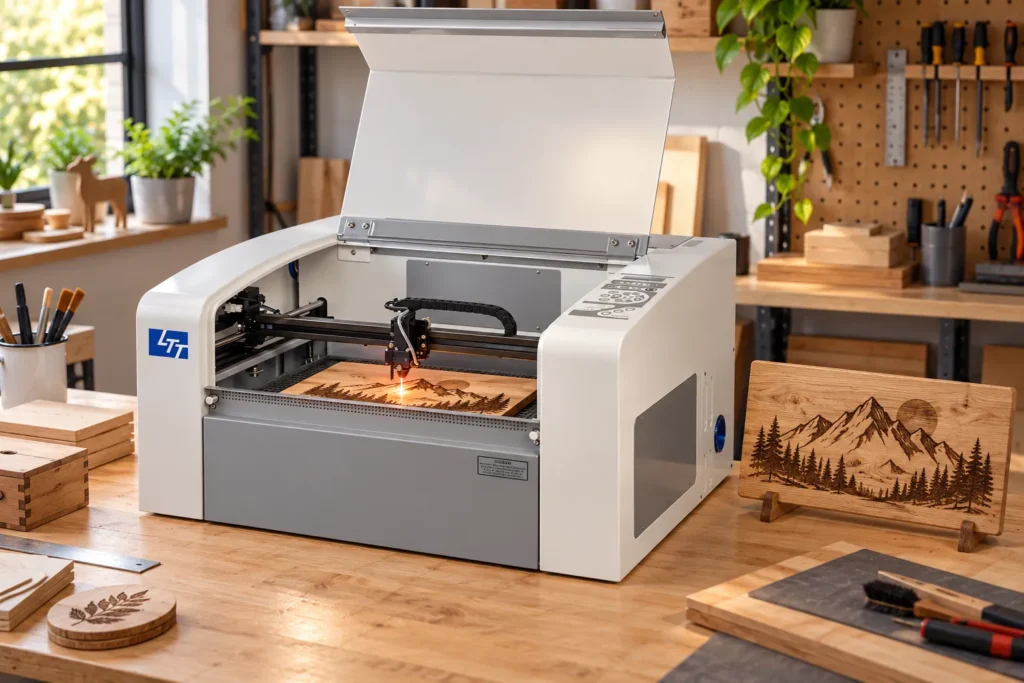
A CO₂ laser emits at around 10,600 nm. Thermoflan recommends it for engraving wood, leather, paper and PMMA, and for cutting them when the material and the installation allow. Its V2000 is a compact engraving laser with an RF tube rated at 30 W or 60 W. It offers a 450 × 310 mm working area with a through-table. Its rotary tool opens up personalization of cylindrical objects. On bare metal, however, a standard workshop CO₂ laser generally cannot cut: on lacquered or anodized metal, it acts on the coating.
Fiber for marking metals
A common fiber laser emits at around 1,064 nm, depending on its architecture. Thermoflan designates it for marking steel, stainless steel, aluminum, brass and copper. Unlike CO₂, it can act on metal beneath a coating.
For parts that are difficult to move, Thermoflan offers the Fiber Mark Tool, a battery-powered portable fiber laser designed for on-site marking. It comes in 20 W, 30 W and 50 W versions. Depending on the lens, its marking area reaches 70 × 70 mm or 110 × 110 mm. Its stated battery life is 6 hours.
Power is then chosen according to the application. Thermoflan associates the 20 to 30 W range with surface marking. The 50 to 100 W range corresponds to deep engraving. Finally, 200 to 300 W and above target fine cutting or intensive production. However, a marking source does not automatically have the capabilities of a sheet metal cutting installation.
UV or diode: which applications?
UV is preferable when the material does not tolerate heating well. A common UV architecture emits at 355 nm. Thermoflan’s UV Basic is aimed at fine marking of certain engineering plastics, glass and ceramics, with limited but not zero thermal impact. Diode lasers, meanwhile, depend on their wavelength and actual optical power. At 10 to 20 W, cutting wood or thin acrylic may require several passes. Thick materials are better suited to a properly sized CO₂ installation.
Stated power alone is therefore not enough to tell sources apart. The exact material, the operation, the optics and the beam quality determine the result. Have each configuration validated by tests on your own samples, as no single model covers every application.
Advice
Choose the laser source based on the material of your parts
Fiber is used to mark metals. CO₂ is suitable for wood, leather, paper and PMMA. Start with the material to be processed, then validate the source on your own parts.
Production performance comparison
On the production line, three criteria distinguish the processes: usable depth, surface quality and actual throughput. Each should be measured on your parts rather than on a stated value.
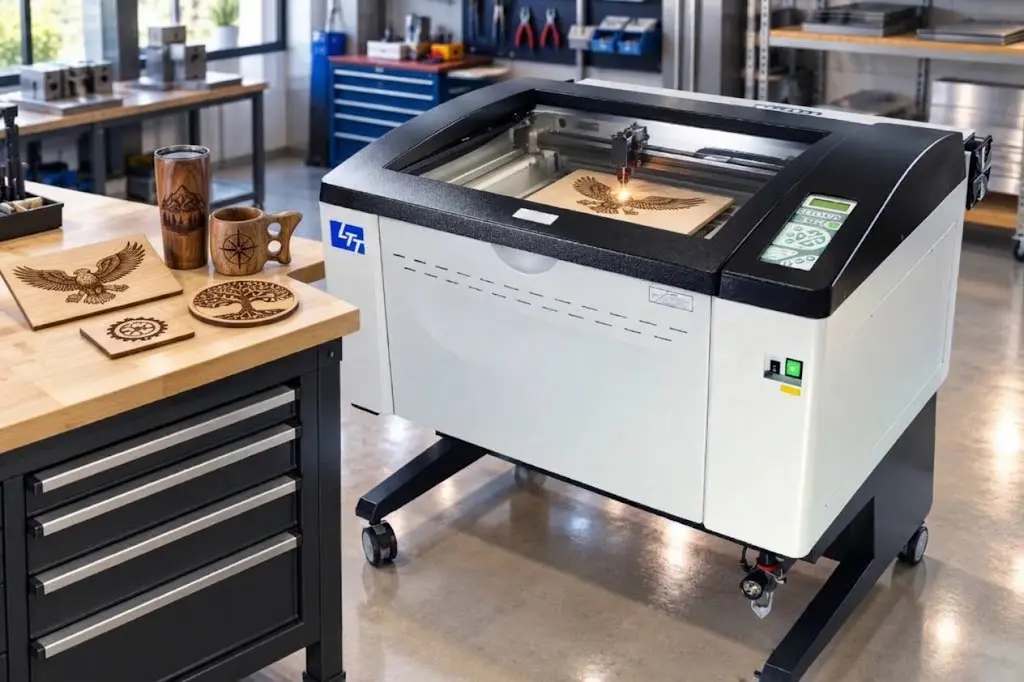
Depth and thickness actually usable
The milling machine controls depth via the Z axis and in successive passes. It is therefore suited to reliefs and functional parts where depth is a dimension that must be respected. On the laser side, a single thickness can mean several different things:
- Cuttable thickness: the thickness the beam can simply cut through.
- Usable thickness: the thickness the machine processes at the planned throughput.
- Contractual thickness: the thickness that meets the edge quality required by your customer.
- Milling reference: a capable desktop milling machine commonly cuts through an 18 to 20 mm wood board, depending on the machine.
None of these values is universal for a machine family. A thickness achieved on one machine therefore cannot be transposed to another.
Precision and surface quality
Each process leaves its own mark. Laser can create a heat-affected zone: browning of wood, or melting or distortion of certain plastics. Conversely, milling can leave striations, burrs or tool marks. Clamping, vibration, spindle runout and cutter wear also affect the accuracy of the dimensions obtained.
These defects explain why a single advertised resolution does not sum up precision. The difference lies in four quantities to be measured separately: line fineness, positioning, dimensional tolerance and repeatability between batches.
Throughput and batch preparation
Preparation differs from the file stage onward. A laser job starts from a digital drawing, then requires setting the power, speed and focus. Milling additionally requires toolpaths prepared in CAD/CAM, as well as selecting the cutter and cutting parameters.
The design software creates the drawing, while the control software translates it into machine commands. Before purchasing, check the file formats, the post-processor and the licenses required for the chosen process.
Once the software chain is validated, measure throughput on a representative batch. Account for loading, zero setting or focusing, the program, tool changes, cleaning, inspection and scrap. The advertised travel speed does not give the output of conforming parts.
Is a hybrid machine suitable for the workshop?
Hybrid machines promise to combine laser and milling on a single piece of equipment. Their value depends on what they actually combine, the technical trade-offs they impose, and how often your parts require both operations.
What a hybrid actually combines
A laser-milling hybrid pairs a laser head and a spindle on a common platform, or works with interchangeable modules. Each process keeps its own capabilities and limits. The term ‘hybrid’ sometimes also refers to two laser sources in the same machine, but this configuration offers no milling capability.
On a part that requires both operations, a suitable platform can reduce handling. It keeps the positioning reference between marking and machining.
Technical trade-offs to verify
The presence of a laser module and a spindle does not guarantee the performance of two dedicated machines. Rigidity, travel, speed and guarding may impose compromises.
Therefore, check the work area and the usable height separately for laser and for milling. Head changes and workpiece referencing deserve the same scrutiny.
In practice, using both processes also depends on extraction and guarding. Software compatibility between the heads also determines the machine’s day-to-day use.
When is versatility cost-effective?
A hybrid should be compared with two separate machines when the same parts regularly require milling and laser marking. Head changes, focusing adjustments and recalibrations can, however, absorb the time saved. A failure of one module can also immobilize the entire platform.
If the two processes are rarely combined on the same part, versatility loses its appeal. In that case, evaluate specialized workstations based on representative production.
What total budget should be planned in euros?
The budget for an engraving system exceeds its purchase price. It also includes the cost per compliant part, operating expenses, VAT, and bringing the workshop into compliance.
Purchase price and cost per part
At Thermoflan, a Mira 5 is priced from €5,840 and the Fiber Mark Tool from €4,175. These purchase prices alone do not cover operating costs. Comparing euros per watt does not allow productivity to be deduced either. In fact, there is no universal price for CNC cutting, because the cost per compliant part depends on several factors:
- Preparation: creating and setting up the file.
- Full cycle: from setup to part inspection.
- Consumables and maintenance: wear parts and scheduled servicing.
- Scrap and downtime: non-compliant parts and machine stoppage time.
Quantify these items on your own production run before comparing two machines.
Operation and VAT
Beyond the part itself, the full cost may include electrical installation, the enclosure, extraction, filtration, and cooling. Add tooling, software, training, energy, maintenance, and downtime. On a CO₂ system, maintenance covers lenses, mirrors, filters, and ventilation. On a fiber or UV system, optics, extraction, and sometimes cooling must be budgeted depending on the architecture.
The operating cost of a CNC milling machine includes consumable wear (tool breakage and replacement of cutters), electricity consumption, mechanical maintenance, and the powder extraction system. Add the cost of raw material wasted during setup, and the labor time spent on clamping, file preparation (CAM), and machine upkeep.
Workshop safety and compliance
According to the INRS, the safety of a laser workstation depends on the wavelength, the power or energy, the class, and the exposure conditions. Beam enclosure, fume extraction, and fire prevention should all be assessed. Milling, meanwhile, exposes operators to rotating parts, flying debris, noise, and dust. For wood dust, the INRS sets a binding limit of 1 mg/m³ over 8 hours. An accredited body must check this at least once a year and after any change that could alter exposure.
The order of 26 October 2020 classifies these exposures among carcinogenic risks, with provisions applicable since 1 July 2021. For a new machine, check the compliance documents, the French-language manual, and the protective guards, as CE marking does not guarantee that the machine is suited to your workshop. Finally, the order of 26 December 2011 requires an electrical inspection, generally annual, extendable to 2 years under certain conditions, with no fixed rate.
CO₂, fiber, and UV lasers for your workshop
Have you chosen your laser? Compare Thermoflan’s CO₂, fiber, and UV machines according to your materials and production needs, and request advice.

Frequently Asked Questions
Which wood should you choose for laser engraving?
Check the exact composition of the panel before using it. Glues, paints, varnishes, treatments, and coatings can change how it behaves under the laser and what it emits. An MDF should not be considered compatible simply because its surface looks uniform: check its binders, its emissions, and the darkening of its edges.
What are the drawbacks of laser cutting?
Composite or non-homogeneous materials generally do not cut well with a laser. According to Thermoflan, polycarbonate and polystyrene foams melt and burn when cut with CO₂ lasers. Reflective materials can damage a CO₂ machine. Conventional glass cutting is also not among the common uses of an engraver.
Should you choose an RF CO₂ tube or a glass tube?
The RF tube offers a finer and more stable beam. It responds faster to power variations and engraves at higher speeds. However, replacing a glass tube generally costs less than replacing an RF tube.