





Contents
- Flatbed UV or UV DTF for cards?
- Which cards can a UV printer mark?
- Choosing a UV printer for cards
- How much do UV cards cost, and at what speed?
- Frequently asked questions
Want to personalise PVC, wood or metal cards? UV printing lets you reproduce text, logos and visuals in colour on many media, with the option of adding white or varnish depending on the printer configuration.
Two technologies can be considered: flatbed UV printing, which prints directly onto the card, and UV DTF, which relies on transferring a printed design onto a film. The choice depends on the materials used, the desired result and the production volumes.
Discover the differences between these processes, the precautions to take depending on the media, and the main criteria for choosing a UV printer suited to your business.
Flatbed UV or UV DTF for cards?
Two UV processes can be used to personalise cards: direct flatbed printing and UV DTF transfer. Their main difference lies in how the design is applied to the medium. This choice affects card preparation, production operations and quality control.
The direct printing process on a card
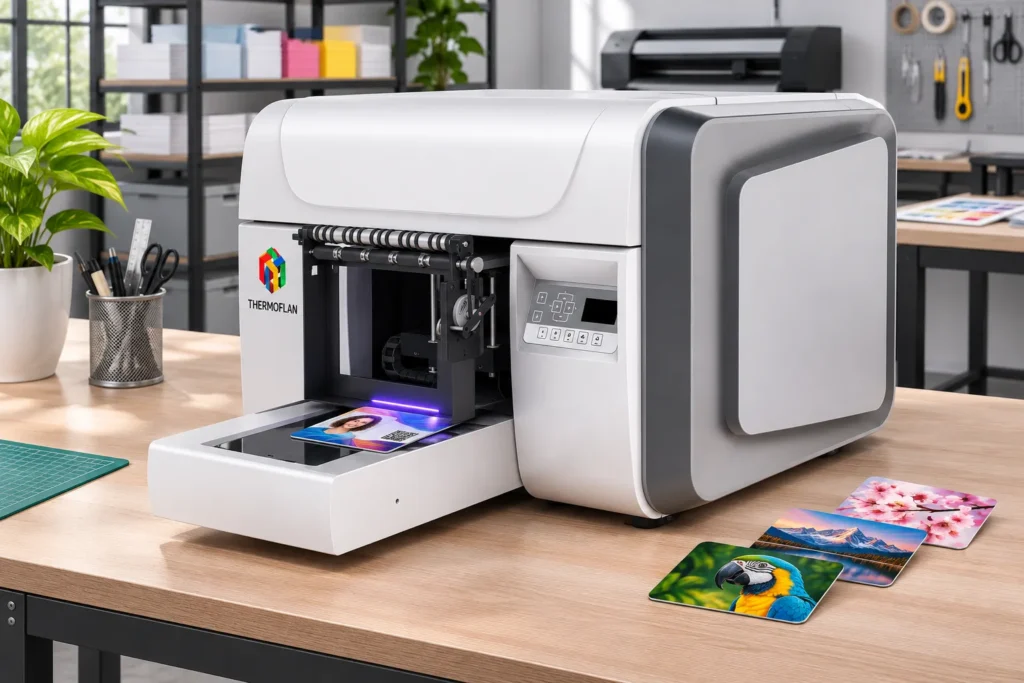
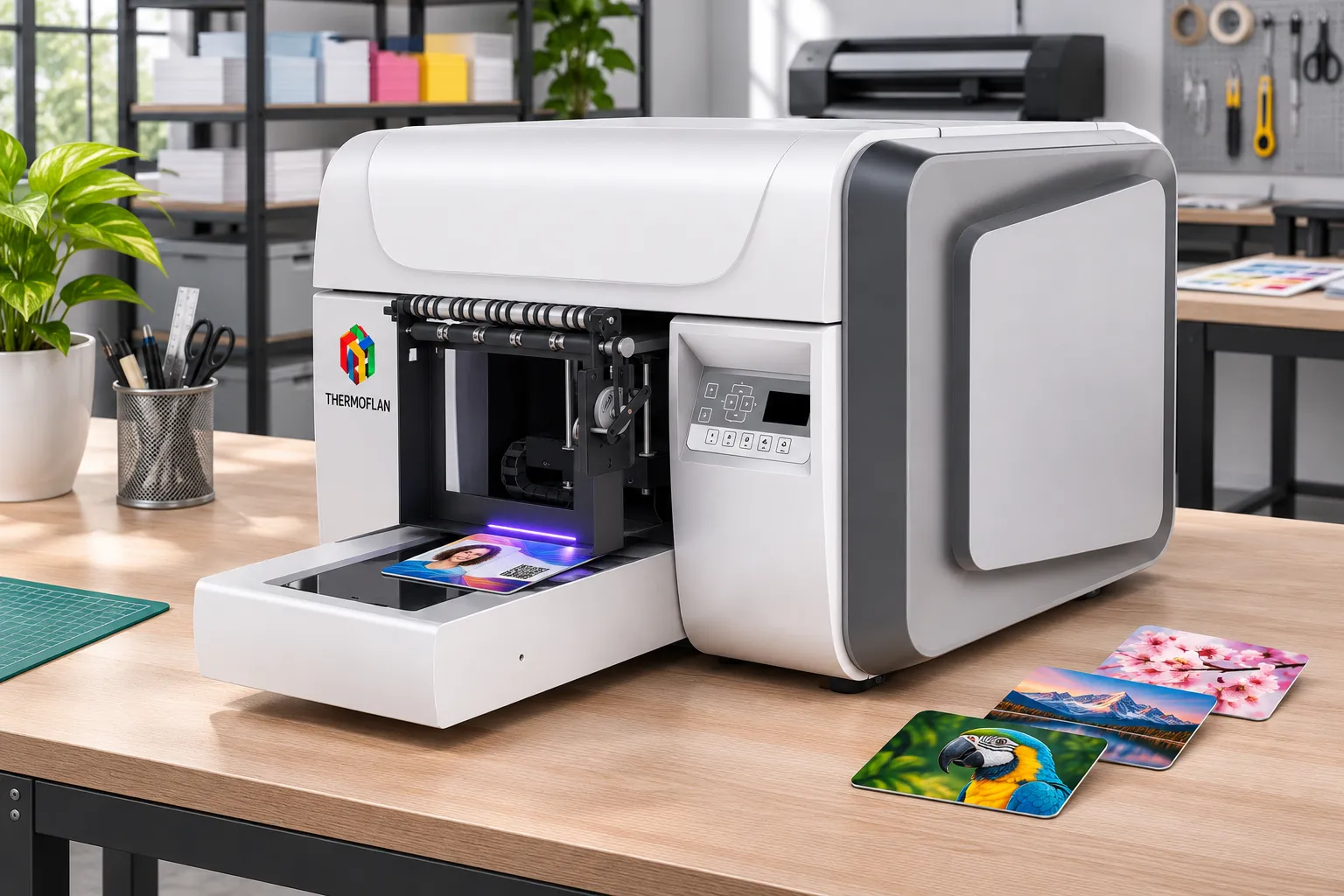
Flatbed UV digital printing jets ink directly onto the surface of the card, without a transfer film. During printing, the card remains held in place on a tray. The ink droplets are then cured by UV LEDs, which quickly harden the deposit.
The process takes place in several steps:
- Deposit: an inkjet print head jets the different colours onto the face of the card.
- Curing: UV LEDs harden the ink as printing progresses.
- Handling: once curing is complete, the card can be handled quickly.
- Prerequisite: the card must be positioned flat and stable on the tray to ensure marking accuracy.
Flatbed UV printing is particularly well suited to personalising the face of a card directly. It allows colour printing, and also the use of white or varnish when the machine has the corresponding configurations. This is the operating principle of the printers in Thermoflan’s range of flatbed UV LED printers.
How does UV DTF transfer work?
UV DTF printing works on a different principle. The design is first printed onto a specific film, then transferred onto the card to be personalised. The printer therefore does not work directly on the final medium.
This technology can be considered for applying a localised design to cards that are already manufactured, or to media where direct positioning on a tray is less practical.
The transfer, however, requires several additional steps:
- Printing and curing of the design on the film.
- Preparing the transfer.
- Applying the design to the card.
- Applying pressure and checking proper adhesion.
- Checking the outlines and edges of the design.
The durability of the transfer depends in particular on the film type, the adhesive, the card finish and the application conditions. These parameters must be validated on the media actually used.
Flatbed UV or UV DTF: what are the differences?
To compare the two technologies, it is best to run tests under identical conditions: same design, same medium and same card quantity.
Several criteria can be used to assess the results:
- Production time: total time needed to obtain the finished batch.
- Consumables: inks used and films required for UV DTF.
- Quality: sharpness of outlines, colour consistency and durability of the design.
- Defects: number of cards requiring rework or to be discarded.
- Manufacturing steps: preparation, printing, application and inspection of the UV DTF transfer.
Direct flatbed printing has the advantage of eliminating the intermediate film and its application. It thus simplifies the production workflow when the cards can be correctly positioned on the print bed.
UV DTF, for its part, can meet certain needs for localized transfer. In both cases, adhesion and durability of the decoration must be verified on each type of substrate.
Which cards can a UV printer mark?
A UV printer’s compatibility does not depend solely on the card material. Its composition, finish and surface condition also play an important role in ink adhesion.
PVC, wood and metal therefore have different characteristics. Before launching production, it is recommended to run tests on the exact card references that will be used.
Printing on PVC cards
Rigid PVC cards are among the substrates that can be personalized by direct UV printing. They can receive text, logos, images and solid color areas.
Adhesion, however, depends on several parameters: the plastic formulation, its surface treatment, the quality of the ink and the printer configuration.
Proper preparation is therefore necessary:
- Clean the cards to remove dust, grease and residue.
- Check that the surface is free of marks or defects.
- Limit the effects of static electricity, which can attract new dust.
- Carry out adhesion and durability tests after printing.
Flexible PVC cards require particular attention. When the substrate deforms, the ink must be able to follow that deformation without cracking or peeling.
Thermoflan offers a range of flexible inks designed for applications requiring greater flexibility. The choice of ink must nevertheless be validated according to the substrate and the usage constraints.
Personalizing wooden or metal cards
Wood and metal offer other personalization possibilities, but their surface condition must be taken into account before printing.
Wooden cards
Raw, varnished, finished or composite wood does not have the same characteristics. Its porosity, texture and treatment directly influence the appearance and adhesion of the ink.
Raw wood may have an irregular or absorbent surface. Conversely, composite or coated wood may offer a smoother and more even face.
It is therefore important to test the substrate to check:
- The sharpness of text and fine details.
- The evenness of solid color areas.
- The color rendering on the natural tone of the wood.
- The durability of the print after handling.
Metal cards
Metal cards can also be personalized by UV printing, provided their finish is taken into account.
A bare, anodized, painted or coated surface does not necessarily have the same adhesion properties. A specific preparation or a compatible primer may be required depending on the substrate.
Care is also needed with highly reflective surfaces. Some mirror finishes can reflect UV radiation back toward the print head and present a risk of unwanted ink curing near it.
Silicone-treated, waxed or water-repellent surfaces may also limit ink adhesion.
In all cases, a preliminary test determines whether the substrate can be printed directly or whether special preparation is required.
Validate the adhesion and resistance of the UV print
Before launching a production run, it is best to carry out a full test on the cards that will actually be used.
This test can compare different preparation conditions: cleaned surface, pre-treatment, or application of a compatible primer.
After printing, several points must be checked:
- Alignment: check the positioning of the artwork relative to the edges of the card.
- Small characters: check the legibility of fine text, numbers and variable information.
- Solid areas and outlines: check the uniformity of solid areas and the sharpness of fine details.
- Adhesion: check that the ink remains properly bonded to the substrate.
- Scratch resistance: assess the durability of the printed surface during handling.
Two standards can serve as a reference for structuring these checks.
Standard NF EN ISO 2409, September 2020 edition, describes a cross-cut test for assessing the resistance of a coating to separation from its substrate. However, this test alone does not measure an absolute adhesion value.
Standard NF EN ISO 7784-2, February 2023 edition, describes an abrasion test using abrasive wheels.
These methods help to better characterise the behaviour of a coating. The protocol must, however, be adapted to the nature of the substrate and the intended application.
Choosing a UV printer for cards
The choice of a UV printer depends primarily on the dimensions of the substrates, the materials to be printed and the planned production volumes.
When personalising cards, several technical factors deserve particular attention: the platen surface, the holding system, the print heads, the available inks and the control software.
Platen, format and card holding
The printable surface is a primary selection criterion. A distinction must be made between the area actually available for printing and the external footprint of the machine.
The main platen formats include:
- A4 format: 210 × 297 mm.
- A3 format: 297 × 420 mm.
The Thermoflan A3MAX UV printer, for example, features an A3-size platen.
The card format then determines how many pieces can be placed on the platen.
For example:
- A standard business card measures 85 × 55 mm.
- An ID-1 format card measures 85.60 × 53.98 mm.
For this ID-1 format, Decision S2, published in the Official Journal of the European Union on 24 April 2010, sets the thickness of the European health insurance card at 0.76 mm.
In production, using a jig keeps the cards in a repeatable position. It makes loading easier and limits alignment variations from one print to the next.
The number of cards that can be printed per cycle depends in particular on:
- The dimensions of the printable area.
- The spacing required between cards.
- The flatness of the substrates.
- The precision of positioning.
- The print head height and clearance constraints.
It is therefore important to reason in terms of the number of compliant cards per cycle, rather than just the theoretical surface area of the platen.
Print heads, inks and options: technical criteria
The configuration of the print heads determines the personalization possibilities and the different ink layers that can be deposited.
A print head can integrate several ink channels. Some machines have several heads to distribute the colors, the white and the varnish depending on their configuration.
A dual head does not automatically mean production will be twice as fast. Output speed also depends on the number of passes, the selected quality mode and the job requirements.
The different inks serve complementary functions:
- CMYK: reproduces text, logos and visuals in color.
- White: maintains good color rendering on dark or transparent substrates.
- Varnish: provides a glossy finish or special surface effects.
- Layering: depending on the configuration, allows texture or relief effects to be created.
Print resolution is another criterion to consider. Values of 360, 720 or 1,440 dpi are notably used on UV printers, depending on the models and modes available.
A higher resolution can improve the rendering of detail, but it generally requires longer print times.
The choice must therefore balance fineness of rendering with the expected output speed. For cards with small characters, numbers or detailed logos, it is advisable to run tests in the different print modes.
Which UV printer models are suitable for personalizing cards?
Thermoflan offers several flatbed UV printer configurations suited to different production needs.
The choice depends in particular on the available surface area, the height of the objects, the inks required and the quantity of cards to personalize.
The Compact UV printer UV A3MAX is a solution for small production runs and on-demand personalization jobs.
The UV 6045-I1600 occupies an intermediate format and is another solution in the Thermoflan range.
It can be considered for projects requiring a working area different from that of the A3MAX. This configuration should be chosen based on card dimensions, the desired inks and the production volumes.
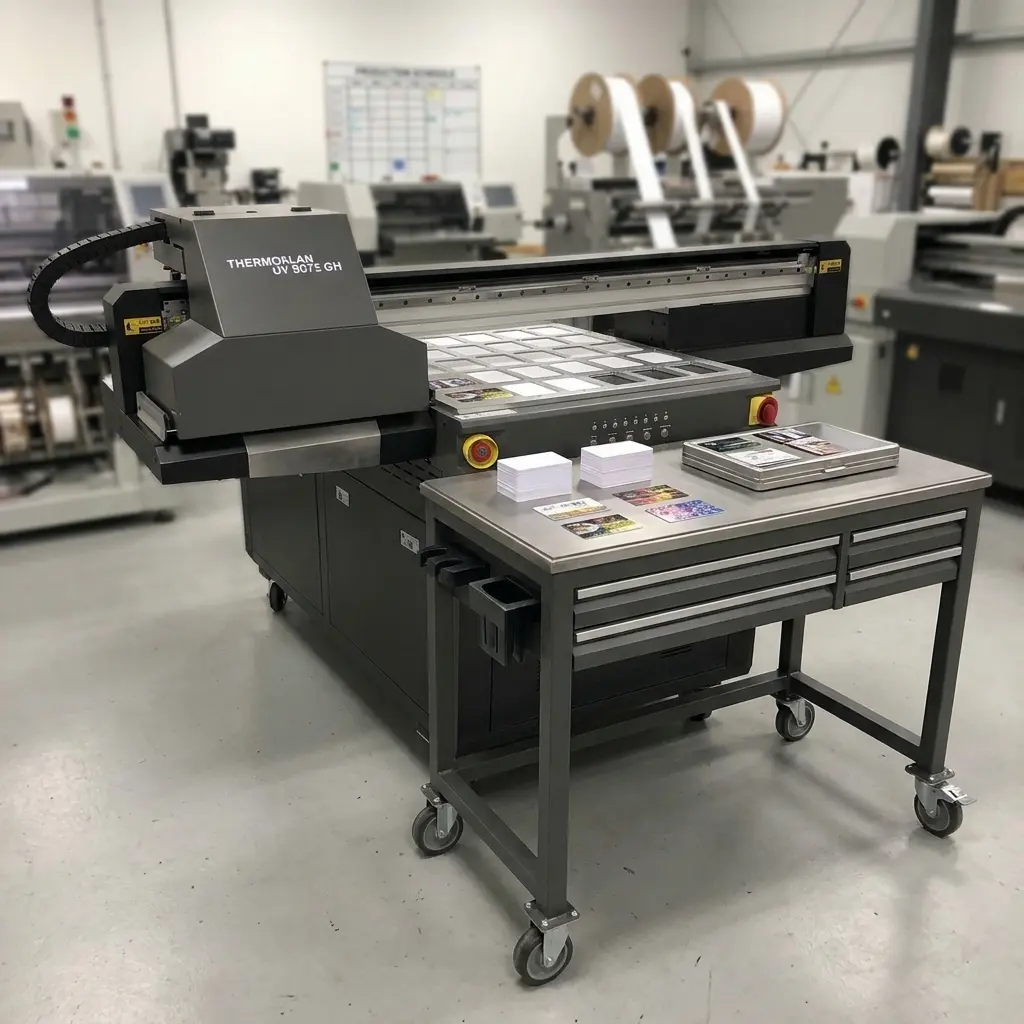
The Flatbed UV printer UV 6090-I1600 meets greater production needs. It has three Epson I1600 heads, dedicated to white, color and varnish.
Its main features are:
- Print height from 0 to 180 mm.
- Maximum platen load of 25 kg.
- Three Epson I1600 heads.
- White, color and varnish management depending on the machine configuration.
This configuration allows a range of personalization and finishing possibilities, particularly on substrates requiring a white underlayer or varnish.
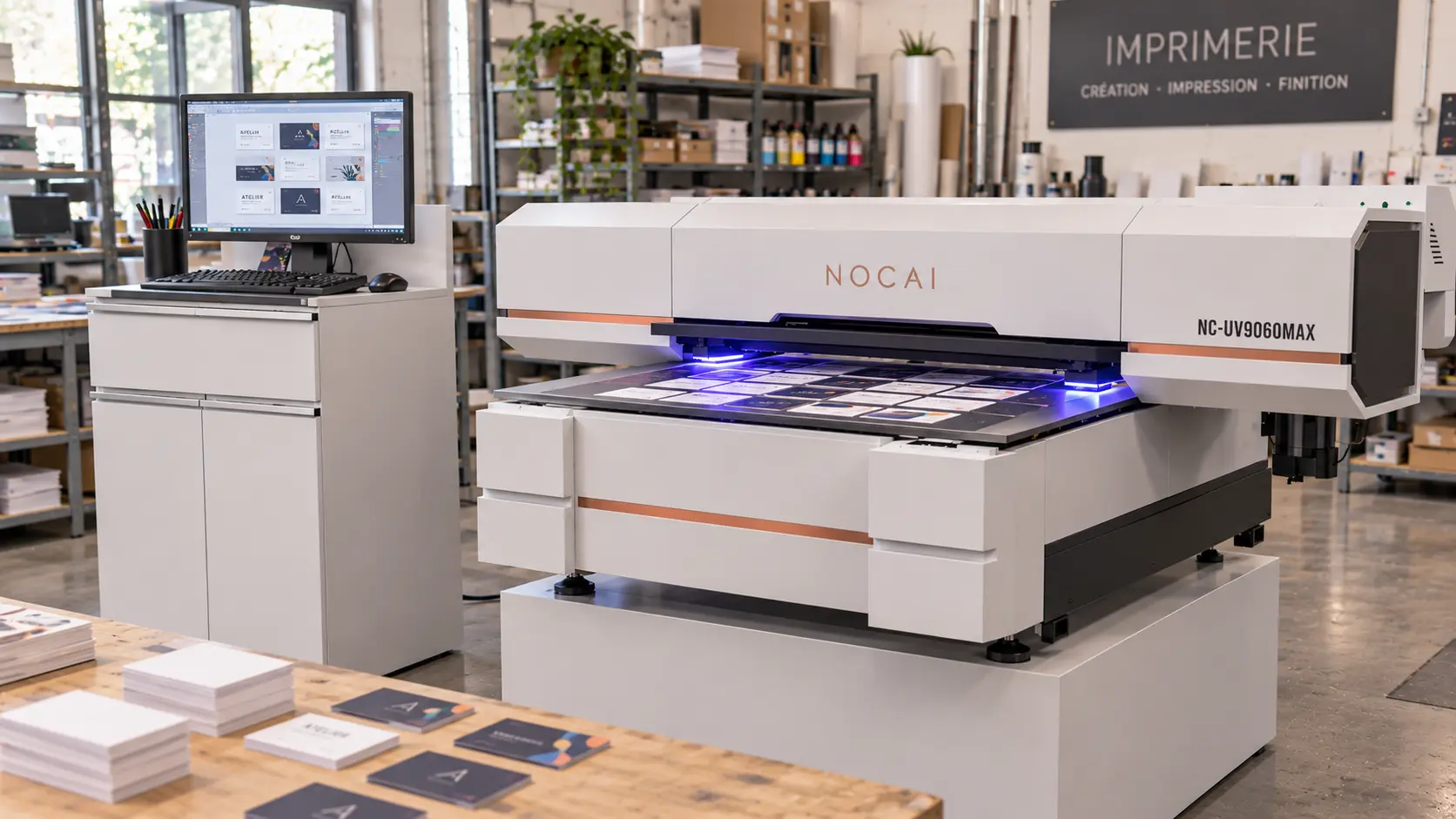
The UV 6090-Max features a CCD camera registration system.
This feature recognizes the position of the objects to be printed and reduces the need for a traditional positioning jig in certain applications.
It can be useful when substrates have variable positions or when batches contain objects whose placement must be identified automatically.
Beyond the machine, the RIP software plays an important role in the printing process.
It notably allows you to manage:
- The dimensions and layout of the visuals.
- The resolution and the printing modes.
- The order in which the different ink layers are applied.
- The management of colors, white and varnish.
For name cards or personalized series, it is also important to check the management of variable data: names, numbers, references or different visuals within the same batch.
Before choosing your UV printer, have the compatibility of these functions with the proposed model and software confirmed.
How much do UV cards cost, and at what throughput?
The budget for a UV printing project is not limited to the purchase price of the machine. To evaluate the profitability of card production, you must also take into account consumables, operator time, maintenance and any production losses.
It is therefore useful to distinguish three elements: the price of the printer, the cost price of a card and the throughput actually achieved.
Price of a flatbed UV printer
The price of a UV printer varies according to its format, its configuration, its print heads and the options available.
At Thermoflan, the announced prices for two models in the range are as follows:
- UV A3MAX: from €8,900 , a compact solution intended in particular for small production runs.
- UV 6090-I1600: from €22,500 , a configuration suited to both small and large production runs.
The acquisition budget must also include the expenses linked to operating the machine.
This is known as the total cost of ownership, or TCO. It includes in particular:
- The print heads and their maintenance.
- The components of the UV system.
- The inks and cleaning products.
- The wear parts and any repairs.
- The software and its updates.
- The positioning fixtures.
- The technical interventions and the downtime periods.
The purchase price is therefore a first indicator, but it is not enough to determine the actual cost of using the printer over several years.
How to calculate the printing cost of a card
To determine the cost price of a printed card, add up all the expenses required to produce a compliant piece.
The main items to take into account are:
- The price of the blank card.
- The preparation and cleaning of the substrate.
- The consumption of CMYK inks.
- The consumption of white ink, if necessary.
- The varnish and any embossing effects.
- The purges and maintenance operations.
- The operator’s working time.
- The rejected cards or cards requiring rework.
- The packaging and handling.
Certain costs also depend on the technology used.
For flatbed UV printing:
- The manufacture and amortization of jigs.
- The loading and unloading of cards.
- The cleaning and preparation of substrates.
For UV DTF:
- The consumption of films.
- The losses linked to cutting and transfer.
- The time required for preparation and application.
- The storage and handling of transfer designs.
- Possible lamination operations.
The capacity of an ink cartridge is not enough to accurately calculate the cost of a card. You must also take into account the coverage of the visual, the consumption of white and varnish, and losses due to purging.
To obtain a realistic estimate, the most relevant approach is still to measure consumption on a representative batch of cards.
Actual production rate and operating costs
The speed announced by the manufacturer does not always correspond to the rate actually achieved in production.
To assess the performance of a UV printer, it is better to reason in terms of compliant cards per hour.
This calculation must include all steps:
- Preparing files.
- Positioning and aligning the cards.
- Loading the tray.
- Printing.
- Quality control.
- Unloading.
- Any rework and scrapping.
Several factors can influence the rate.
Printing in CMYK only does not take the same time as a job including a white underlayer, several passes or a varnish. Likewise, a high-quality mode may be slower than a standard production mode.
Customised runs also require particular attention. When each card carries a different name, number or visual, data preparation and information checking can account for a significant share of production time.
Finally, a speed expressed in m²/h cannot be directly converted into a number of finished cards per hour. You must take into account the card format, their spacing, the number of passes and handling operations.
Safety and installation conditions
Installing a UV printer also requires considering the working conditions and the risks associated with its use.
Unpolymerised inks, cleaning products and UV radiation are among the elements to include in the risk assessment.
In France, the articles R. 4121-1 and R. 4121-2 of the French Labour Code require this assessment to be recorded in the single professional risk assessment document (DUERP).

Find your UV card printer
UV A3MAX, UV 6090-I1600: compare Thermoflan UV printers by format, media and volume of your card runs.
Frequently asked questions
Can you print UV on PVC cards and other plastics?
Yes, a flatbed UV printer can print directly onto rigid PVC cards and other compatible plastic substrates. However, the result depends on the material’s composition, its finish and the ink used. To ensure good adhesion and lasting marking, it is advisable to run tests on the exact card references before starting production.
What safety precautions should be taken in a UV printing workshop?
Using a UV printer requires certain precautions. According to the INRS, uncured UV inks and varnishes can cause skin irritation or sensitisation. UV radiation also requires protecting the eyes and skin from any exposure.
It is therefore important to assess the risks associated with the products used, any possible emissions and the ventilation conditions of the workshop. Safety data sheets (SDS) help identify the precautions to take. Article R. 4412-38 of the Labour Code notably requires that these sheets be made available, along with information and training for the workers concerned.
What obligations apply to personal data on named cards?
Personalising named cards often involves processing personal data: names, photographs, identification numbers or other information that can identify a person.
This data must be processed in accordance with the General Data Protection Regulation (GDPR). The CNIL reminds that the obligations apply to both the client commissioning the work and its service provider. Thus, a workshop that prints cards on behalf of a client may have the status of data processor under the GDPR. It must then comply with the applicable obligations, in particular regarding confidentiality, file security and data retention.